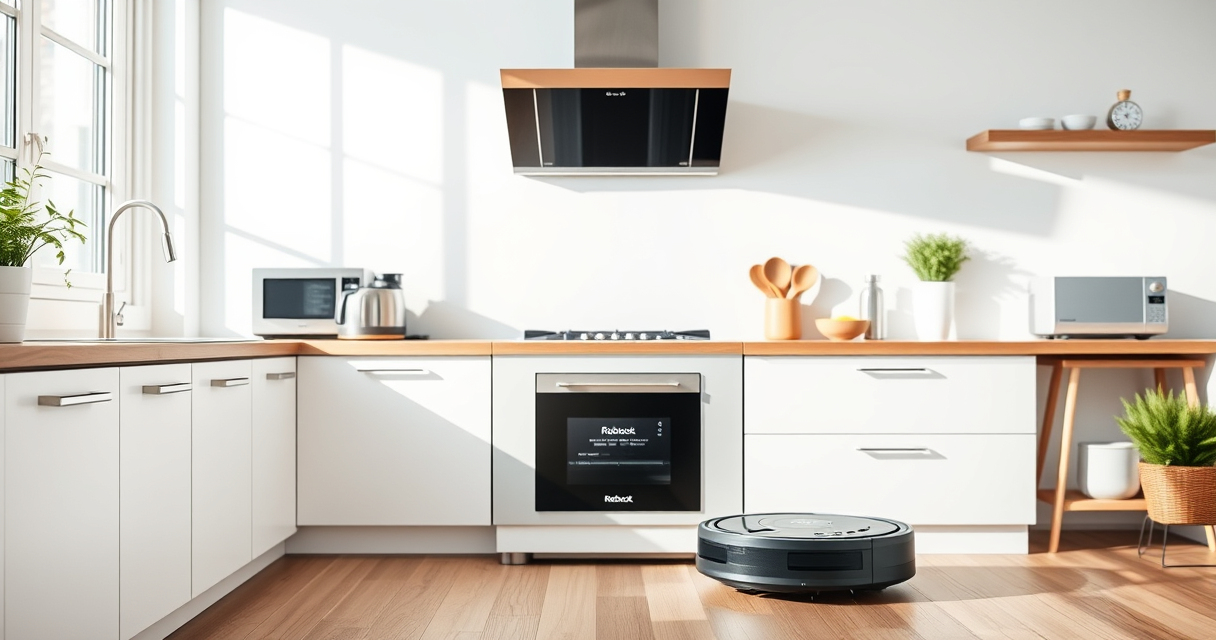
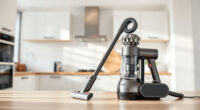
If your Roborock Q7 M5+ Robot Vacuum and Mop is frequently getting stuck during cleaning, it can be frustrating and disruptive. Understanding common causes and knowing how to troubleshoot can save you time and keep your home spotless.

Get home appliances delivered free with Prime
- Fast, free delivery on millions of items
- Prime Video, Amazon Music and more included
- Member-only deals all year
This guide provides clear, step-by-step solutions to help you identify why your Roborock gets stuck and how to fix these issues safely and effectively.
Key Takeaways
| Identify common causes | Obstacles, low battery, or tangled brushes often cause getting stuck. |
| Check navigation and sensors | Dirty or misaligned sensors can impair navigation. |
| Clear obstacles regularly | Removing clutter and small objects prevents trapping. |
| Maintain brushes and wheels | Regular cleaning avoids tangling and blockages. |
| Update firmware | Ensure your vacuum runs the latest software for optimal navigation. |
Step 1: Clear Path & Remove Obstacles
- Power off your Roborock and remove it from the charging dock.
- Inspect the area for small objects, cords, or clutter that could block its path.
- Remove any items from the floor and move furniture if necessary.
Step 2: Clean Sensors & Check Navigation
- Wipe the cliff sensors and navigation sensors with a soft, dry cloth to remove dust or smudges.
- Ensure the sensors are properly aligned and not obstructed.
Step 3: Inspect & Maintain Brushes & Wheels
- Remove the main brush and side brushes to check for tangled pet hair or debris.
- Clean brushes thoroughly with a brush or scissors and wipe down wheels and axles.
- Reassemble and ensure all parts are securely attached.
Step 4: Check Battery & Firmware
- Ensure the battery is charged; a low battery may cause navigation issues.
- Update the Roborock firmware via the app to fix bugs related to navigation or getting stuck.
Tips & Warnings for Preventing Future Stuck Incidents
- Regularly schedule maintenance for brushes, wheels, and sensors.
- Avoid high-pile carpets or thick rugs in areas where the vacuum frequently gets stuck.
- Use boundary strips or virtual barriers to restrict access to problematic zones.
Warning: Never attempt to disassemble the vacuum or clean internal components with liquids to prevent damage and voiding the warranty.
The Products in This Guide

roborock Q7 M5+ Robot Vacuum and Mop
- ✔ Dust Capacity: 2.7L
- ✔ Max Suction: 10000Pa
- ✔ Navigation: PreciSense LiDAR

4 Pack Washable Filter
- ✔ Filter Material: HEPA
- ✔ Pack: 4-pack
- ✔ Compatibility: Multiple Roborock models
roborock Q7 M5+ Robot Vacuum and Mop
The Roborock Q7 M5+ robot vacuum offers powerful suction, advanced navigation with PreciSense LiDAR, and a dual anti-tangle system, making it a reliable choice for pet owners and busy households.
Pros:
- Powerful 10000Pa suction
- Effective anti-tangle system
- Long self-emptying cycle up to 9 weeks
- App control for remote management
Cons:
- May require regular sensor cleaning
- Complexity for first-time users
- Price may be high for some budgets
Best for: Pet owners and households needing thorough, low-maintenance cleaning
Not ideal for: Homes with very cluttered or uneven floors without regular upkeep
Bottom line: A high-performance robot vacuum with smart navigation and long-lasting self-emptying features.
4 Pack Washable Filter
This 4-pack washable filter provides an easy, cost-effective way to maintain your Roborock’s suction power and air quality, ensuring consistent performance.
Pros:
- Easy to wash and reuse
- Compatible with multiple models
- True HEPA filtration
- Long-lasting quality
Cons:
- Requires regular cleaning
- Not OEM, but performs equally well
Best for: Maintaining air quality and suction in regular use
Not ideal for: For owners seeking OEM-certified filters only
Bottom line: A cost-effective, washable HEPA filter for consistent air and suction quality.
Frequently Asked Questions
Why does my Roborock keep getting stuck near furniture?
It may be due to sensors being dirty or misaligned, or the robot encountering unexpected obstacles. Regular cleaning of sensors and clearing the area can help.
Can I prevent my Roborock from getting stuck in certain areas?
Yes, use virtual barriers or boundary strips through the app to restrict access to problematic zones and improve navigation.
How often should I clean the brushes and wheels?
Inspect and clean brushes and wheels weekly, especially if you have pets, to prevent tangling and ensure smooth operation.
Is updating firmware important for navigation?
Absolutely. Firmware updates often include improvements to navigation algorithms that help prevent getting stuck.
Keeping Your Roborock Moving Smoothly
Regular maintenance, obstacle removal, and sensor cleaning are key to preventing your Roborock from getting stuck. By following these troubleshooting steps, you’ll extend your vacuum’s lifespan and enjoy consistent cleaning performance. Remember, a little effort goes a long way in keeping your home spotless with minimal interruptions.
Affiliate disclosure: As an Amazon Associate we earn from qualifying purchases. Prices and availability are accurate as of the time of publishing.
Halloween Picks
halloween
As an affiliate, we earn on qualifying purchases.