If your Dyson V15 Detect™ Origin cordless vacuum isn’t picking up debris effectively, it can be frustrating. Often, reduced or lost suction results from simple issues like clogs, dirty filters, or battery problems. This guide provides clear, safe steps to identify and fix common causes, helping you restore your vacuum’s power without professional help.

Get home appliances delivered free with Prime
- Fast, free delivery on millions of items
- Prime Video, Amazon Music and more included
- Member-only deals all year
Key Takeaways
| Check for blockages | Clogs in the wand, hose, or cleaner head reduce suction. |
| Inspect and clean filters | Dirty filters impede airflow and suction. |
| Examine the brush bar | Hair or debris wrapped around the brush can restrict performance. |
| Ensure proper battery function | Low battery or poor contact affects power output. |
| Verify the dustbin is empty | Full dustbin limits airflow, reducing suction. |
Step 1: Power Off and Unplug
Always turn off your Dyson vacuum and disconnect it from charging or power sources before troubleshooting. This prevents accidental activation and ensures safe access to internal parts.
Step 2: Check for Blockages
- Detach the wand and cleaner head from the main body.
- Inspect the wand, hose, and cleaner head for visible obstructions.
- Remove any debris or hair wrapped around the brush bar.
- Use a long, flexible tool or your fingers to clear blockages carefully.
Step 3: Clean or Replace Filters
- Remove the pre-filter or main filter according to your model’s instructions.
- Rinse the filter under cold water until the water runs clear. Do not use detergents.
- Allow the filter to air dry completely, usually 24 hours, before reinstalling.
- Replace filters if they are damaged or excessively dirty.
Step 4: Empty the Dustbin
Ensure the dustbin isn’t full. Detach it and empty contents into a trash bin. Check for any clogs in the dustbin’s outlet or filter area.
Step 5: Check Battery and Connections
- Ensure the vacuum is fully charged. If not, connect it to the charger for a few hours.
- Inspect the battery contacts for dirt or corrosion, clean gently if needed.
- Make sure the battery is properly seated and the power trigger is functioning correctly.
The Products in This Guide

Dyson V15 Detect™ Origin Cordless Vacuum
- ✔ Run Time: 60 mins
- ✔ Filter Type: Pre-filter and main filter
- ✔ Battery: Removable and rechargeable

LANMU Crevice Tool Vacuum Attachments Compatible
- ✔ Length: Approx. 15 inches
- ✔ Color: Black
- ✔ Material: Plastic
Dyson V15 Detect™ Origin Cordless Vacuum
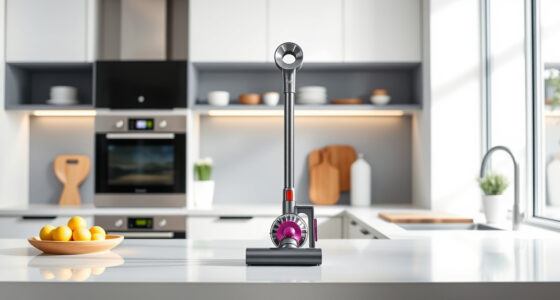
The Dyson V15 Detect™ Origin offers powerful suction, intelligent debris detection, and a variety of cleaning heads, making it a top choice for comprehensive home cleaning. Its LCD screen provides real-time updates on performance and maintenance needs.
Pros:
- Powerful suction with 100% more power
- Intelligent debris detection
- Long 60-minute runtime
- Versatile cleaning heads
Cons:
- Pricey compared to basic vacuums
- Requires regular filter maintenance
- Heavy for some users
Best for: Homes with pets and hard-to-reach areas
Not ideal for: Users seeking a lightweight, budget option
Bottom line: A powerful, intelligent vacuum ideal for thorough cleaning, with some maintenance needed for optimal suction.
LANMU Crevice Tool Vacuum Attachments Compatible
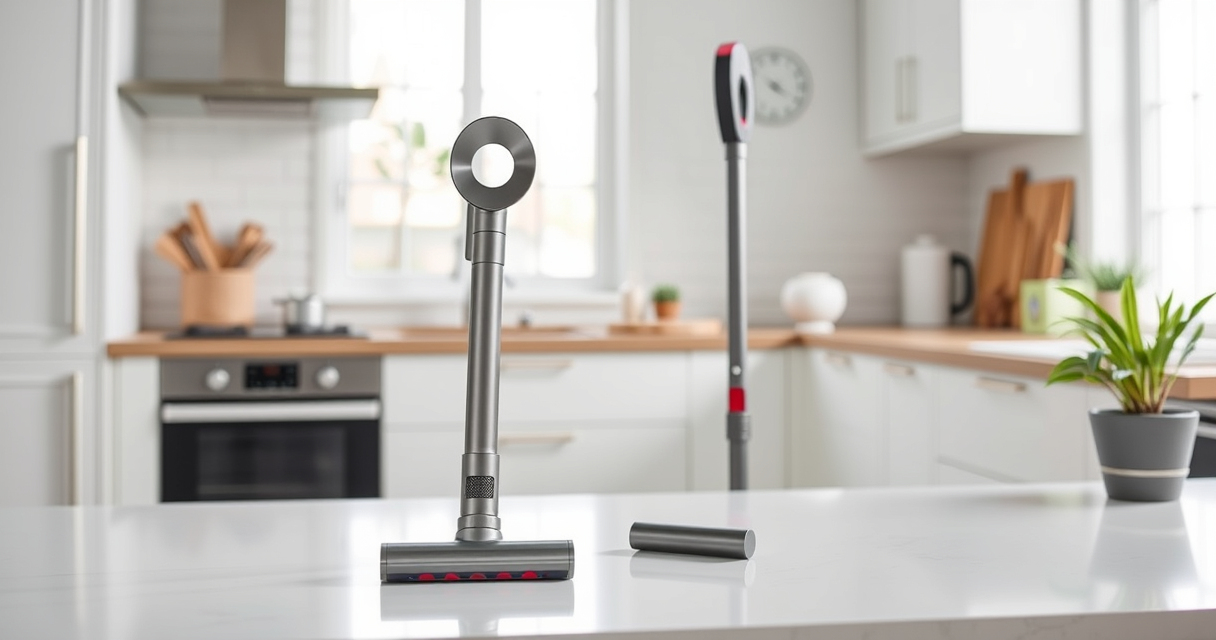
The LANMU Crevice Tool Vacuum Attachments are compatible with Dyson V15 models and help reach narrow spaces, making cleaning corners and car interiors easier.
Pros:
- Narrow, flexible nozzle
- Easy to attach
- Ideal for tight spaces
- Versatile for home and car
Cons:
- May require additional attachments for larger cleaning
- No built-in brush
- Compatibility limited to certain models
Best for: Cleaning corners, baseboards, and vehicle interiors
Not ideal for: General cleaning of large surface areas
Bottom line: A practical addition for detailed cleaning in tight spots.
Frequently Asked Questions
What causes Dyson vacuum to lose suction?
Common causes include blockages in the wand, hose, or cleaner head, dirty filters, a full dustbin, or battery issues.
How do I clean the filters properly?
Remove the filters, rinse them under cold water until clear, air dry completely for 24 hours, then reinstall. Replace filters if damaged.
Why is my Dyson not turning on?
Check that the battery is charged, the power trigger is engaged, and all components are correctly assembled. Inspect for any damage.
How often should I replace the filters?
Generally every 2-3 months, depending on usage and filter condition, to maintain optimal suction and airflow.
Getting Your Dyson Back in Action
By following these troubleshooting steps, you can resolve most issues causing suction loss in your Dyson V15. Regular maintenance, including filter cleaning and dustbin emptying, will keep your vacuum performing at its best. Always prioritize safety and consult the user manual for specific model instructions.
Affiliate disclosure: As an Amazon Associate we earn from qualifying purchases. Prices and availability are accurate as of the time of publishing.
NFL season / tailgating Picks
team gear
As an affiliate, we earn on qualifying purchases.