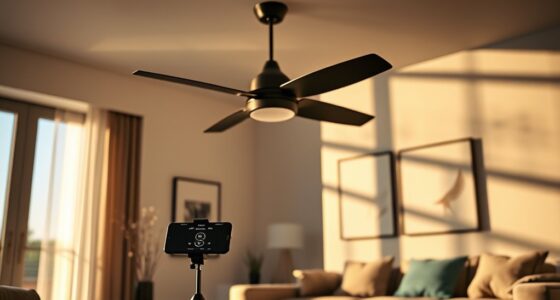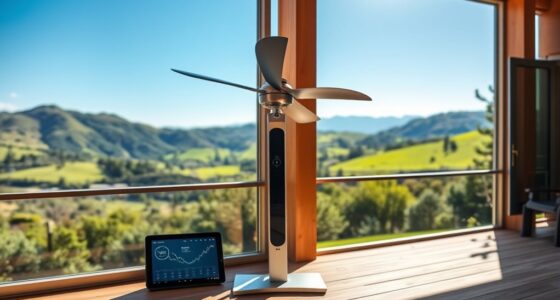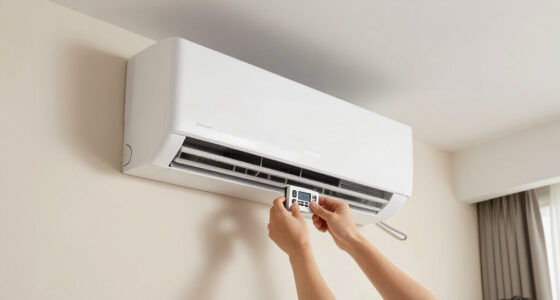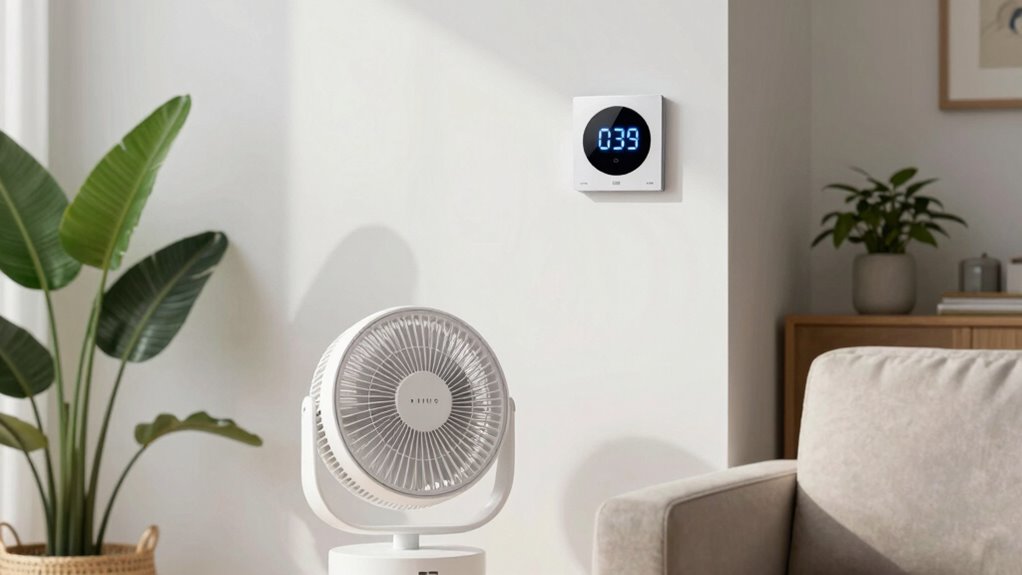
Smart fan scheduling helps you automatically turn off your fan when no one’s home, saving energy and reducing bills. You can set your fan to run only at specific times or when you’re in the house, and it can even learn your routine over time. With easy-friendly apps or voice commands, you control it remotely. Keep going to discover how easy it is to make your home smarter and more energy-efficient.

Get home appliances delivered free — and shop member deals
- Fast, free delivery on millions of items
- Access to Prime Big Deal Days deals on October 6–7
- Prime Video, Amazon Music and more included
Key Takeaways
- Smart fan schedules can automatically turn off or reduce fan speed when no one is home.
- They use sensors or geofencing to detect occupancy and adjust operation accordingly.
- Programming schedules ensures the fan runs only during desired times, saving energy.
- Integration with smart home systems allows remote control and automation when away.
- AI learning features adapt to user habits for more efficient and personalized fan management.
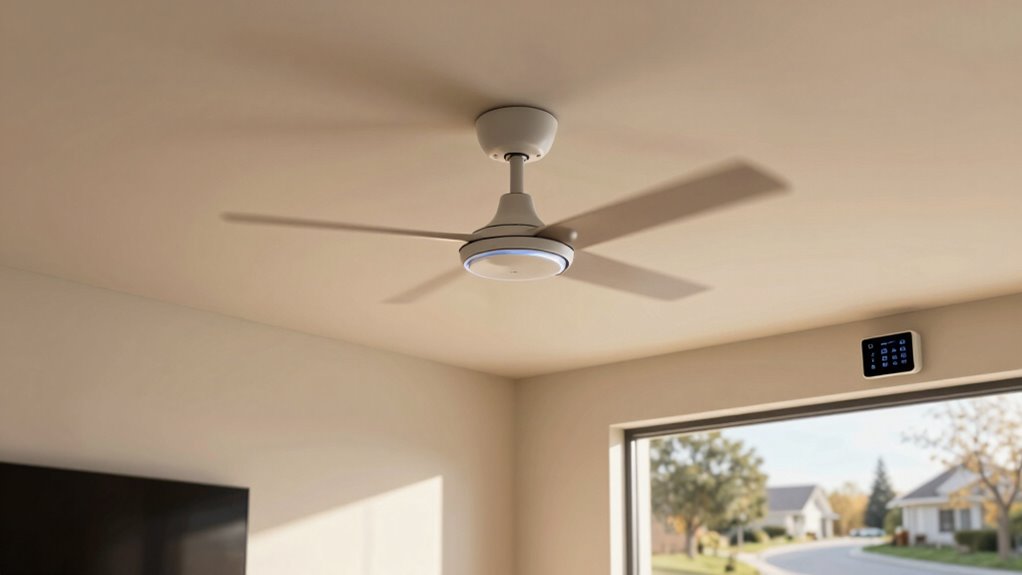
Smart fan schedules allow you to optimize comfort and energy efficiency by automatically adjusting your fan’s operation based on your daily routines and preferences. Instead of manually turning your fan on or off, these schedules ensure your fan runs only when you need it, helping you save energy and reduce utility bills. When you’re away from home or sleeping, the fan can turn off or operate at a lower setting, preventing unnecessary energy consumption. This not only benefits your wallet but also contributes to a more sustainable environment.
With a smart fan schedule, you gain significant user convenience. You don’t have to think about manually controlling your fan every time you leave the house or go to bed. Instead, you can set specific times or conditions for your fan to operate, and it will follow automatically. For example, you can program your fan to turn off during work hours when no one’s home and turn back on just before you return, ensuring a comfortable environment upon arrival. Or, you can schedule your fan to run at a lower speed during nighttime hours, reducing noise and power use without sacrificing comfort. This level of automation simplifies your daily routine, giving you more control and less hassle.
These schedules are highly customizable. You can set different routines for weekdays and weekends, adapting to your varying schedules. Some smart fans even learn your habits over time, adjusting their operation based on your preferences without needing constant manual input. This adaptive feature enhances user convenience, making your living space smarter and more responsive. Additionally, integrating your smart fan schedule with other smart home devices allows for even more seamless control. For instance, your fan can synchronize with your thermostat or lighting system to create a cohesive environment that maximizes comfort and energy efficiency.
Implementing a smart fan schedule is straightforward. Most smart fans come with user-friendly apps that guide you through setup. You can easily create schedules, set specific times, or trigger actions based on your location or device sensors. The convenience of remote control means you can adjust your fan settings anytime, anywhere, through your phone or voice commands. This flexibility ensures your fan operates exactly how and when you want it, without wasting energy. By leveraging these scheduling features, you’re not only making your home more comfortable but also taking a proactive step towards smarter energy management. Additionally, many smart fans incorporate AI learning capabilities, allowing them to optimize operation based on your habits over time. It’s a simple, effective way to cut costs, increase convenience, and contribute to a greener lifestyle.
As an affiliate, we earn on qualifying purchases.
Frequently Asked Questions
Can Smart Fan Schedules Save Energy During Peak Hours?
Yes, smart fan schedules can save energy during peak hours by reducing unnecessary energy consumption. When you set your fan to turn off or run only when needed, you prevent wasteful operation, ensuring peak efficiency. This helps lower your energy bills and reduces your environmental footprint. You stay comfortable while optimizing your energy use, making smart fan scheduling a practical way to save during high-demand periods.
How Do I Set a Customized Schedule for Different Days?
Think of your smart fan schedule as a symphony conductor guiding daily automation. To set a customized schedule for different days, open your smart fan app, navigate to the scheduling section, and select “Create New Schedule.” Then, assign specific times for each day, customizing when your fan turns on or off. Save your settings, and your fan will follow your tailored rhythm, adapting seamlessly to your weekly routine.
Are Smart Fan Schedules Compatible With All Smart Home Systems?
Smart fan schedules vary in system compatibility, so you need to check the integration options of your smart home system. Many popular platforms like Alexa, Google Home, and Apple HomeKit support these schedules, but some may have limited compatibility. To guarantee smooth operation, verify your system’s compatibility and integration options before purchasing or setting up a smart fan schedule. This way, you can enjoy automated fan control seamlessly.
What Happens if I Manually Turn on the Fan During Scheduled Hours?
You’ll be glad to know that 65% of smart home users prefer manual override for flexibility. When you manually turn on the fan during scheduled hours, it temporarily overrides the schedule, allowing you to control airflow when needed. Just remember, the system may resume scheduled maintenance afterward, but your manual control takes priority until you turn it off again. This feature offers convenience without sacrificing automation.
Can I Override the Schedule Temporarily Without Changing Settings?
Yes, you can perform a manual override for temporary control of your smart fan without changing the schedule settings. Simply turn on the fan manually, and it will run independently of the schedule for a set period or until you manually turn it off again. This manual override allows you to enjoy immediate comfort without altering your pre-set schedule, giving you flexible control whenever you need it.
Conclusion
By setting smart fan schedules, you’re saving energy and money while keeping your home comfortable. When you turn off the fan when no one’s home, you prevent unnecessary wear and tear, showing you’re truly ahead of the game. Remember, a stitch in time saves nine — taking small steps now makes a big difference later. So, embrace smart scheduling and breathe easier knowing you’re making a smart choice for both your wallet and the environment.
Fall Picks
fall essentials
As an affiliate, we earn on qualifying purchases.