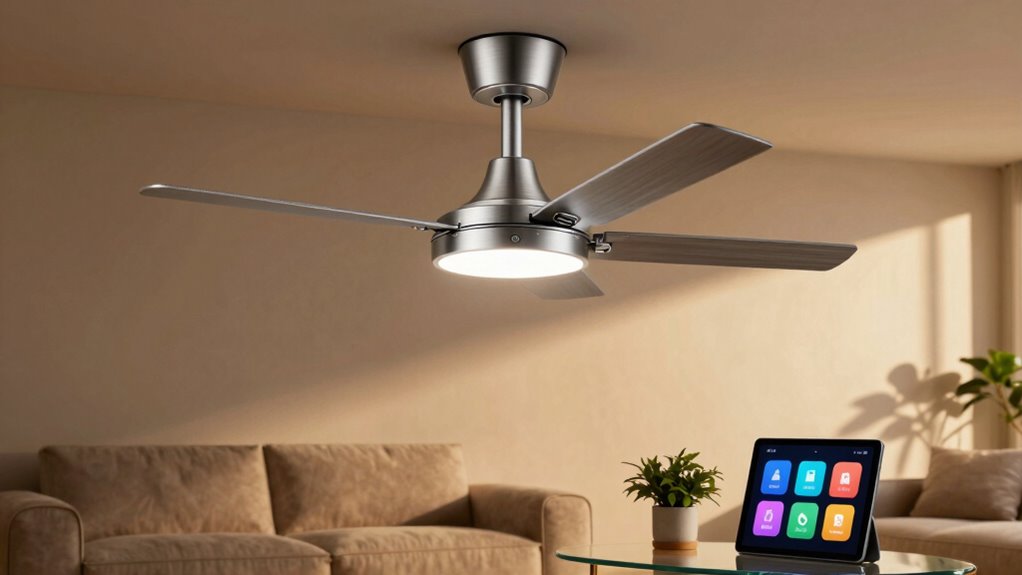

With SmartThings fan automations, you’ll mainly rely on three routines daily: preset schedules to turn fans on or off at specific times, temperature-based adjustments to keep your space comfortable, and occupancy sensors that operate fans only when needed. These routines make it easy to stay comfortable, save energy, and avoid manual adjustments. Want to discover how to set these up and customize them for your home? Keep going for more tips and tricks.
Key Takeaways
- Automate fans to turn on during specific times for comfort and energy savings.
- Use routines to activate fans based on occupancy sensors or weather conditions.
- Control fan speed automatically to match room temperature and optimize comfort.
- Schedule automatic turn-off to prevent unnecessary energy use when not needed.
- Integrate voice commands for hands-free control and seamless routine activation.
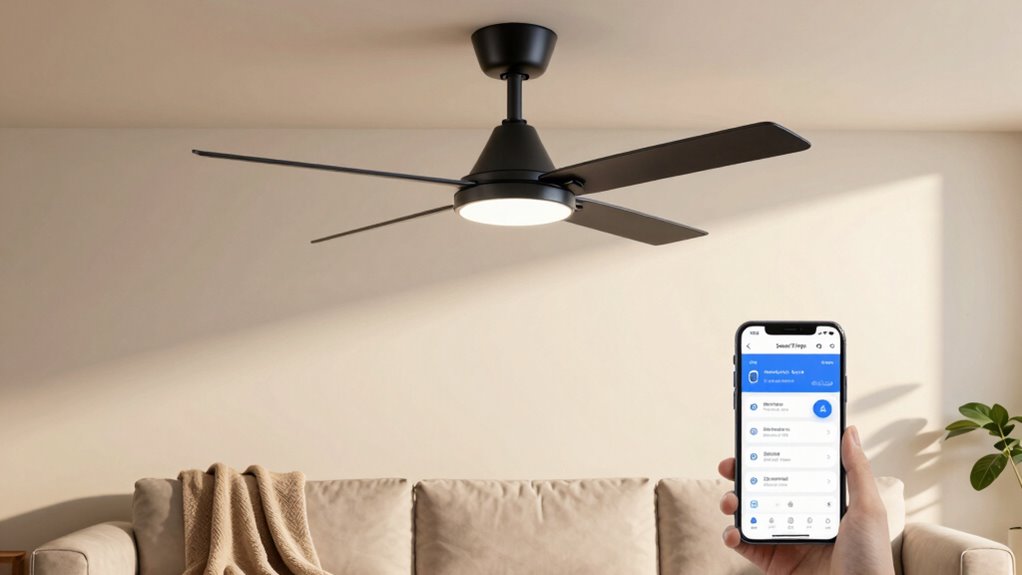
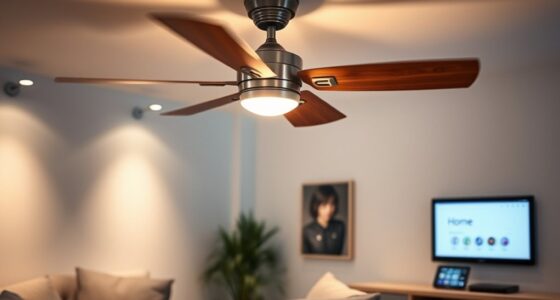
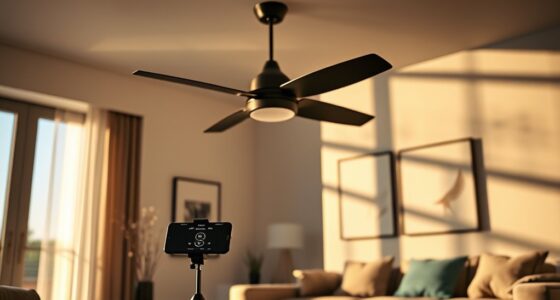
SmartThings Fan Automations make it easy to control your ceiling fans automatically, enhancing comfort and energy efficiency in your home. With these automations, you can set your fans to turn on or off based on specific conditions, helping you save energy without sacrificing comfort. For example, you might program your fan to activate when the room reaches a certain temperature or when you enter a particular space. This ensures you’re not wasting electricity running fans when they’re not needed, ultimately reducing your energy bills.
SmartThings Fan Automations help save energy and boost comfort by automatically controlling ceiling fans based on conditions.
One of the key benefits of using SmartThings Fan Automations is the seamless integration with voice control. If you have a compatible smart speaker or voice assistant, you can simply say commands like, “Turn on the ceiling fan,” or “Set the fan to low,” and your automation will carry out the action instantly. This hands-free approach makes controlling your fans more convenient, especially when you’re busy or your hands are full. Voice control also allows you to create routines that activate multiple devices at once, such as turning on the fan along with your lights or adjusting the thermostat.
Setting up these automations takes just a few minutes through the SmartThings app. You can create routines that turn your fans on at specific times of day, like in the mornings or evenings when you need extra airflow. You might also schedule your fans to turn off automatically after a certain period, ensuring they’re not running unnecessarily. Additionally, you can customize automations based on weather conditions or occupancy sensors. For instance, if your home detects that no one is in the room, the fan can automatically turn off to conserve energy. This level of control not only improves energy efficiency but also enhances your overall comfort by maintaining the ideal environment without constant manual adjustments.
Another smart feature is the ability to adjust fan speed based on your preferences or the room’s temperature. For example, as the room warms up, your automation can increase the fan speed, providing more effective cooling. When the temperature drops, the fan can slow down or turn off altogether. These dynamic adjustments help keep the room comfortable while minimizing unnecessary energy consumption. Plus, since all these automations are customizable, you have full control over how your fans operate—whether you prefer manual overrides or fully automated routines.
Understanding proper wiring and infrastructure can also help ensure your smart devices operate safely and reliably, making your automations more effective and secure.
Frequently Asked Questions
Can I Control the Fan Remotely When I’M Away From Home?
Yes, you can control your fan remotely with SmartThings, giving you convenient access when you’re away. Just make certain your smart home system supports remote access, so you can turn the fan on or off from anywhere. However, be mindful of security concerns; use secure passwords and enable two-factor authentication to protect your device and data. This way, you enjoy remote control without compromising your home’s security.
How Do I Troubleshoot Connectivity Issues With My Smart Fan?
Troubleshooting your smart fan is like untangling a knot—you need patience. First, check your Wi-Fi interference; other devices might be causing signal disruption. Next, verify your Wi-Fi signal strength is strong enough, ideally over three bars. Restart your router and reconnect your fan. Move your router closer if needed. These steps should restore stable connectivity, making your fan responsive again and improving overall performance.
Are There Safety Features Integrated Into Smartthings Fan Automations?
Yes, your SmartThings fan automations include safety features to guarantee fan safety and automation security. These features automatically turn off the fan if it detects overheating or unusual activity, preventing accidents. You can also set alerts for irregular operation, giving you peace of mind. By integrating these safety measures, your smart fan operates securely, allowing you to enjoy automation benefits without compromising safety.
Can I Set Different Automations for Different Days or Times?
Yes, you can set different automations for various days or times. You’ll want to create custom schedules that activate your fan based on specific days or times. Additionally, you can automate based on weather conditions, like turning on the fan when it’s hot outside. This way, your fan adapts to your routine and environment, providing comfort and convenience tailored to your daily and weekly schedule.
Is It Compatible With Voice Assistants Like Alexa or Google Assistant?
Yes, you’ll find SmartThings fan automations compatible with voice assistants like Alexa and Google Assistant. This compatibility allows you to control your fan with simple speech commands, making automation easy and effortless. You can schedule automations seamlessly, syncing your smart schedules with voice control. This synchronization streamlines your daily routines, creating a connected, convenient, and comfortable environment with minimal effort.
Conclusion
By setting up these smart fan routines, you’ll enjoy a more comfortable home with less effort. Some might think automations are complicated or unnecessary, but once you see how seamlessly they fit into your daily life, you’ll wonder how you ever managed without them. Embrace these simple tweaks—you’ll save time, energy, and stay perfectly comfortable all day long. Start small, and soon, smart automation will become your favorite way to enhance your home.