When choosing between Wi-Fi and Bluetooth ceiling fans, consider your control needs and smart home integration. Wi-Fi fans offer remote access, multi-user control, and automation, making them ideal for tech-savvy households or those wanting seamless integration. Bluetooth fans provide simpler setup, reliable local control, and don’t depend on network stability, perfect for basic needs. Weigh your priorities, and if you’d like detailed insights on connectivity, automation, and setup, you’ll find useful information ahead.

Get home appliances delivered free with Prime
- Fast, free delivery on millions of items
- Prime Video, Amazon Music and more included
- Member-only deals all year
Key Takeaways
- Wi‑Fi fans enable remote, app-based control and integration with smart home systems; Bluetooth fans require proximity and manual or app control.
- Wi‑Fi connectivity supports multiple users and automation routines; Bluetooth is limited to nearby devices with minimal automation features.
- Wi‑Fi fans may involve complex setup and depend on network stability; Bluetooth fans offer quick pairing and consistent local control.
- Wi‑Fi allows control from anywhere, including outside the home; Bluetooth control is restricted to a short range around the fan.
- Choose Wi‑Fi for advanced features and remote access; opt for Bluetooth for simple, local control with easy setup.
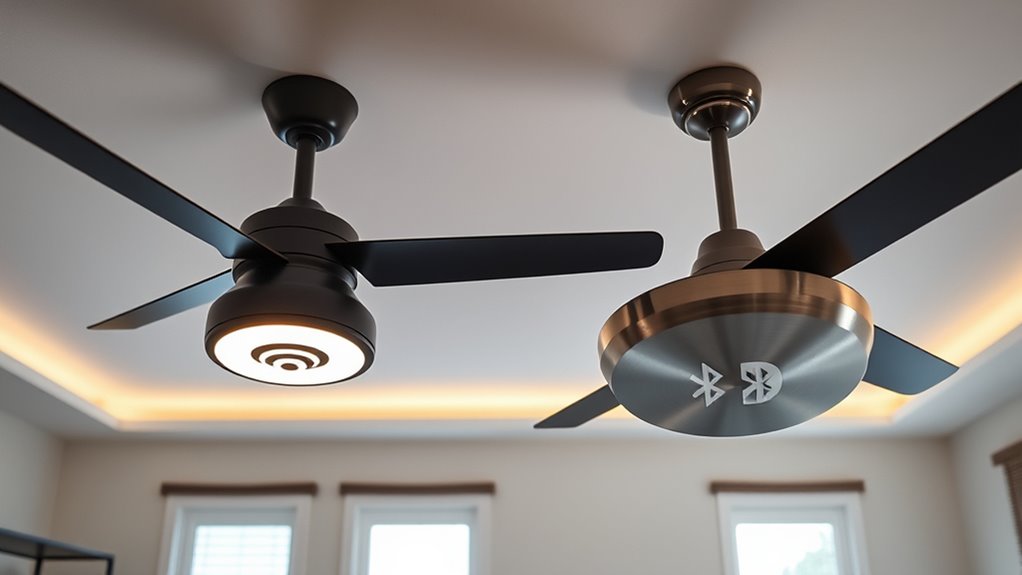
When choosing between Wi‑Fi and Bluetooth ceiling fans, understanding the key differences in connectivity, control, and integration is essential for making an informed decision. Wi‑Fi-enabled fans connect directly to your home’s network, allowing remote access via smartphone apps or voice assistants like Alexa or Google Assistant. This broad connectivity facilitates control from virtually anywhere, even when you’re away from home, providing convenience and enhanced automation options. Conversely, Bluetooth ceiling fans rely on short-range wireless connections, typically requiring your device to be within a limited distance—usually 30 feet—for control. This local connectivity means you need to be near the fan to operate it, which can be limiting but also offers a straightforward, direct control method without relying on your home’s network stability. Additionally, Wi‑Fi fans often support multi-user control, enabling multiple household members to operate the fan from their devices simultaneously. From an operational perspective, Wi‑Fi fans excel in integration and automation. They can be synchronized with smart home ecosystems, enabling you to set schedules, adjust fan speeds, or turn the fan on and off using voice commands or smartphone routines. This level of integration suits tech-savvy users seeking a seamless smart home experience. Bluetooth fans, however, tend to offer simpler control interfaces, often through dedicated apps or manual controls, which might be more intuitive for users who prefer minimal automation or who want a straightforward, no-fuss setup. They also generally require less bandwidth and are less susceptible to network disruptions, making them reliable in environments where Wi‑Fi stability is an issue. In terms of installation, Wi‑Fi fans may demand a more complex setup process because they need to connect to your Wi‑Fi network and sometimes require firmware updates or app configurations. Bluetooth fans typically involve a straightforward pairing process, often just pressing a button to connect with your device. This simplicity can be appealing if you prefer quick installation without fiddling with network settings. However, the ongoing control options differ considerably; Wi‑Fi fans often support multiple users and devices, enabling household-wide control, while Bluetooth fans tend to be limited to a single device or a small number of paired devices. Ultimately, your choice hinges on your priorities: if you value remote access, automation, and integration with other smart devices, Wi‑Fi ceiling fans present a compelling option. If you prefer quick, local control with minimal setup and are less interested in automation, Bluetooth fans might suit your needs better. Both technologies have their merits, but understanding these distinctions ensures you select a ceiling fan that aligns with your home environment and lifestyle preferences.
Wi-Fi ceiling fan with remote control
As an affiliate, we earn on qualifying purchases.
As an affiliate, we earn on qualifying purchases.
Frequently Asked Questions
Can Wi-Fi or Bluetooth Ceiling Fans Be Integrated With Smart Home Systems?
Yes, Wi-Fi and Bluetooth ceiling fans can be integrated with smart home systems. Wi-Fi fans typically connect directly to your network, allowing remote control via apps or voice assistants like Alexa or Google Home. Bluetooth fans, however, require proximity pairing with a compatible device. Both options enable automation and customization, but Wi-Fi fans offer broader integration and control options for a seamless smart home experience.
Which Technology Offers Better Security for Remote Control?
Think of security as a fortress protecting your smart home. Bluetooth offers tighter security because it uses short-range, encrypted connections, making it harder for outsiders to access your fan remotely. Wi-Fi, however, relies on your network’s security, which can be vulnerable if not properly protected. For better remote control security, Bluetooth is the stronger choice, especially if you prioritize safeguarding your devices from potential cyber threats.
Are There Energy Consumption Differences Between Wi-Fi and Bluetooth Fans?
You’ll likely notice minimal energy consumption differences between Wi-Fi and Bluetooth fans, but Bluetooth fans generally use less power because they operate on lower energy protocols. Wi-Fi fans may consume slightly more due to continuous network connection and data transfer. However, the actual difference depends on usage patterns, firmware efficiency, and device settings. For energy savings, opt for Bluetooth, especially if you prioritize lower power consumption over advanced connectivity features.
How Do Installation Processes Differ for Wi-Fi Versus Bluetooth Fans?
You’ll find that Wi-Fi ceiling fans typically require more complex installation, often involving a dedicated smart hub, power connection, and network setup, which may take 30-60 minutes. Bluetooth fans, on the other hand, usually connect directly to your device via an app, making installation quicker—often under 20 minutes—and simpler, as they don’t need a dedicated network or extra hardware. This streamlined process appeals to those seeking ease and speed.
Can These Fans Be Controlled via Voice Commands?
Yes, both Wi-Fi and Bluetooth ceiling fans can be controlled via voice commands if they’re compatible with virtual assistants like Alexa or Google Assistant. Wi-Fi fans generally offer seamless integration and more advanced control options, enabling you to command multiple fans simultaneously or schedule operations. Bluetooth fans tend to have limited range and feature sets, but still support voice commands when paired with a compatible device. Your choice depends on your smart home setup and control preferences.
Conclusion
Ultimately, choosing between Wi-Fi and Bluetooth ceiling fans depends on your priorities. Wi-Fi offers seamless integration with smart home systems, enabling remote control and automation, but can be more complex and costly. Bluetooth fans are simpler, easier to install, and ideal for direct control without internet dependency. While Wi-Fi connects you to a broader ecosystem, Bluetooth provides straightforward functionality. Your decision hinges on whether you value extensive connectivity or straightforward operation—each technology complements different lifestyle needs.
Fall yard work Picks
leaf blowers
As an affiliate, we earn on qualifying purchases.