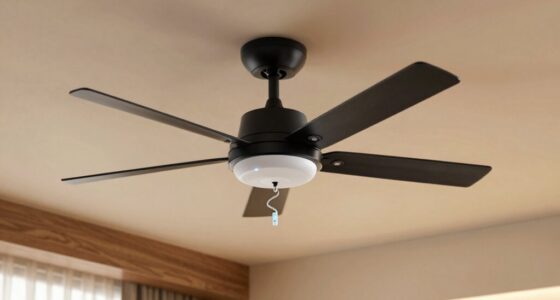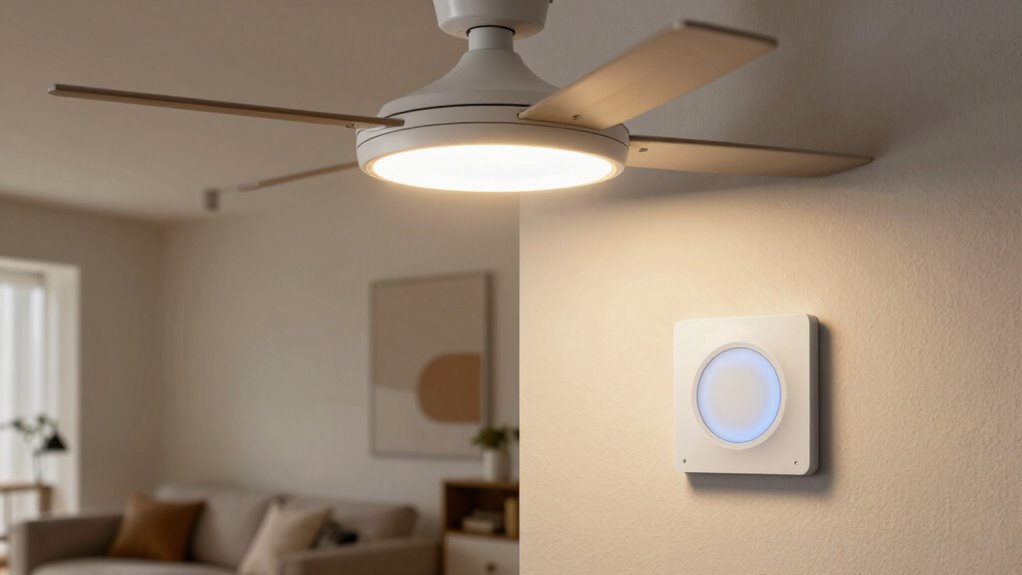
To prevent flickering, you need a smart dimmer compatible with fan lights and LED loads. Not all dimmers work with fan motors or mixed loads, so check the specifications before purchasing. Confirm the dimmer supports LED compatibility and whether it requires a neutral wire for proper setup. Correct wiring and choosing a compatible device are key to smooth operation. If you want to avoid common issues, understanding these compatibility rules will help you make the right choice.
Key Takeaways
- Ensure the dimmer explicitly supports fan lights and LED loads to prevent flickering.
- Verify the dimmer’s compatibility with your fan’s type and bulb type before installation.
- Confirm the presence of a neutral wire if required by the dimmer for proper operation.
- Use dimmers designed for mixed loads to ensure smooth control of fan lights and LEDs.
- Follow manufacturer guidelines for wiring and setup to avoid flickering and operational issues.
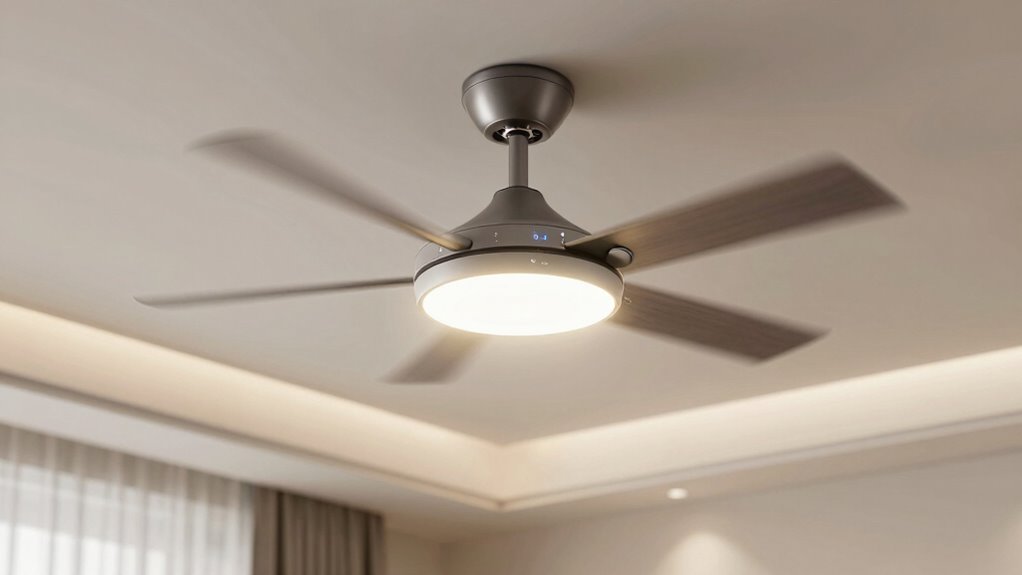
A smart dimmer combined with fan lights offers a convenient way to control your room’s lighting and airflow seamlessly. With wireless control capabilities, you can adjust brightness and fan speed from anywhere, whether through a smartphone app or voice commands. However, integrating these systems isn’t always straightforward. Many users encounter installation challenges that can lead to flickering or inconsistent operation, especially if the compatibility rules aren’t followed.
One of the most common pitfalls is choosing a smart dimmer that isn’t compatible with your fan lights. Not all dimmers work with fans or mixed lighting loads, so it’s essential to verify the specifications before purchasing. Some dimmers are designed specifically for incandescent bulbs and won’t handle LED or CFL fans efficiently, causing flickering or buzzing. When shopping for a smart dimmer, look for one that explicitly states compatibility with fan lights and LED loads. This guarantees smooth operation and prevents frustrating flickering issues down the line.
Installation challenges often stem from wiring complexities. Many smart dimmers require a neutral wire, which isn’t always available in older homes. Without this extra wire, you might find it difficult or impossible to install certain models, forcing you to seek alternative solutions. If you’re unfamiliar with electrical work, it’s wise to consult a professional electrician. Proper installation isn’t just about safety; it directly impacts the performance of your smart system. Incorrect wiring can cause flickering, delayed response times, or even damage to the devices.
Wireless control adds another layer of convenience but can introduce its own set of challenges. Ensuring your smart dimmer is compatible with your home’s Wi-Fi network and smart home ecosystem is essential. Some dimmers work best with specific apps or voice assistants, so double-check compatibility before making a purchase. When set up correctly, wireless control allows instant adjustments, but any connectivity issues can lead to delays or disconnections, impacting your user experience.
Ultimately, the key to avoiding flicker and installation issues is understanding the compatibility rules. Confirm that your smart dimmer supports fan lights and LED loads, and ensure your wiring setup meets the device’s requirements. Paying attention to projector technology and the electrical specifications ensures a smoother installation process and reliable operation. When you follow these guidelines, installation becomes smoother, and your smart dimmer with fan lights will function reliably. This way, you can enjoy seamless control over your lighting and airflow, making your space more comfortable and modern without the frustration of flickering or setup headaches.
Frequently Asked Questions
Can I Install a Smart Dimmer With Any Type of Ceiling Fan?
You can’t install a smart dimmer with any ceiling fan without checking fan compatibility and following installation guidelines. Many fans, especially those with built-in remotes or variable speeds, may not work well with dimmers and could flicker or malfunction. Always verify that your fan is compatible with the dimmer model and follow manufacturer instructions carefully. This guarantees safe installation and peak performance, preventing flicker and other issues.
Do All Smart Dimmers Automatically Prevent Flickering?
You can’t assume all smart dimmers automatically prevent flicker; that’s like putting all eggs in one basket. Not every dimmer is compatible with every ceiling fan, and flicker prevention depends on proper dimmer compatibility. To avoid issues, check if the dimmer is designed for fan lights, and look for features like flicker prevention. This guarantees smooth operation and keeps your setup flicker-free.
How Do I Troubleshoot Flickering Issues With My Fan and Dimmer?
To troubleshoot flickering, first check your wiring issues; loose or incorrect wiring often causes flicker. Next, verify your bulbs are compatible with your smart dimmer, as incompatible bulbs can lead to flickering. Turn off power before inspecting connections. Replace any faulty wiring or incompatible bulbs, then test the system. If flickering persists, consider consulting an electrician to verify your setup and ensure safe, proper installation.
Is There a Specific Brand Recommended for Fan-Compatible Smart Dimmers?
Think of choosing a smart dimmer as finding a key that fits perfectly into your lock. For fan-compatible smart dimmers, brands like Lutron and Leviton are top choices, known for their reliability and compatibility considerations. These brands design products specifically to prevent flickering, ensuring your fan and lights work seamlessly together. Always check compatibility details before purchasing to avoid any issues and enjoy smooth, flicker-free dimming.
Can I Control My Fan Lights Remotely With a Smart Dimmer?
Yes, you can control your fan lights remotely with a smart dimmer that supports wireless integration. Many smart dimmers allow you to connect via Wi-Fi or Zigbee, giving you a convenient remote control option through a smartphone app or voice commands. Just make certain your fan and lights are compatible with the specific smart dimmer you choose, and follow installation instructions carefully to prevent flickering issues.
Conclusion
To wrap it up, understanding the compatibility rule is key to avoiding flicker with your smart dimmer and fan lights. If you don’t follow the guidelines, you might find yourself chasing your tail trying to fix the issue. Remember, it’s better to be safe than sorry—invest in the right setup from the start. When it comes to smart lighting, knowledge is power, and with a little research, you’ll keep everything shining smoothly without a hitch.