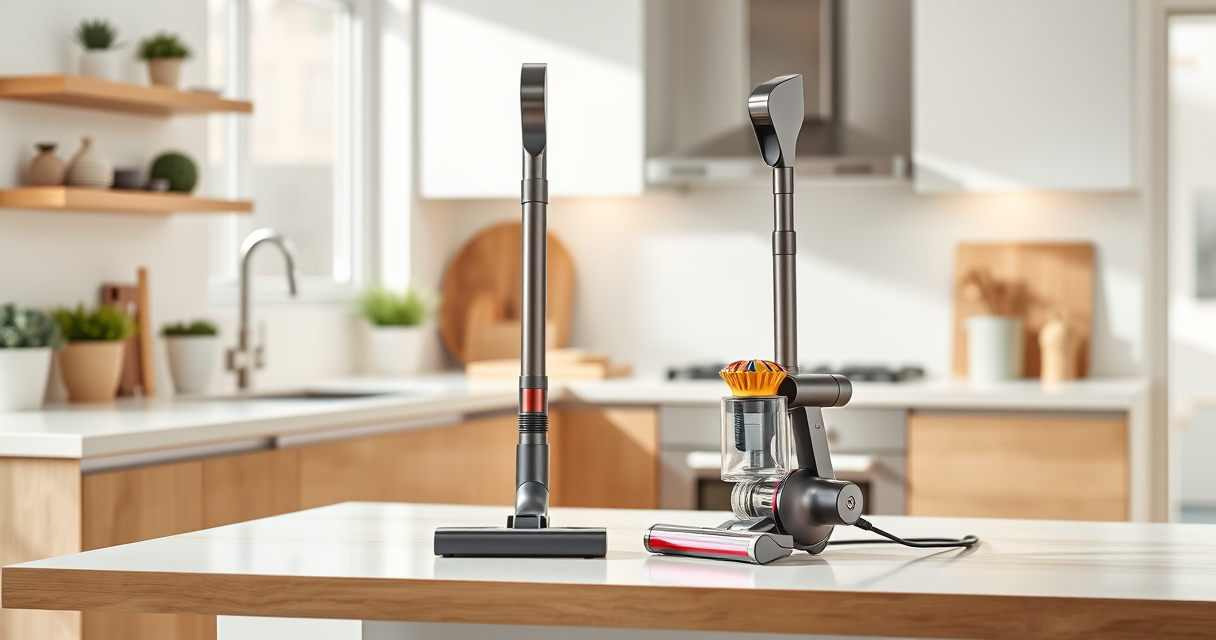
If your Dyson V15 Detect™ Origin Cordless Vacuum is pulsing on and off during use, it can disrupt your cleaning routine. This issue often signals a problem with airflow, filters, or battery connections. Addressing these causes promptly can restore optimal performance and prolong your vacuum’s lifespan.

Get home appliances delivered free with Prime
- Fast, free delivery on millions of items
- Prime Video, Amazon Music and more included
- Member-only deals all year
Below, you’ll find a detailed troubleshooting guide with practical, safe steps to resolve pulsing issues and keep your Dyson working seamlessly.
Key Takeaways
| Airflow blockages | Clogged filters or obstructions can cause pulsing. |
| Dirty filters | Filters needing cleaning or replacement impair suction. |
| Battery or motor issues | Electrical or motor faults can lead to pulsing. |
| Proper maintenance | Regular cleaning and filter upkeep prevent issues. |
Check for Blockages and Obstructions
- Power off and unplug your Dyson vacuum before inspecting.
- Remove the cleaner head and look for debris or hair tangled around the brushes or in the airway.
- Check the wand and hose for clogs or blockages that could restrict airflow.
- If you find obstructions, carefully clear them using a long, flexible brush or cloth.
Clean or Replace the Filters
- Remove the pre-filters and main filters from the vacuum as per the user manual.
- Rinse the filters under cold water until the water runs clear. Do not use detergents.
- Allow filters to air dry completely for at least 24 hours before reinstalling.
- If filters are worn out or damaged, replace them with compatible options like the 3Pack Pre Filters or V10 filters.
Ensure Proper Battery Connection and Charging
- Check that the battery is fully seated and connected correctly.
- Inspect the charging port and cable for damage or debris.
- Charge the vacuum fully and monitor for any blinking lights or error signals on the LCD screen.
Reset and Test the Vacuum
- Turn off the vacuum and remove the battery if possible, then reattach it securely.
- Power on the vacuum and run it on different modes to see if pulsing persists.
- If pulsing continues, perform a soft reset by holding the power button for 10 seconds, then releasing.
Seek Professional Help if Needed
If the problem persists after these steps, contact Dyson customer support or a qualified repair technician. Persistent pulsing may indicate an internal motor or electronic fault requiring professional diagnosis.
The Products in This Guide

Dyson V15 Detect™ Origin Cordless Vacuum
- ✔ Weight: Less than 7.5 lbs
- ✔ Battery Life: Up to 60 mins
- ✔ Filtration: Advanced system

LANMU Crevice Tool Vacuum Attachments Compatible
- ✔ Length: 12 inches
- ✔ Material: Plastic
- ✔ Compatibility: Multiple Dyson models
Dyson V15 Detect™ Origin Cordless Vacuum
The Dyson V15 Detect™ Origin provides powerful, intelligent cleaning with real-time particle detection and a variety of advanced features. Its pulsing issue, while frustrating, is often fixable with simple maintenance and checks.
Pros:
- Powerful suction
- Intelligent debris detection
- Long battery life
- Multiple cleaning heads
Cons:
- Filters may need frequent cleaning
- Potential for airflow obstructions
- Battery replacement can be costly
Best for: Whole-home deep cleaning, pet hair, hard floors, carpets
Not ideal for: Users seeking a budget-friendly option or minimal maintenance
Bottom line: Regular maintenance and troubleshooting can resolve pulsing issues in your Dyson V15 Detect™.
LANMU Crevice Tool Vacuum Attachments Compatible
The LANMU Crevice Tool Vacuum Attachments are compatible with Dyson V15 and other models, helping you reach tight spots and prevent airflow issues that might cause pulsing.
Pros:
- Narrow nozzle for tight spaces
- Flexible and easy to maneuver
- Compatible with many Dyson models
- Durable build
Cons:
- Additional attachment needed for full cleaning
- Not a direct fix for pulsing
- Requires proper attachment handling
Best for: Reaching hard-to-access areas, preventing clogs
Not ideal for: If pulsing is caused by filters or motor faults
Bottom line: An essential tool to access tricky spots and maintain airflow.
Frequently Asked Questions
Why does my Dyson vacuum pulsing sound happen?
Pulsing sounds often indicate airflow restrictions, clogged filters, or motor issues. Regular maintenance can help resolve this.
How often should I clean the filters?
Filters should be washed and dried thoroughly every 1-3 months, depending on usage. Replace filters when they become damaged or excessively worn.
Can a clogged hose cause pulsing?
Yes, blockages in the hose or wand can restrict airflow, leading to pulsing. Clear any obstructions to restore proper suction.
When should I replace the filters?
Replace filters if they show signs of damage, are heavily soiled, or after the recommended usage period, typically every 2-3 months.
Keep Your Dyson Running Smoothly
Addressing pulsing issues involves checking for airflow blockages, cleaning or replacing filters, and ensuring proper battery connections. Regular maintenance is key to avoiding future problems and maintaining peak cleaning performance.
If troubleshooting doesn’t resolve the pulsing, professional repair services or contacting Dyson support may be necessary. Staying proactive with your vacuum’s upkeep ensures it continues to deliver powerful, consistent cleaning for years to come.
Affiliate disclosure: As an Amazon Associate we earn from qualifying purchases. Prices and availability are accurate as of the time of publishing.
Fall yard work Picks
leaf blowers
As an affiliate, we earn on qualifying purchases.