Many DIY remote receiver wiring mistakes happen when you overlook compatibility between your remote and receiver, causing signal issues. Incorrect wiring—such as ignoring color codes or poor connections—can lead to short circuits or malfunction. Long or poorly organized wires may introduce interference, reducing performance. Safe, reliable setups follow manufacturer instructions, use proper wire management, and avoid improvising. To prevent these common pitfalls and guarantee your system works flawlessly, keep exploring for expert tips and best practices.
Key Takeaways
- Choosing incompatible remotes or receivers can cause communication failures and troubleshooting delays.
- Ignoring wiring color codes and manufacturer instructions increases risk of incorrect connections and equipment damage.
- Improper wiring practices, such as poor insulation or loose connections, can lead to short circuits or system failure.
- Excessive wire lengths and poor placement cause interference and signal disruptions.
- Rushing installation without proper planning, securing, and testing leads to unreliable system performance.
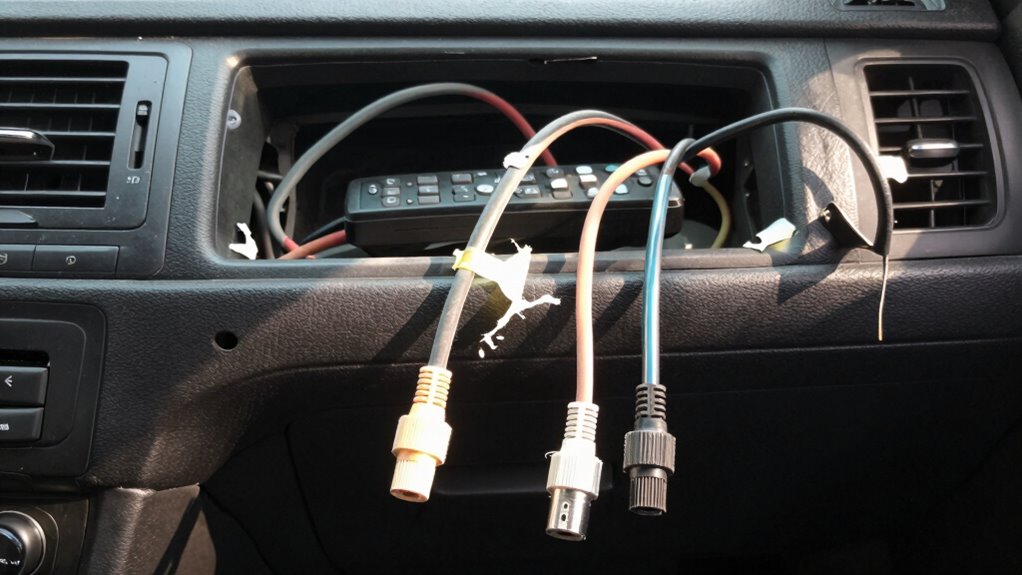
Wiring a remote receiver might seem complex at first, but with the right steps, you can set it up safely and efficiently. One of the most common mistakes in DIY installations is overlooking wireless compatibility, which can lead to signal issues or non-functioning systems. Before you begin, double-check that your receiver is compatible with your remote control and other connected devices. Many modern receivers support various wireless protocols, but not all are compatible with every remote. Making sure that your components communicate seamlessly prevents frustration down the line and saves you time troubleshooting.
Another critical aspect often neglected during wiring is adherence to color coding standards. Most remote receivers and their wiring diagrams follow specific color codes to identify functions like power, ground, signal, and accessories. When you ignore or misinterpret these standards, you risk connecting the wrong wires, which could damage your equipment or cause it to malfunction. Always consult the manufacturer’s wiring diagram and follow the color coding standards provided. If the colors don’t match or are inconsistent, use a multimeter to verify each wire’s function before making any connections. Precision here is key to a safe and reliable setup.
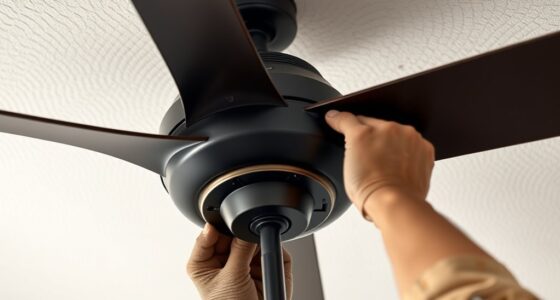
Many DIYers make the mistake of assuming that all wires are interchangeable or that standard household wiring applies. This is far from true in remote receiver wiring, where incorrect connections can lead to short circuits or permanent damage. Pay close attention to the receiver’s wiring instructions, and don’t rush the process. Take your time to strip wires properly, secure connections firmly, and insulate exposed conductors with electrical tape or connectors. Proper wiring not only ensures safety but also guarantees consistent performance.
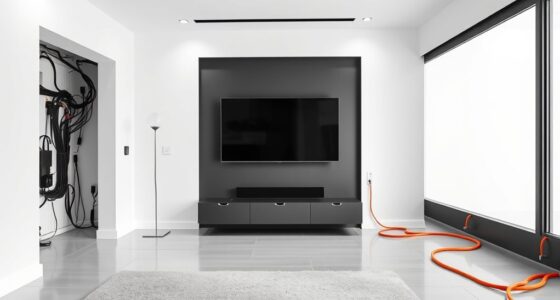
It’s also essential to regard the placement of your receiver and the length of wires. Running wires too long can introduce interference, especially if your system isn’t designed for extended cable runs. Keep wires neat, organized, and away from sources of electrical noise, such as motors or high-current cables. Proper placement improves wireless compatibility by reducing interference that can disrupt signals. If you need longer runs, invest in quality extension cables or repeaters designed for your system, rather than improvising with makeshift connections. Additionally, following wiring best practices can significantly enhance system reliability and performance.

addlon Ceiling Fans with Lights and Remote, 20'' Low Profile Ceiling Fans, 3000-6000K Dimmable Modern Flush Mount LED Fan Light, Fandelier Ceiling Fan for Bedroom, Kitchen, Living Room, Black
Customizable Light: Depending on your need for the space, the light output you need can vary. If you’re...
As an affiliate, we earn on qualifying purchases.
Frequently Asked Questions
What Tools Are Essential for Remote Receiver Wiring?
You’ll need essential tools like wire strippers, crimpers, and screwdrivers for remote receiver wiring. Make certain you have a multimeter to check wire color codes and proper voltage. Use appropriate connector types, such as butt connectors or terminal connectors, to guarantee secure connections. Having these tools on hand helps you follow wire color codes accurately and makes connecting the receiver safer and more reliable during your DIY installation.
How Do I Troubleshoot Signal Loss Issues?
Sometimes, signal interference can make your remote receiver act up. First, check your wiring diagrams to verify all connections are correct and secure. Keep wires away from potential sources of interference like power lines or motors. If issues persist, try repositioning the receiver or rerouting wires to minimize interference. By troubleshooting with these steps, you’ll improve your signal strength and enjoy seamless operation.
Can I Upgrade My Receiver Wiring Without Professional Help?
Yes, you can upgrade your receiver wiring without professional help, but make sure to check DIY wiring guides carefully. Confirm your new wiring is compatible with your receiver to avoid compatibility issues. Follow step-by-step instructions, use the right tools, and double-check connections. If you’re unsure about receiver compatibility or wiring procedures, consulting the receiver’s manual or seeking advice online can help prevent mistakes and ensure a successful upgrade.
What Safety Precautions Should I Follow During Installation?
Think of safety as your shield in the wiring journey. Always follow proper grounding techniques to prevent electrical shocks and guarantee stability. Use insulation best practices by covering exposed wires thoroughly, like wrapping a gift to protect its contents. Turn off power before working, and double-check connections. Wearing insulated gloves and using tools with insulated handles keeps you safe. Respect the current, and your installation becomes a secure, successful masterpiece.
How Do I Connect Multiple Devices to One Receiver?
To connect multiple devices to one receiver, first check the wire connection compatibility for each device. Use appropriate cables and guarantee each device’s output matches the receiver’s input ports. Avoid overloading the receiver by verifying device compatibility and power requirements. Connect each device securely, following the manufacturer’s instructions. Test each connection carefully to confirm proper functioning before finalizing the setup, ensuring a safe and efficient installation.
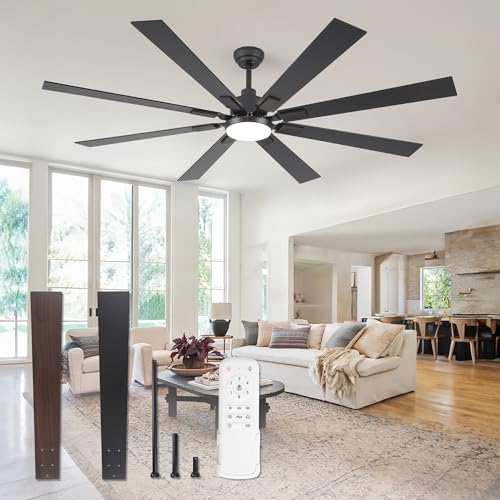
ZMISHIBO 72 inch Large Ceiling Fans with Lights and Remote, Indoor/Outdoor Black Modern Ceiling Fan for Kitchen Living Room Patio, 6 Speed Reversible Quiet DC Motor, 3 CCT, Dual Finish 8 Blades
72 Inch Ceiling Fan: This large ceiling fan includes 4“, 8”, and 24“ down rods, making it a...
As an affiliate, we earn on qualifying purchases.
Conclusion
To avoid common mistakes, double-check your wiring, follow the instructions carefully, and test your connections thoroughly. Make certain your remote receiver is wired correctly, secured firmly, and connected properly. Don’t rush the process; take your time and stay attentive. By paying attention to detail, verifying each step, and staying patient, you’ll ensure your DIY install works smoothly. Remember, careful wiring prevents future headaches, guarantees better performance, and makes your setup both reliable and safe.

ZMISHIBO Ceiling Fans with Lights and Remote, 19.7'' Low Profile Ceiling Fan, 3000-6000K Dimmable Modern Flush Mount LED Fan Light, 6 Wind Speeds, Black Fandelier Ceiling Fans for Bedroom
LED Light Source and Memory Function: The LED energy-saving light has 120 voltage output and brightness from 10%-100%...
As an affiliate, we earn on qualifying purchases.
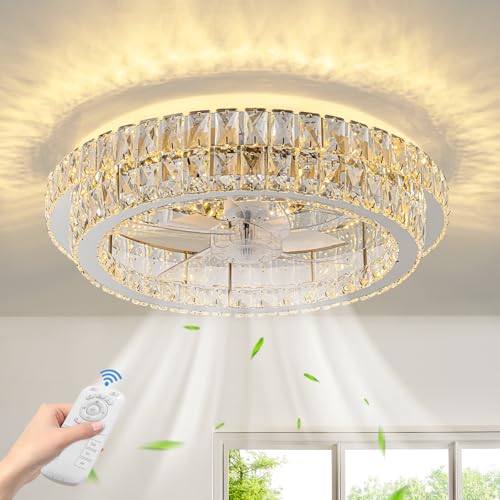
Zswanbei Fandelier Ceiling Fan with Lights and Remote Control Dimmable Crystal Ceiling Fan LED 3 Color 6 Speeds Chandelier Fan Bedroom Kitchen Living Room
Reversible Wind and Silent Motor: Modern ceiling fan adopts a quiet DC copper motor with reversible function to...
As an affiliate, we earn on qualifying purchases.