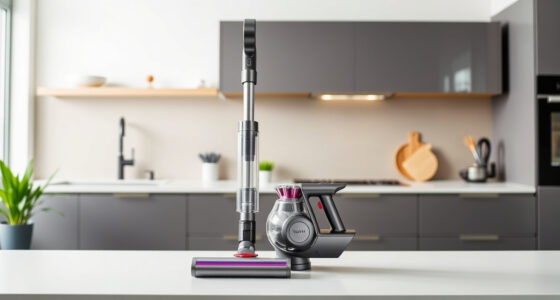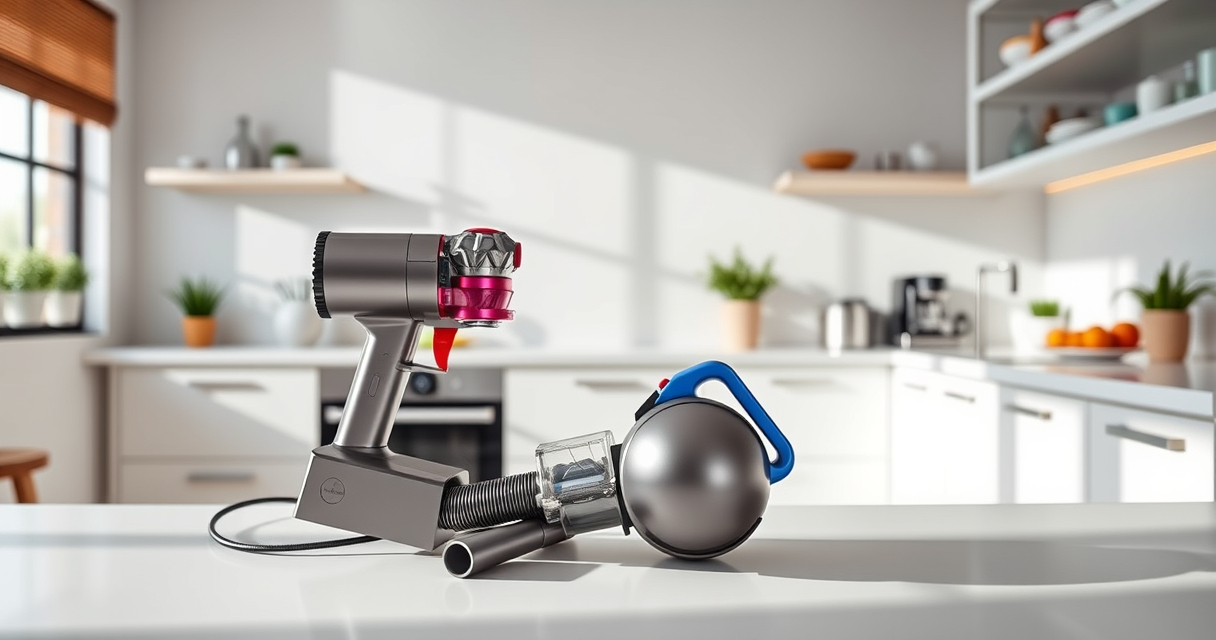
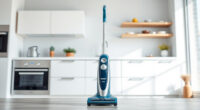
If your Dyson V15 Detect™ Origin cordless vacuum is losing battery life quickly, you’re not alone. Battery issues are common but often fixable with simple steps. This guide will walk you through practical troubleshooting techniques to restore your vacuum’s runtime, ensuring optimal cleaning performance.
Before diving into complex repairs, it’s essential to identify if the problem is related to a faulty battery, filters, or other components. Follow these steps carefully to safely troubleshoot and extend your Dyson’s battery life.
Key Takeaways
| Battery Check | Battery health is the main factor affecting runtime. |
| Filter Maintenance | Clogged filters reduce efficiency and can drain the battery. |
| Clean Contacts | Dirty battery contacts can cause power issues. |
| Software Updates | Ensure your vacuum’s firmware is up to date for optimal performance. |
| Replace Components | Worn-out filters or batteries may need replacement. |

Dyson V15 Detect™ Origin Cordless Vacuum
Powerful and intelligent for whole-home deep cleaning. Reveals invisible dust.
As an affiliate, we earn on qualifying purchases.
Step 1: Check and Clean Battery Contacts
- Turn off and unplug your vacuum for safety.
- Remove the battery from the vacuum.
- Inspect the metal contacts for dirt or debris.
- Use a dry cloth or a cotton swab with a small amount of rubbing alcohol to clean the contacts.
- Reattach the battery securely and test the vacuum.

LANMU Crevice Tool Vacuum Attachments Compatible with Dyson V15 V12 V11 V10 V9 V8 V7 Gen5 Outsize Vacuum Cleaner, Narrow Nozzel Replacement Parts for Hard-to-Reach Space
Wide Compatibility: This crevice tool attachment is compatible with V15 V12 V11 V10 V9 V8 V7 Gen5 G5...
As an affiliate, we earn on qualifying purchases.
Step 2: Clean or Replace the Filters
- Remove the pre-filters and main filters from your vacuum.
- Rinse the filters under cold water until clear, then let them air dry completely (at least 24 hours).
- If filters are damaged or excessively worn, consider replacing them with compatible replacements such as the 3Pack Pre Filters or V10 filters.
- Reinstall the filters and run a test cycle.
Step 3: Update Firmware and Reset
Check if your Dyson V15 Detect™ has available firmware updates via the Dyson app or firmware management system. Updating can fix bugs affecting battery performance.
If updates are installed, perform a reset: turn off the vacuum, remove the battery, wait 30 seconds, then reattach it and power on.
Step 4: Evaluate Battery Health and Consider Replacement
If the vacuum still exhibits rapid battery drain after cleaning contacts and filters, the battery may be worn out. Batteries typically degrade after extensive use. Consider replacing the battery or professional service if your model supports it.
Additional Tips and Warnings
- Always power off and unplug your vacuum before maintenance.
- Use only compatible filters and parts to avoid damage.
- Do not immerse electrical parts in water or cleaning solutions.
- If unsure about replacing the battery, contact Dyson support or a qualified technician.
The Products in This Guide

Dyson V15 Detect™ Origin Cordless Vacuum
- ✔ Battery Life: Up to 60 minutes
- ✔ Filter Type: Advanced washable filters
- ✔ Weight: Approximately 6.8 lbs

LANMU Crevice Tool Vacuum Attachments Compatible
- ✔ Nozzle Width: 1.5 inches
- ✔ Material: Polypropylene
- ✔ Compatibility: Multiple Dyson models
Dyson V15 Detect™ Origin Cordless Vacuum
The Dyson V15 Detect™ Origin offers powerful, intelligent cleaning with features like laser dust detection and a LCD screen. Its battery performance is crucial for full effectiveness, so troubleshooting battery issues can greatly improve your cleaning experience.
Pros:
- Powerful and intelligent cleaning
- Up to 60 minutes runtime
- LCD screen displays performance data
- Two advanced cleaner heads
Cons:
- Battery degradation over time
- Filters require regular maintenance
- Battery replacement may be needed
Best for: Homeowners seeking deep, cordless cleaning with smart features
Not ideal for: Users with frequent, prolonged cleaning sessions may need extra batteries
Bottom line: Regular maintenance and troubleshooting can extend your Dyson V15’s battery life and cleaning performance.
LANMU Crevice Tool Vacuum Attachments Compatible
The LANMU Crevice Tool Vacuum Attachments are compatible with various Dyson models and help you clean tight corners, car interiors, and other tricky spots effectively. It’s a handy addition for comprehensive cleaning.
Pros:
- Narrow nozzle for tight spaces
- Flexible and easy to maneuver
- Compatible with many Dyson models
- Ideal for cars and corners
Cons:
- Not suitable for heavy debris
- May require additional attachments for broad surfaces
Best for: Cleaning small, hard-to-reach spots in home and car interiors
Not ideal for: Heavy-duty cleaning of large debris
Bottom line: A versatile tool that enhances your Dyson’s reach into tight spots.
Frequently Asked Questions
Can I replace the battery myself?
If your Dyson V15 Detect™ has a removable battery, you can replace it yourself by following the manufacturer’s instructions. Otherwise, seek professional service.
How often should I clean or replace filters?
It’s recommended to wash washable filters monthly and replace them every 2-3 months for optimal performance.
Why does my vacuum lose power quickly?
Loss of power can be due to dirty filters, worn-out battery, or dirty contacts. Troubleshooting these components can restore power.
Is firmware update necessary?
Yes, keeping your vacuum’s firmware updated can fix bugs and improve battery efficiency and overall performance.
Keep Your Dyson V15 Detect™ Running at Peak Performance
Regular maintenance, proper cleaning of filters, and checking the battery contacts can significantly extend your vacuum’s battery life. If issues persist, consider replacing the battery or reaching out to Dyson support. With these steps, your vacuum will stay powerful and efficient for all your cleaning needs.
Affiliate disclosure: As an Amazon Associate we earn from qualifying purchases. Prices and availability are accurate as of the time of publishing.