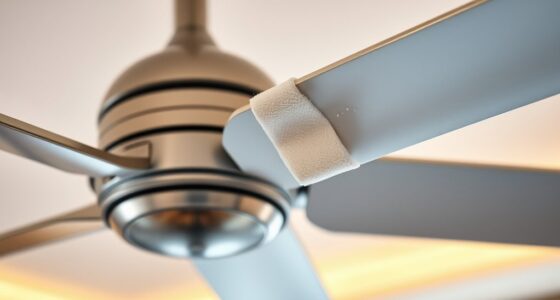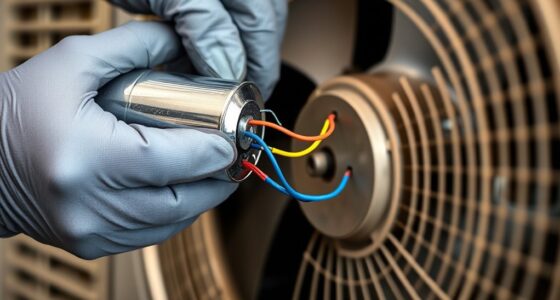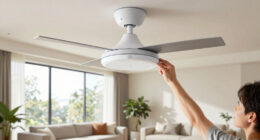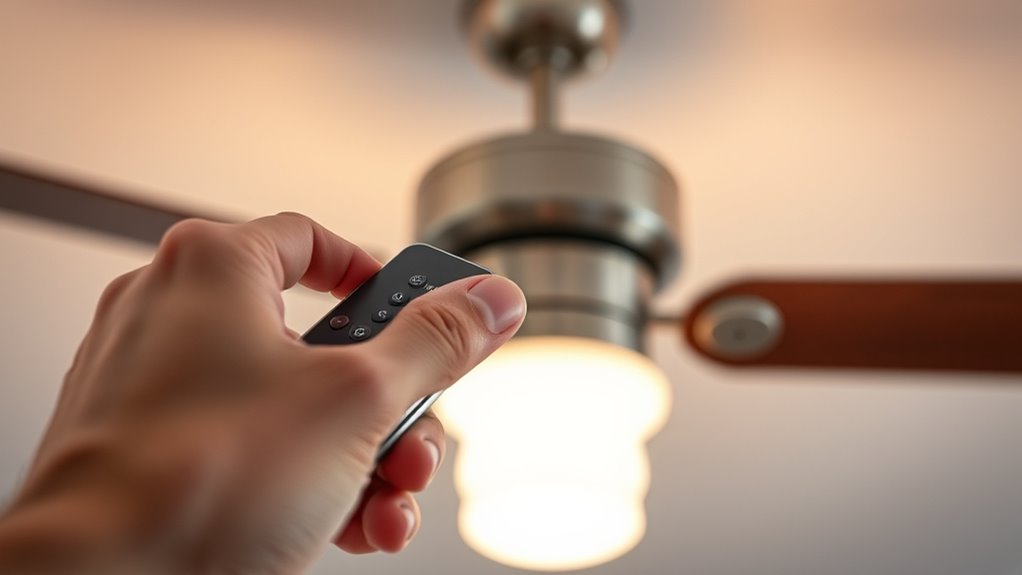

To fix ceiling fan remote sync issues quickly, start by replacing the remote batteries with fresh ones and guarantee they’re correctly installed. Next, follow the manufacturer’s pairing instructions carefully, holding the sync button on both the remote and receiver as specified. Reset the receiver module if needed, and check for interference from nearby electronics or Wi-Fi devices. Maintaining a clear line of sight and within range can improve signal. For detailed steps, keep exploring the troubleshooting options available.
Key Takeaways
- Replace remote batteries with fresh, correctly installed batteries and reattempt synchronization.
- Reset the fan’s receiver module using dip switches or a reset button inside the fan housing.
- Ensure the remote and fan are within the recommended range and have a clear line of sight.
- Turn off nearby electronic devices or Wi-Fi routers that may interfere with the remote signal.
- Follow the manufacturer’s specific pairing instructions, including holding the sync button for the recommended duration.

Ceiling fan remote sync issues are a common inconvenience that can often be resolved quickly with targeted troubleshooting. When your remote refuses to communicate with the fan, the problem typically stems from signal interference, outdated settings, or synchronization errors. Addressing these issues requires a systematic approach to identify and eliminate potential causes efficiently. Begin by ensuring the remote’s batteries are fresh and installed correctly, as low power can impair signal transmission. Remove the remote from the circuit or switch off the fan’s power supply for safety before replacing batteries. Once replaced, turn the power back on, and try re-synchronizing the remote.
Next, check the remote’s transmission mode and pairing settings. Some remote controls have a dedicated sync button or a specific procedure outlined in the manufacturer’s instructions. If your remote has a “pair” or “sync” button, press and hold it for a few seconds while the fan is in the sync mode. For remote controls without a button, the pairing process often involves holding specific buttons simultaneously or pressing a sequence as described in the user manual. Confirm that you’re following the exact steps, as improper timing or sequence can prevent successful pairing.
Check your remote’s pairing instructions and ensure correct button sequences for successful sync.
In addition, verify that the fan’s receiver module is functioning correctly. Some fans have a small, accessible dip switch or reset button on the receiver unit inside the fan housing. If available, toggle the dip switches according to the manufacturer’s instructions to reset the receiver. In some cases, resetting the receiver helps clear any previous pairing conflicts. After resetting, initiate the pairing process again with the remote. If the remote still doesn’t sync, check for potential signal interference from other electronic devices, Wi-Fi routers, or fluorescent lights operating nearby. Moving these devices away from the fan’s remote receiver or turning them off temporarily can help determine if interference is causing the problem.
Furthermore, advanced remote programming techniques or firmware updates may be necessary for some models to function correctly. Finally, if the remote continues to be unresponsive, consider reprogramming the remote control itself. Some remotes have a reset or reprogramming function accessible via a small pinhole or button. Use a paperclip or similar tool to press the reset button, then follow the pairing instructions anew. If these steps fail, consult the manufacturer’s troubleshooting guide or contact customer support for model-specific advice. Remember, maintaining a clear line of sight and ensuring the remote is within the recommended range also markedly improves communication. By systematically addressing power, pairing procedures, interference, and receiver functionality, you can resolve most ceiling fan remote sync issues efficiently and restore seamless operation.
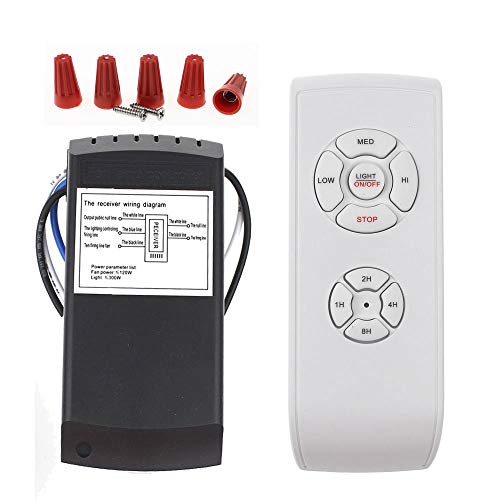
LPHUMEX Universal Ceiling Fan Remote Control Kit, 3-in-1 AC Motor Ceiling Fan Light Timing & Speed Remote, for Hunter/Harbor Breeze/Westinghouse/Honeywell/Other Ceiling Fan lamp
☞Easy Installation – Installation of the Universal Ceiling Fan Remote Controls Kit is a breeze and the looks…
As an affiliate, we earn on qualifying purchases.
As an affiliate, we earn on qualifying purchases.
Frequently Asked Questions
Can Changing Batteries Improve Remote Synchronization?
Yes, changing batteries can improve remote synchronization. Worn or low-power batteries reduce signal strength, causing communication failures. Make certain you use fresh, high-quality batteries, and insert them correctly, observing polarity. After replacement, press the sync or pairing button on the fan or remote to re-establish communication. This simple step often resolves issues caused by insufficient power, restoring proper remote control functionality and maintaining reliable operation.
Is It Necessary to Replace the Entire Remote?
You likely don’t need to replace the entire remote. Think of it like troubleshooting a smartphone: most issues stem from simple fixes, such as reprogramming or replacing batteries. If the remote still doesn’t sync after resetting or re-pairing, check for physical damage or faulty buttons. Replacing the remote is a last resort, reserved for cases where the internal circuitry is defective or irreparable, not for minor sync issues.
How Often Should I Reset My Ceiling Fan Remote?
You should reset your ceiling fan remote whenever you notice it’s not syncing correctly or commands aren’t registering. Typically, do this if the remote loses connection after battery replacement, power surges, or after troubleshooting. There’s no need to reset regularly; only perform a reset as needed to restore proper communication. Follow the manufacturer’s instructions precisely, usually involving removing batteries, pressing buttons, or re-pairing the remote with the fan.
Are There Specific Remotes Compatible With All Fans?
You might think all remotes work with every ceiling fan, but compatibility isn’t universal. Most remotes are designed for specific brands or models, using unique coding systems. To guarantee seamless operation, check your fan’s manual for compatible remote types or look for universal remotes that specify compatibility with your fan’s brand. Always verify frequency and code compatibility to avoid synchronization issues and ensure precise control.
Can Interference From Other Devices Affect Remote Sync?
Yes, interference from other devices can disrupt remote sync with your ceiling fan. Wireless signals like Wi-Fi routers, Bluetooth devices, and even cordless phones operate on similar frequencies, causing signal conflicts. To minimize this, verify your remote and fan are within ideal range, avoid obstacles, and turn off nearby electronic devices during setup. Using a remote with a unique frequency or frequency-hopping technology can also reduce interference risks.
LPHUMEX Universal Ceiling Fan Remote Control Kit, 3-in-1 AC Motor Ceiling Fan Light Timing & Speed Remote, for Hunter/Harbor Breeze/Westinghouse/Honeywell/Other Ceiling Fan lamp
☞Easy Installation – Installation of the Universal Ceiling Fan Remote Controls Kit is a breeze and the looks…
As an affiliate, we earn on qualifying purchases.
As an affiliate, we earn on qualifying purchases.
Conclusion
In the world of ceiling fans, remote sync issues are just tiny hurdles—unless you prefer living in the dark. With precise troubleshooting steps like resetting the transmitter, checking for interference, or reprogramming the receiver, you’re equipped to conquer these glitches. Remember, a properly synced remote isn’t just a luxury; it’s a necessity for comfort and efficiency. So, troubleshoot diligently, avoid frustration, and enjoy seamless control—because your ceiling fan deserves nothing less.
LPHUMEX Universal Ceiling Fan Remote Control Kit, 3-in-1 AC Motor Ceiling Fan Light Timing & Speed Remote, for Hunter/Harbor Breeze/Westinghouse/Honeywell/Other Ceiling Fan lamp
☞Easy Installation – Installation of the Universal Ceiling Fan Remote Controls Kit is a breeze and the looks…
As an affiliate, we earn on qualifying purchases.
As an affiliate, we earn on qualifying purchases.

uaelua Universal Ceiling Fan Remote Control Kit Replacement, 6-Speed & Timing, Remote Replacement for DC Ceiling Fan Light
uaelua Universal Ceiling Fan Remote Control Kit Replacement, 6-Speed & Timing, Remote Replacement for DC Ceiling Fan Light
As an affiliate, we earn on qualifying purchases.
As an affiliate, we earn on qualifying purchases.