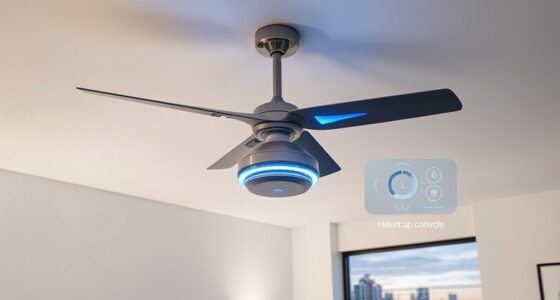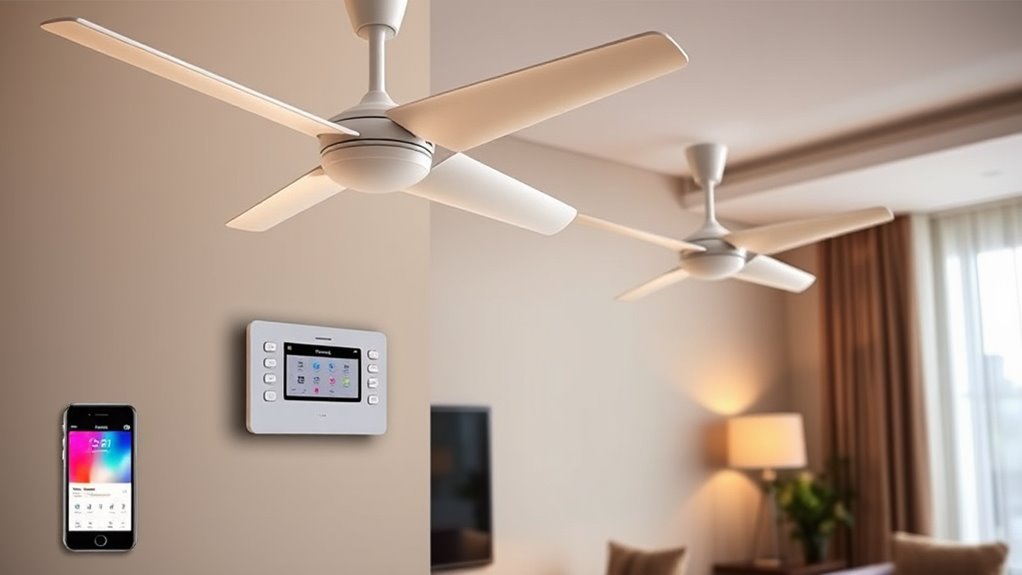

To set up multi-room control for smart ceiling fans, first choose a compatible smart home hub that supports multiple zones, such as Zigbee or Z-Wave. Install each smart fan module or receiver following manufacturer wiring diagrams and make certain they’re powered off before connecting. Establish a reliable wireless network, then put each fan’s smart device into pairing mode and connect it individually to the hub within close range. Once paired, organize the fans into zones or groups within the hub app to enable synchronized control, automation, and voice commands across rooms.

Get home appliances delivered free with Prime
- Fast, free delivery on millions of items
- Prime Video, Amazon Music and more included
- Member-only deals all year
Key Takeaways
- Choose a compatible smart home hub supporting multi-room management, like Zigbee or Z-Wave.
- Connect each ceiling fan’s smart module to the hub, following manufacturer wiring instructions.
- Pair each fan individually via the hub’s app, then organize them into zones or groups by location.
- Configure automation settings to control multiple fans simultaneously or schedule their operation.
- Link fans to voice assistants and assign clear names for easy multi-room voice control.
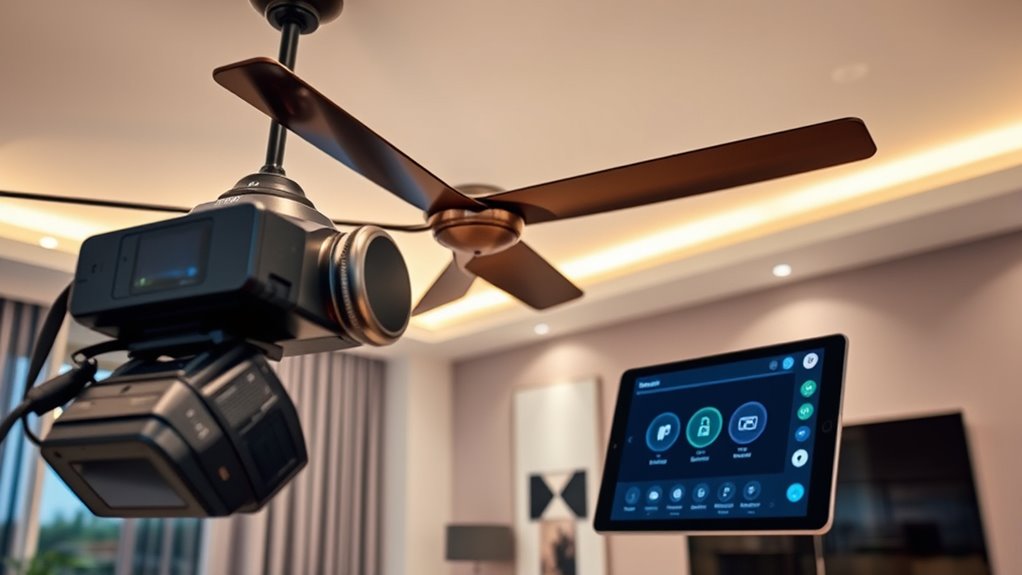
Setting up multi-room control for smart ceiling fans involves configuring a centralized system that enables seamless operation across multiple units within your home. This process requires an understanding of both the hardware components and the underlying communication protocols that facilitate synchronized control. Typically, you’ll start by selecting a compatible smart home hub or controller that supports multi-room management, such as a Zigbee or Z-Wave hub, which acts as the central command point. Make certain that each ceiling fan is equipped with a compatible smart module or receiver that can connect to this hub. Once the hardware is in place, power off the fans and connect the smart modules according to the manufacturer’s specifications, paying close attention to wiring diagrams and connection ports to prevent misconfigurations.
Next, you need to establish a reliable network connection. Most smart ceiling fans communicate via wireless protocols like Zigbee, Z-Wave, or Wi-Fi, so making sure your hub is within range and connected to a stable network is essential. Use the hub’s app to initiate the pairing process, which often involves putting each fan’s smart module into pairing mode, typically by pressing a designated button or toggling a switch. When pairing, keep each device close to the hub to ensure a strong signal, and follow the app prompts to add each fan individually. Once all units are recognized by the hub, assign them to specific zones or groups reflecting their locations, such as “Living Room,” “Bedroom 1,” or “Office.” This grouping allows you to control multiple fans simultaneously or independently, depending on your preference.
Establish a stable network, pair each fan via the hub app, and assign zones for seamless multi-room control.
Configuring automation and control settings is the next step. Using your hub’s app, you can set schedules, scenes, or sensor-triggered actions that coordinate fan operation across different rooms. For example, you might program all fans in the living area to turn on at sunset, or synchronize fan speeds based on temperature sensors. Fine-tuning these settings involves adjusting parameters like fan speed, oscillation, and dimming levels if supported. It’s vital to test each control command to confirm that your hub correctly transmits signals and that each fan responds promptly. If any units don’t respond, verify connections, update firmware if necessary, and make sure that the network remains free of interference. Additionally, understanding Smart Home Market Growth can help anticipate future device compatibility and advancements.
Finally, integrating voice control or third-party automation platforms enhances your multi-room setup. Linking your smart ceiling fans to voice assistants like Alexa or Google Assistant allows for intuitive, hands-free operation. Be sure to assign clear, descriptive names to each unit and group within the app to prevent confusion during voice commands. Maintaining a robust, secure network and regularly updating firmware guarantees reliable operation. With these detailed steps, you’ll achieve a synchronized, efficient multi-room control system that simplifies managing multiple smart ceiling fans across your home.
smart home hub for multi-room control
As an affiliate, we earn on qualifying purchases.
As an affiliate, we earn on qualifying purchases.
Frequently Asked Questions
Can I Integrate Smart Ceiling Fans With Existing Smart Home Systems?
Yes, you can integrate smart ceiling fans with your existing smart home systems. Most smart fans support protocols like Wi-Fi, Zigbee, or Z-Wave, allowing seamless compatibility with platforms such as Alexa, Google Home, or Apple HomeKit. You’ll need to verify your hub or controller supports these protocols. After connecting the fan to your network, use the respective app or voice commands to control fan speed, scheduling, and multi-room settings effortlessly.
What Is the Maximum Number of Rooms Supported in Multi-Room Control?
Most multi-room control systems support up to 10 to 20 rooms simultaneously, depending on the platform and network capacity. You should verify your specific smart home hub’s specifications, as some advanced systems can manage more zones with robust Wi-Fi or wired connections. To guarantee seamless operation, consider the bandwidth requirements and scalability options, especially if integrating multiple smart ceiling fans across extensive areas.
Are There Any Compatibility Issues With Specific Smart Home Hubs?
You’ll be pleased to know that most smart home hubs are universally compatible, right? Well, not exactly. Some hubs, especially older or less common brands, might lack support for specific protocols like Zigbee or Z-Wave, causing connection hiccups. Always check your hub’s compatibility list against your smart ceiling fans’ specifications. Firmware updates can sometimes bridge these gaps, but double-checking before setup saves you from future frustration.
How Secure Is the Multi-Room Control System Against Hacking?
The multi-room control system is generally secure if you use strong, unique passwords and enable two-factor authentication where available. Make certain your Wi-Fi network has WPA3 encryption, and keep firmware updated to patch vulnerabilities. Avoid using default credentials, and regularly monitor device activity for suspicious behavior. These steps substantially reduce hacking risks, making your smart ceiling fan system resilient against cyber threats.
Can I Set Different Fan Speeds in Each Room Simultaneously?
Yes, you can set different fan speeds in each room simultaneously. The multi-room control system uses a centralized hub with individual room zones, allowing you to customize settings via a dedicated app or control panel. You simply select the specific room or zone, then adjust the fan speed independently without affecting other areas. This feature offers precise control, optimizing comfort and energy efficiency across your entire home.
Conclusion
By configuring your smart ceiling fans for multi-room control, you’re fundamentally wiring a network of synchronized wings, each responding as one to your command. This setup acts as a symphony of airflow, where each fan becomes a conductor’s baton, directing comfort across your space. When properly calibrated, the system symbolizes seamless integration—like a well-orchestrated dance—ensuring efficient, unified operation. Mastering this control transforms your home into a cohesive, intelligent environment, elevating both convenience and energy efficiency.
Halloween Picks
halloween
As an affiliate, we earn on qualifying purchases.