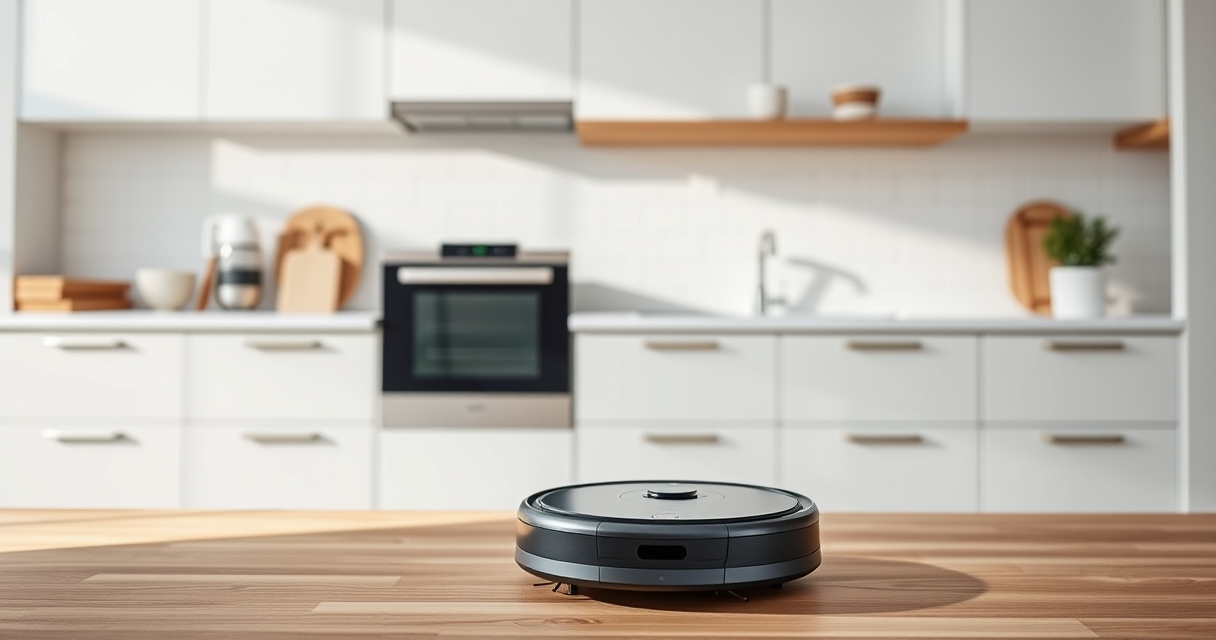
If your Roborock Q7 M5+ robot vacuum keeps getting stuck during cleaning, it can be frustrating and time-consuming. Fortunately, most issues are fixable with some simple troubleshooting steps. This guide provides clear, safe, and effective methods to identify and resolve common causes of getting stuck, helping your device operate smoothly again.

Get home appliances delivered free with Prime
- Fast, free delivery on millions of items
- Prime Video, Amazon Music and more included
- Member-only deals all year
Before diving into solutions, ensure your robot is clean, properly maintained, and has an updated firmware. Let’s walk through the most effective steps to troubleshoot and fix this problem.
Key Takeaways
| Check for obstacles | Ensure nothing blocks the robot’s path or sensors. |
| Inspect wheels and brushes | Remove hair and debris that may cause tangles or jams. |
| Examine the sensors | Clean the PreciSense LiDAR and bump sensors for better navigation. |
| Update firmware and reset | Keep software current and perform a reset if issues persist. |
| Adjust cleaning area | Remove or modify obstacles and narrow pathways. |
1. Clear Obstacles and Check the Path
- Start by inspecting the area where your Roborock gets stuck. Remove any clutter, cords, or small objects.
- Look for uneven surfaces or thick rugs that might be causing navigation issues.
- Ensure the robot’s path is open and free of obstacles that could block its sensors or wheels.
2. Clean and Inspect the Wheels and Brushes
- Turn off the robot and flip it over to access the wheels and main brush.
- Remove hair, pet fur, and debris tangled around the wheels and brush components.
- Check for any damage or obstructions in the wheel axles or the dual anti-tangle system.
3. Clean the Sensors and Navigation System
Using a soft, dry cloth, gently wipe the PreciSense LiDAR sensor and bump sensors on the robot. Dirt or dust on sensors can impair navigation, causing the robot to get stuck or misjudge distances.
4. Update Firmware and Reset the Device
- Open the Roborock app and check for firmware updates. Installing the latest version can fix bugs that cause navigation issues.
- If problems continue, perform a factory reset following the app instructions or manual reset procedures.
5. Adjust Your Environment and Settings
If the robot still gets stuck, consider rearranging furniture or narrowing pathways. Additionally, set virtual boundaries or no-go zones via the app to prevent the robot from entering problematic areas.
The Products in This Guide

roborock Q7 M5+ Robot Vacuum and Mop
- ✔ Weight: 7.7 lbs
- ✔ Dust Capacity: 2.7L
- ✔ Recharge Time: Approx 3 hours

4 Pack Washable Filter
- ✔ Filter Size: Standard
- ✔ Weight: Approx 1 oz per filter
- ✔ Material: HEPA synthetic
roborock Q7 M5+ Robot Vacuum and Mop
The Roborock Q7 M5+ offers powerful 10000Pa suction and PreciSense LiDAR navigation, making it a top choice for pet owners and busy households. Its dual anti-tangle system minimizes hair jams, ensuring consistent performance.
Pros:
- Powerful suction for pet hair
- Smart navigation with LiDAR
- Long-lasting self-emptying
- Effective anti-tangle design
Cons:
- Higher price point
- Requires app setup
- Limited color options
Best for: Pet owners and large homes needing reliable, thorough cleaning
Not ideal for: Users looking for a budget-friendly robot vacuum
Bottom line: A high-performance robot vacuum ideal for pet-friendly households with advanced navigation.
4 Pack Washable Filter
This 4-pack washable HEPA filters for Roborock models ensures your vacuum maintains optimal suction and air quality. Easy to clean and replace, ideal for regular upkeep.
Pros:
- Enhances filtration efficiency
- Reusable and washable
- Easy to install
- Compatible with multiple models
Cons:
- Not OEM, but comparable quality
- Requires regular washing
- Not suitable for non-compatible models
Best for: Maintaining peak suction and air quality
Not ideal for: Those seeking OEM-certified filters
Bottom line: A cost-effective way to keep your vacuum’s filtration system clean and effective.
Frequently Asked Questions
Why does my Roborock keep getting stuck on rugs?
Rugs with thick pile or uneven edges can sometimes confuse the navigation sensors or prevent wheels from turning smoothly. Clearing the rug edges or adjusting the robot’s cleaning zone can help.
How often should I clean the sensors?
It’s best to clean the sensors weekly with a soft cloth to prevent dust buildup that could impair navigation.
Can I manually move the robot out of a stuck position?
Yes, you can manually lift or move the robot to free it. Then, check for obstacles or adjust settings to prevent future issues.
What should I do if resetting doesn’t fix the problem?
If a reset doesn’t help, ensure firmware is up to date, clean all sensors and wheels thoroughly, and consider contacting Roborock support for further assistance.
Keep Your Roborock Running Smoothly
Regular maintenance, environment adjustments, and software updates are key to preventing your Roborock from getting stuck. Following these troubleshooting steps will help ensure your robot vacuum performs optimally, saving you time and hassle in the long run.
Affiliate disclosure: As an Amazon Associate we earn from qualifying purchases. Prices and availability are accurate as of the time of publishing.