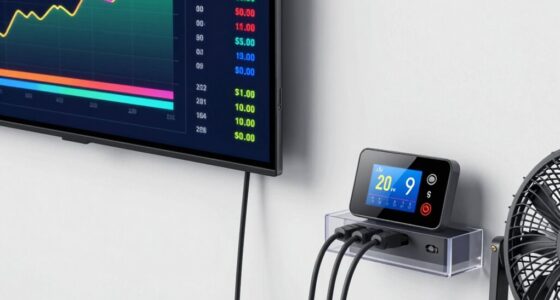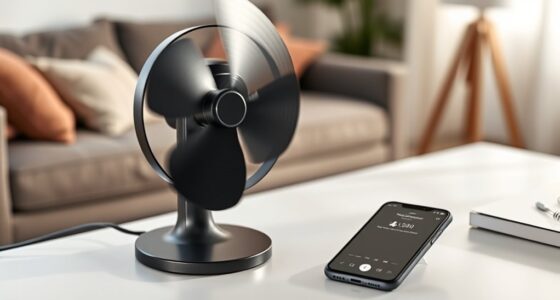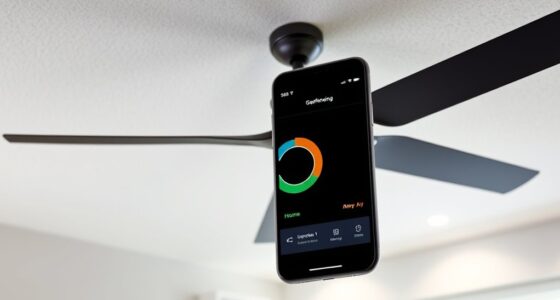
To set up safe, beginner-friendly fan control in Home Assistant, start with simple automations that trigger fans based on temperature or time, and make certain your devices are compatible via Zigbee, Z-Wave, or Wi-Fi. Use the visual automation editor to avoid coding mistakes and test each step carefully. Regularly update your system for security and smooth operation. Keep your setup straightforward at first—you’re about to discover more ways to optimize your comfort and energy savings.
Key Takeaways
- Start with simple automations triggered by temperature or time to ensure reliable fan control.
- Verify fan compatibility with smart protocols or use compatible smart plugs for easy integration.
- Use Home Assistant’s visual automation editor to set up triggers without coding.
- Test automations regularly to confirm fans respond correctly and prevent malfunctions.
- Keep Home Assistant and device firmware updated for security and smooth operation.
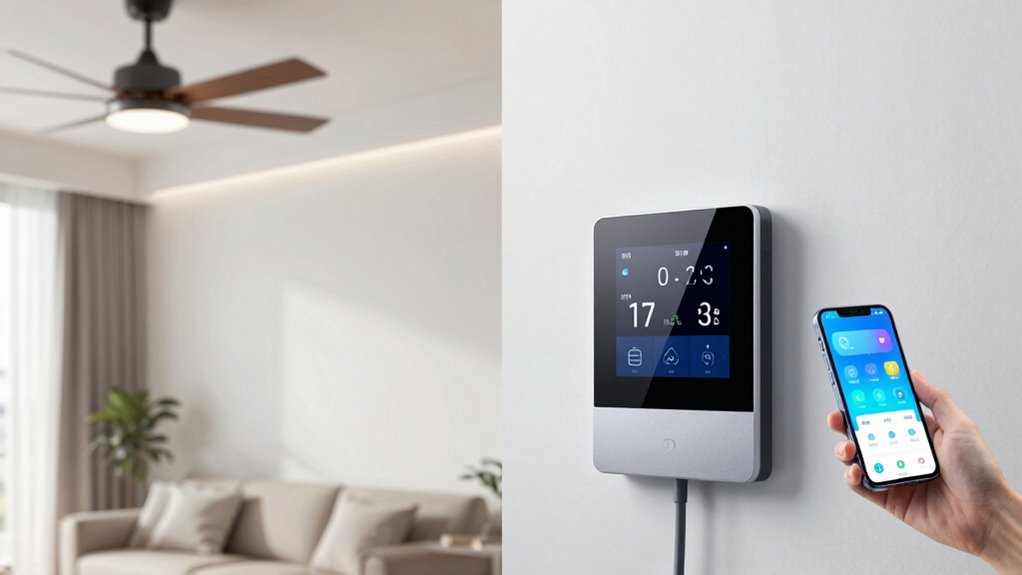
Managing your home’s fan system with Home Assistant offers a simple and efficient way to improve comfort and save energy. When you integrate your fans into your smart home setup, you gain the ability to control them automatically based on various conditions, rather than relying solely on manual switches. This is where smart home integration shines, allowing your fans to respond intelligently to your daily routines or environmental changes. By setting up automation triggers, you can have your fans turn on when the room temperature rises above a certain point or switch off when it drops, ensuring ideal comfort without any effort on your part.
Getting started with fan control in Home Assistant is straightforward. First, ensure your fans are compatible with smart home protocols like Zigbee, Z-Wave, or Wi-Fi, or that they can be connected via smart plugs. Once your devices are recognized by Home Assistant, you can create automations that trigger actions based on specific conditions. For example, you might set an automation trigger to activate the fan when the indoor temperature exceeds 75°F, or when a particular time of day is reached. These triggers can be as simple or as complex as you want, combining multiple conditions for finer control.
By leveraging these automation triggers, you can also synchronize your fan system with other smart devices. For instance, you could have your ceiling fan turn on only when your air conditioner is active, or when a window sensor detects that the window is open, preventing unnecessary energy use. This level of integration not only enhances comfort but also maximizes energy efficiency, helping you reduce utility bills over time. Home Assistant’s visual automation editor makes it easy to set these triggers without needing programming expertise, so you can experiment and refine your setup as needed. Additionally, understanding the compatibility of your devices with smart home protocols ensures smooth operation and prevents potential issues.
To keep things safe and reliable, start with simple automations and test them thoroughly. Make sure your fan responds correctly to the triggers, and adjust your settings if needed. You can also incorporate manual controls, such as voice commands or app toggles, so you’re not entirely dependent on automation. Regularly updating your Home Assistant software and device firmware ensures compatibility and security, preventing potential issues down the line.
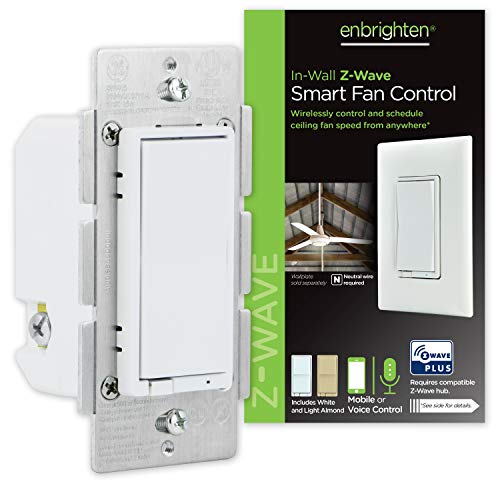
Enbrighten Z-Wave Plus Fan Control, Works with Alexa, Google Assistant, 3-Way Compatible, ZWave Hub Required, Repeater/Range Extender, Smart Ceiling Fan Control, Smart Switch, White & Almond, 14314
Switch upgrade – Easily replace any standard in-wall switch to remotely turn on or off and adjust speed…
As an affiliate, we earn on qualifying purchases.
As an affiliate, we earn on qualifying purchases.
Frequently Asked Questions
Can I Automate Multiple Fans Simultaneously?
Yes, you can automate multiple fans simultaneously by using a smart switch compatible with Home Assistant. Set up automations to turn these switches on or off together, saving time and effort. Keep an eye on power consumption to guarantee your setup is energy-efficient. This approach helps you control multiple fans effortlessly, while monitoring usage and avoiding overloads or excessive energy use.
What Are the Power Requirements for Smart Fans?
Smart fans typically require a standard power supply, usually 110-120V AC in the US or 220-240V elsewhere. When wiring your smart fan, make certain your wiring matches the fan’s specifications for safe operation. Power consumption varies depending on the model, but most smart fans use around 20-50 watts. Check the product label for exact details, and always follow manufacturer guidelines for safe smart fan wiring.
How Do I Troubleshoot Fan Control Issues?
First, fix fan frustrations by focusing on sensor calibration and firmware updates. Check if your sensors are accurately reading and calibrate them if needed. Make certain your firmware is up-to-date, as outdated software can cause control conflicts. Restart your devices to reset connections, and verify all wiring. If problems persist, consult your device’s logs for clues, then reconfigure or reset your setup to restore smooth, synchronized fan functioning.
Is Voice Control Compatible With My Setup?
Yes, voice control works with your setup if your smart assistants like Alexa or Google Assistant are integrated with Home Assistant. You can use voice commands to turn your fan on or off, adjust speed, or set modes. Verify your smart assistant is configured correctly and connected to Home Assistant. Once set up, you’ll enjoy hands-free control, making managing your fan simple and convenient.
Can I Integrate Fan Control With Other Smart Devices?
Yes, you can integrate fan control with other smart devices. You’ll be able to adjust fan speed and create automations that sync with your smart lights or thermostats. Make sure your fan’s remote is compatible or uses a compatible protocol like IR or RF. This way, you can control fan speed seamlessly through Home Assistant, and your setup remains smooth and reliable without breaking anything.

Kasa Smart Plug HS103P4, Smart Home Wi-Fi Outlet Works with Alexa, Echo, Google Home & IFTTT, No Hub Required, Remote Control, 15 Amp, UL Certified, 4-Pack, White
Voice control: Kasa smart plugs that work with Alexa and Google Home Assistant. Enjoy the hands free convenience…
As an affiliate, we earn on qualifying purchases.
As an affiliate, we earn on qualifying purchases.
Conclusion
Getting started with Home Assistant fan control is simpler than you think, and it can truly enhance your comfort and energy savings. Did you know that smart fans can cut cooling costs by up to 30%? By setting up an easy, reliable system, you’re not just making your home smarter—you’re also saving money and reducing your carbon footprint. Jump in, experiment, and enjoy the perfect breeze at just the right moment, hassle-free.

53T Smart Wi-Fi Ceiling Fan Remote Control Kit, 3 Fan Speed & Light Dimmer,Compatible with Alexa & Google Home Smart Life APP
【Smart Wi-Fi Version】: Remote / Smart Life APP / Voice – 3 ways to control your ceiling fan…
As an affiliate, we earn on qualifying purchases.
As an affiliate, we earn on qualifying purchases.

Kasa Smart Ceiling Fan Control & Dimmer Switch | Adjustable 4-Speed Fan & Brightness Control | Works w/Apple HomeKit, Alexa & Google Home | 2.4G Wi-Fi Only, Single Pole, Neutral Wire Required | KS240
【4 Fan Speeds】 Tailor your airflow to your exact preferences by choosing from four fan speeds for the…
As an affiliate, we earn on qualifying purchases.
As an affiliate, we earn on qualifying purchases.