
To keep your fan running smoothly and avoid costly repairs, dedicate just five minutes weekly to simple maintenance. Wipe down the blades thoroughly to remove dust, check for misaligned or warped blades, and tighten any loose screws or brackets. Inspect the motor and other parts for debris and ensure everything is secure and balanced. Performing these quick checks regularly helps maintain ideal airflow and quiet operation—stay tuned to learn more tips for getting the most out of your fan.
Key Takeaways
- Wipe down and clean fan blades weekly to prevent dust buildup and maintain optimal airflow.
- Check blade alignment and tighten screws to avoid wobbling and noise.
- Inspect and clean motor vents with compressed air to prevent overheating.
- Tighten loose hardware and ensure all components are securely fastened.
- Turn on the fan after maintenance to listen for unusual noises and confirm proper operation.
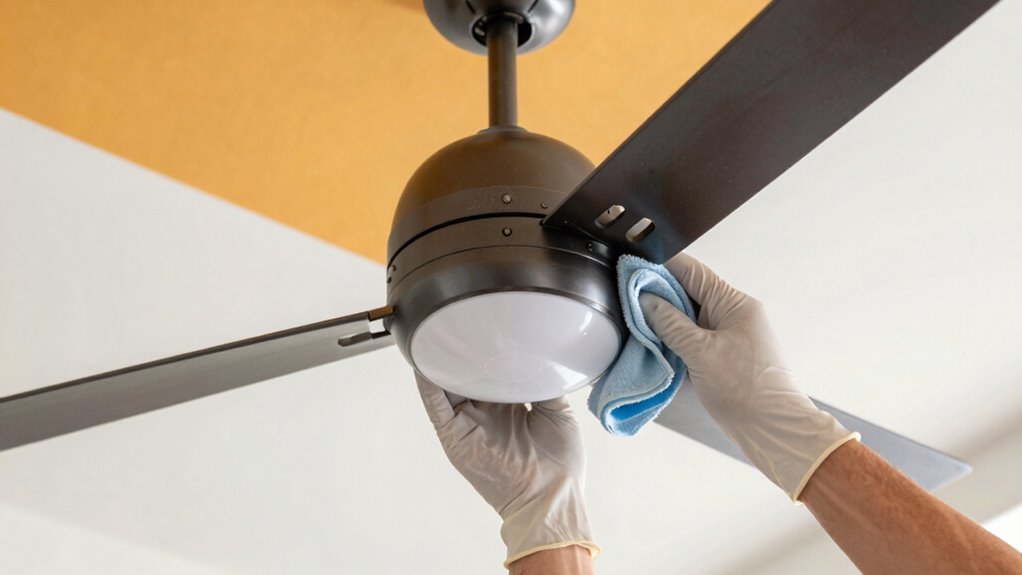
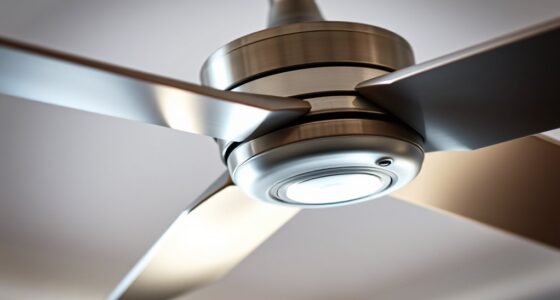
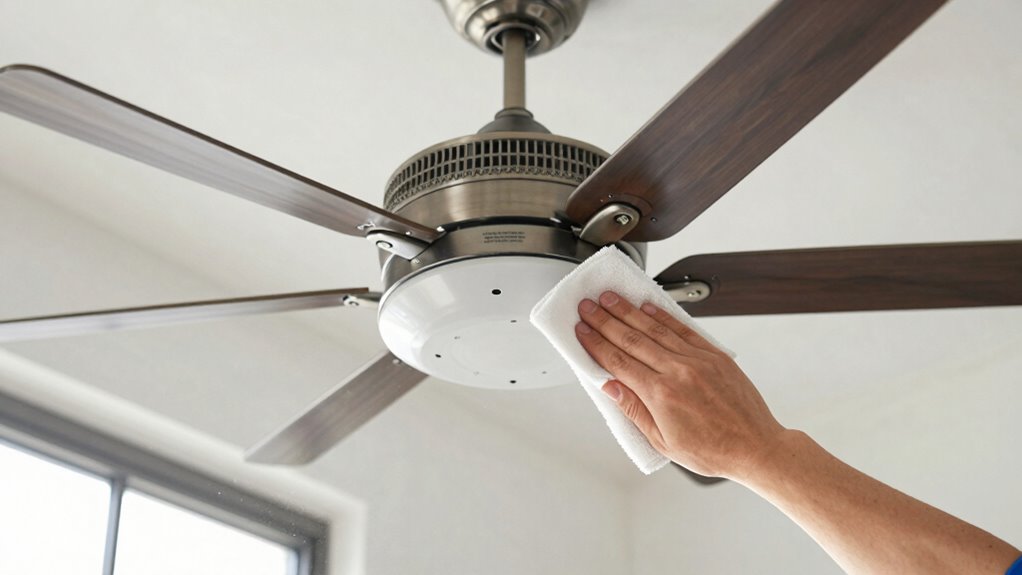
Performing a weekly fan maintenance routine is essential to keep your ceiling or oscillating fans running smoothly and efficiently. Regular upkeep prevents small issues from turning into costly repairs and helps maintain ideal airflow in your space. One of the most common problems you’ll notice if you neglect maintenance is dust buildup. Over time, dust collects on fan blades, diminishing their efficiency and spreading allergens around your home. To combat this, you should wipe down the blades with a damp cloth or a gentle cleaning spray at least once a week. Be sure to clean both sides of the blades thoroughly, as dust can settle on the top and bottom surfaces, impacting the fan’s balance and performance.
Regularly clean fan blades weekly to prevent dust buildup and ensure optimal airflow and performance.
Another critical aspect of fan maintenance involves checking blade alignment. Misaligned blades can cause wobbling, noise, and uneven wear, which not only shortens the lifespan of your fan but also reduces its effectiveness. After cleaning, take a moment to inspect the blades for any signs of warping or bending. If you notice that a blade is out of alignment, gently adjust it to match the others. Most ceiling fans have blade brackets or screws that can be tightened or adjusted to ensure the blades hang straight and level. Proper blade alignment maximizes airflow, minimizes noise, and keeps your fan operating quietly.
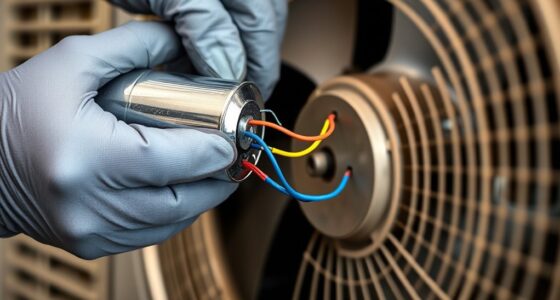
Beyond dust and alignment, it’s smart to examine the fan’s motor and moving parts regularly. Dust and dirt can accumulate in the motor housing, causing overheating or sluggish operation. Use a soft brush or compressed air to clear out any debris from the motor vents. Also, check the fan’s mounting hardware to ensure it’s secure; loose screws can lead to wobbling and noise. Lubricating the motor or moving parts, if applicable, can also extend the lifespan and improve performance, although many modern fans are maintenance-free in this regard. Incorporating regular maintenance can significantly boost your fan’s longevity and efficiency.
Finally, make it a habit to turn on the fan after cleaning and adjustments. Listen for unusual noises or vibrations, which can indicate imbalance or mechanical issues. If you notice persistent wobbling, recheck the blade alignment and tighten all screws. Consistently performing these simple maintenance steps in just minutes each week can prevent bigger problems down the line, keep your fan running quietly, and ensure it provides ideal cooling and air circulation whenever you need it. Taking a little time now saves you from costly repairs and replacement later, making your fan last longer and operate more efficiently.
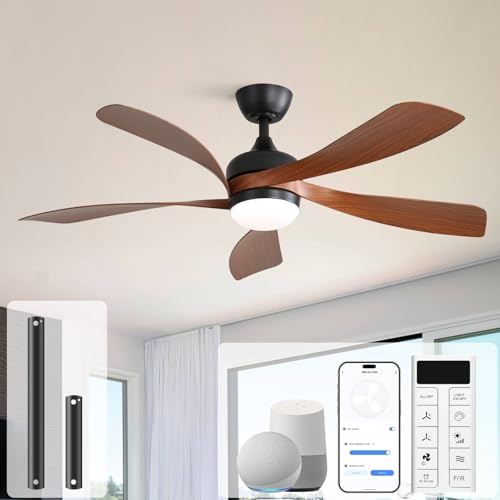
Sofucor 52" Smart Ceiling Fan, Indoor/Outdoor Ceiling Fans with Lights and Remote, Compatible with Alexa/Google/App, 3-Color Light 6-Speed Timing Reversible DC Motor for Bedroom Living Room Patio
Voice & App & Remote Control: Sofucor alexa ceiling fan with light can be controlled in 3 ways....
As an affiliate, we earn on qualifying purchases.
Frequently Asked Questions
How Often Should I Replace Fan Blades?
You should replace fan blades when they become bent, cracked, or excessively dirty, typically every 3 to 5 years, depending on usage and environment. Regular blade replacement helps maintain peak fan performance and extends its lifespan. Keep an eye on the blades for signs of wear, and don’t wait too long to replace them, as damaged blades can strain the motor and shorten the overall fan lifespan.
Can I Lubricate My Fan Without Turning It Off?
You shouldn’t lubricate your fan without turning it off, as doing so can be dangerous. Turning off the fan guarantees safety and allows you to properly check for issues like fan blade balancing or excessive noise. Lubricating while off helps reduce fan noise and prevents future repairs. Regular maintenance, including lubrication, keeps your fan running smoothly and efficiently, prolonging its lifespan and maintaining quiet operation.
What Tools Are Needed for Fan Maintenance?
Think of your fan’s toolkit as a secret weapon for smooth operation. You’ll need a soft cloth for fan blade cleaning, a screwdriver to access the motor, and a small brush for dust removal. Don’t forget to check the motor inspection points for any signs of wear. With these tools, you can keep your fan humming quietly, preventing big repairs and extending its lifespan effortlessly.
How Do I Identify a Faulty Fan Motor?
You can identify a faulty fan motor by checking for signs like unbalanced fan blades, which cause wobbling or noise, and motor overheating, indicated by excessive heat or burning smells. If the fan runs loudly, vibrates excessively, or stops unexpectedly, these are warning signs. Regularly inspecting the fan blade balance and feeling the motor for overheating can help you catch issues early, preventing more serious damage down the line.
Is Professional Servicing Necessary for All Fan Repairs?
While some fan repairs seem straightforward, professional servicing isn’t always necessary, especially when considering DIY safety and cost considerations. If you’re comfortable and confident, minor fixes can often be handled at home, saving money. However, for complex issues or if there’s any doubt about safety, hiring a professional guarantees the job’s done correctly and safely, preventing costly mistakes or accidents down the line.

ZMISHIBO 52 Inch Ceiling Fan with Light, App&Remote Control, Flush Mount Low Profile, Dimmable 20W LED Light, Quiet Reversible Motor for Bedroom, Living Room, Apartment, Black
Perfect Size for Rooms: This 52-inch ceiling fan is ideal for cooling and illuminating spacious areas like living...
As an affiliate, we earn on qualifying purchases.
Conclusion
By dedicating just five minutes each week to your fan, you prevent buildup and potential damage that could lead to costly repairs. Think of it like watering a plant—regular care keeps it healthy and thriving. Visualize your fan as a well-tuned machine; with simple maintenance, you guarantee it runs smoothly and efficiently. Consistency is key—you’ll enjoy better airflow, lower energy bills, and fewer surprises, proving that small efforts truly make a big difference over time.

52in Smart Low Profile Ceiling Fans with Lights Remote,Quiet DC Motor,Outdoor Indoor Flush Mount Ceiling Fan,Control with WIFI Alexa App,Dimmable,6-speed,3 White Wood blades,for Modern Bedroom Patio
【Voice &APP &Remote Control】52 inch Ceiling fan with lights and remote (handheld and wall mounted), still in control...
As an affiliate, we earn on qualifying purchases.
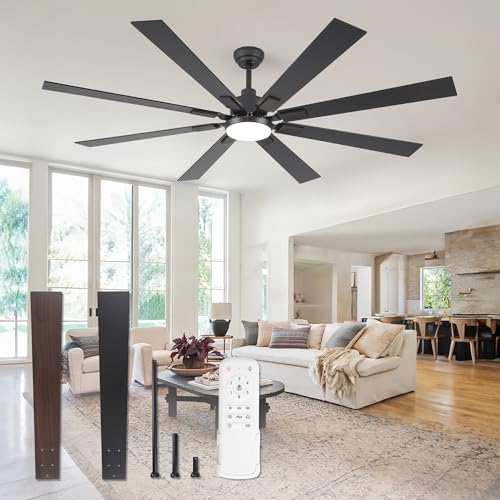
ZMISHIBO 72 inch Large Ceiling Fans with Lights and Remote, Indoor/Outdoor Black Modern Ceiling Fan for Kitchen Living Room Patio, 6 Speed Reversible Quiet DC Motor, 3 CCT, Dual Finish 8 Blades
72 Inch Ceiling Fan: This large ceiling fan includes 4“, 8”, and 24“ down rods, making it a...
As an affiliate, we earn on qualifying purchases.