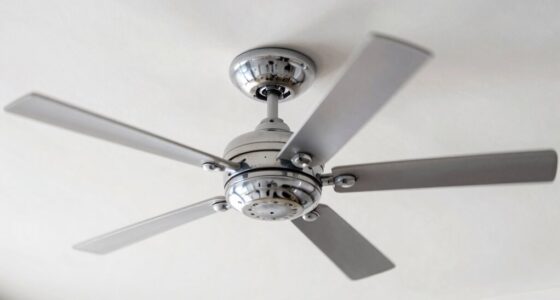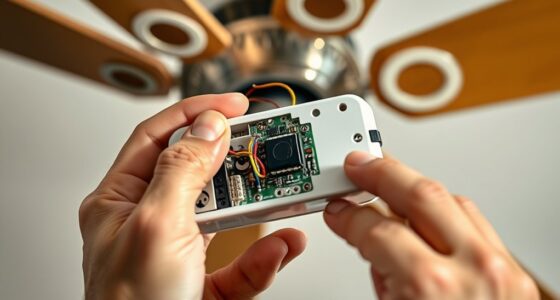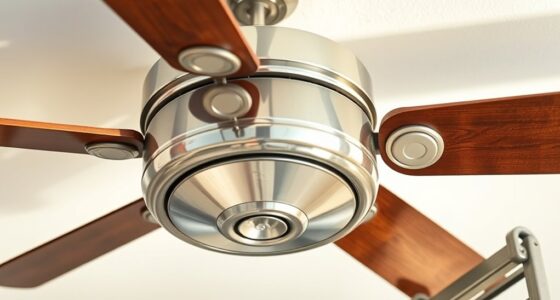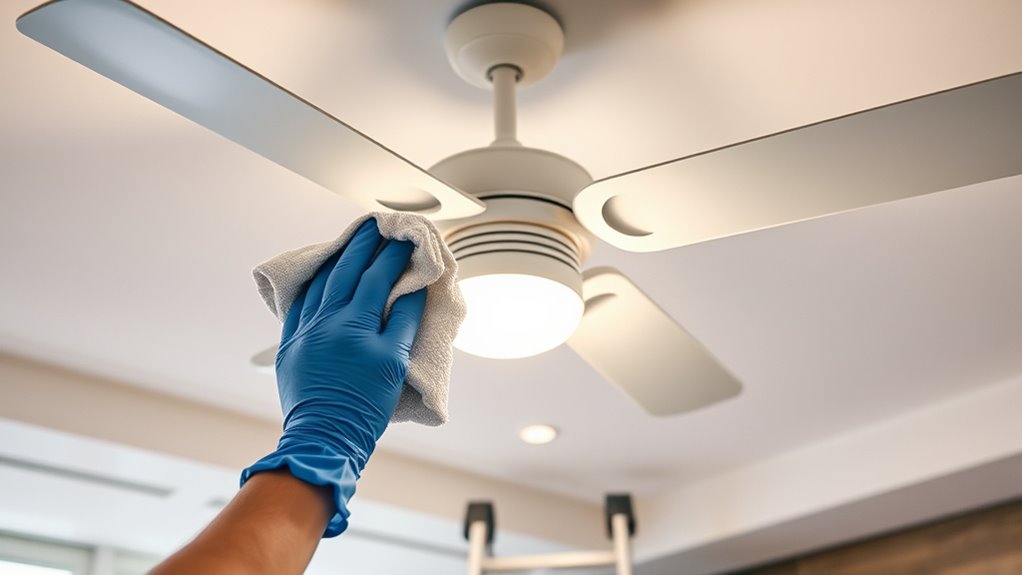

To clean a ceiling fan, first turn off the power and make certain the blades are still. Use a sturdy ladder, then dust the blades with a microfiber cloth or extendable duster, wiping both sides thoroughly. For sticky grime, dampen the cloth lightly with water or a gentle cleaning solution. You can also use the pillowcase method to trap dust without spreading it. Finish by wiping down the motor and fixtures, and then restore power—more tips await to keep your fan spotless and efficient.
Key Takeaways
- Turn off the fan and disconnect power for safety before cleaning.
- Dust blades with a microfiber cloth or extendable duster, using the pillowcase method for thorough removal.
- Wipe the motor and mounting bracket with a dry or lightly damp cloth, avoiding electrical components.
- Clean blades and fixtures systematically, focusing on top surfaces to prevent dust from settling elsewhere.
- Finish by wiping down the pull chain and fixtures, then restore power and check fan operation.
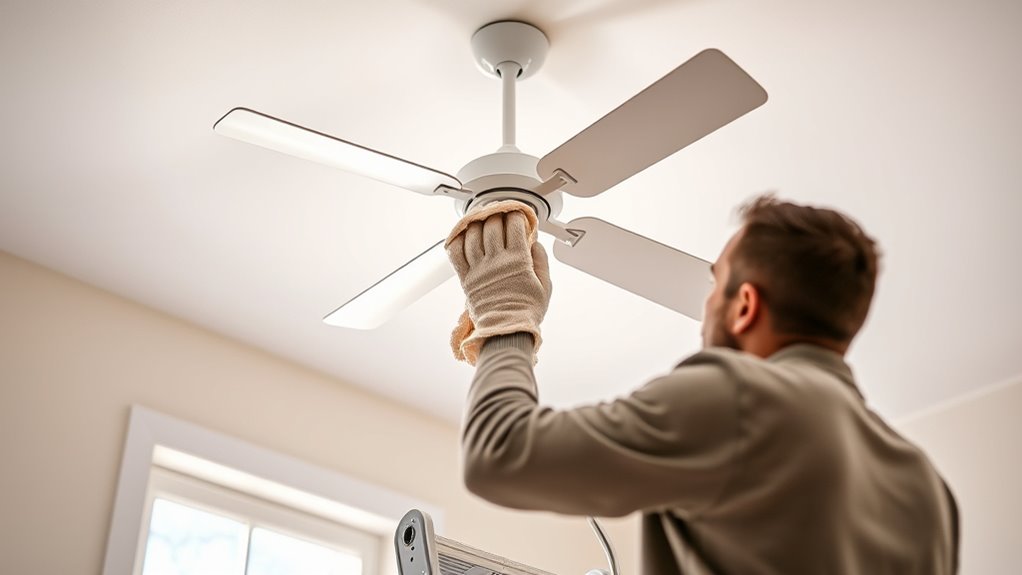
Cleaning a ceiling fan might not be the most glamorous chore, but keeping it dust-free is essential for good air quality and efficient operation. To start, turn off the fan and switch off the power at the circuit breaker if possible. This ensures safety and prevents the blades from spinning unexpectedly while you’re working. Use a sturdy ladder or step stool to reach the fan comfortably, making sure it’s stable before climbing. Gather your supplies: a microfiber cloth, a pillowcase, a mild cleaning solution or spray, and perhaps a duster with an extendable handle if needed.
Begin by removing dust from the fan blades with a dry microfiber cloth or a duster. If dust has accumulated heavily or is sticky, lightly dampen the cloth with water or a gentle cleaning solution. Wipe each blade thoroughly, paying attention to both the top and bottom surfaces. The top surfaces tend to collect the most dust, which can fall onto furniture or floors if left uncleaned. Be gentle to avoid bending or warping the blades, and work systematically from one side to the other to ensure no area gets overlooked.
Next, tackle the motor and the fan’s mounting bracket. Use a dry cloth or a lightly damp cloth to wipe away dust and cobwebs from these parts. Avoid spraying any liquid directly onto the motor or electrical components. If there are stubborn stains or grease buildup, a small amount of mild dish soap mixed with water can help. Wipe down the entire fixture carefully, making sure no dust or grime remains. This step helps maintain the fan’s efficiency and prolongs its lifespan.
To clean the fan’s blades more thoroughly and prevent dust from falling onto furniture, you can use a pillowcase method. Slip an old pillowcase over one blade, then gently pull it back while pressing against the blade to trap dust inside. This minimizes airborne dust and keeps your space cleaner. Repeat this process for each blade.
Finally, wipe down the fan’s pull chain, light fixtures, or any other accessible parts. Use a clean, dry cloth to give everything a final polish. Once you’re done, turn the power back on and observe the fan in operation to ensure it runs smoothly. Regular cleaning every few months not only improves air quality but also keeps your fan functioning quietly and efficiently, saving you energy and avoiding costly repairs in the long run. Incorporating proper maintenance practices can further enhance its lifespan and performance.

DRQ Ceiling Fan Cleaner Duster, Reusable Microfiber Duster with Extension Pole, 13 to 48 Inch Fan Blade Cleaner, Removable Dusters for Cleaning Walls Bookshelves Door Window Top (Blue)
[Easy to Store] The ceiling fan cleaning tools has a hanging hole at the back that is easy…
As an affiliate, we earn on qualifying purchases.
As an affiliate, we earn on qualifying purchases.
Frequently Asked Questions
How Often Should I Clean My Ceiling Fan?
You should clean your ceiling fan at least once every three to four months to prevent dust buildup and maintain air quality. If you have pets or allergies, consider cleaning monthly. Turn off the fan before cleaning, use a microfiber cloth or pillowcase to trap dust, and wipe down the blades thoroughly. Regular cleaning keeps your fan running efficiently, reduces allergens, and prolongs its lifespan.
Can I Clean a Ceiling Fan While It’s On?
Cleaning a ceiling fan while it’s on is like trying to catch leaves in a gust—it’s unsafe and chaotic. You should always turn off and unplug the fan before cleaning. This prevents accidents and guarantees you don’t get hurt. Wait until the blades are completely stationary. Use a sturdy ladder or step stool, and wear gloves for a safe, thorough clean that won’t risk injury or damage.
What Cleaning Products Are Safe for Ceiling Fans?
You should use gentle, non-abrasive cleaning products for your ceiling fan, like a mixture of mild dish soap and water or a dedicated multi-surface cleaner. Avoid harsh chemicals such as bleach or ammonia, which can damage the finish or motor. Always spray your cleaner onto a microfiber cloth first, then wipe the blades carefully. This approach keeps your fan clean without risking damage or leaving residue.
How Do I Reach High or Hard-To-Access Fans?
A stitch in time saves nine, so don’t delay! To reach high or hard-to-access fans, grab a sturdy ladder or extendable duster. Make sure it’s stable, and wear slip-resistant shoes. Use a microfiber cloth or duster attached to the extendable pole to wipe the blades thoroughly. Always turn off the fan before cleaning, and if needed, get someone to hold the ladder steady for added safety.
Is It Necessary to Turn off the Power Before Cleaning?
Yes, you should turn off the power before cleaning your ceiling fan to guarantee safety. Flick the switch off or turn off the circuit breaker to eliminate any risk of electrical shock or accidental activation. Wait a few minutes for the fan to fully stop moving. This precaution helps you clean thoroughly and safely, preventing injuries or damage to the fan’s motor or wiring. Always prioritize safety first.
DRQ Ceiling Fan Cleaner Duster, Reusable Microfiber Duster with Extension Pole, 13 to 48 Inch Fan Blade Cleaner, Removable Dusters for Cleaning Walls Bookshelves Door Window Top (Blue)
[Easy to Store] The ceiling fan cleaning tools has a hanging hole at the back that is easy…
As an affiliate, we earn on qualifying purchases.
As an affiliate, we earn on qualifying purchases.
Conclusion
Now that you’ve learned how to clean your ceiling fan, you can keep it running smoothly and looking great. Regular cleaning prevents dust buildup, improves air quality, and extends the fan’s lifespan. Think of it like tending a garden—consistent care keeps everything thriving. By following these steps, you guarantee your fan remains efficient and dust-free, creating a fresher, more comfortable space. With a little effort, your ceiling fan will continue to circulate air like a well-oiled machine.

Ceiling Fan Cleaner Duster with 72‘’ Extendable Long Handle Cleaning Duster Kit, Reusable Chenille & Microfiber Mop Head for High Ceiling Fan Blade Wall Blinds Cobweb
【Multipurpose Household Cleaning Tool】MNWHUC ceiling fan cleaner duster could be used to clean ceiling fan, baseboard, blinds, moldings,…
As an affiliate, we earn on qualifying purchases.
As an affiliate, we earn on qualifying purchases.
DRQ Ceiling Fan Cleaner Duster, Reusable Microfiber Duster with Extension Pole, 13 to 48 Inch Fan Blade Cleaner, Removable Dusters for Cleaning Walls Bookshelves Door Window Top (Blue)
[Easy to Store] The ceiling fan cleaning tools has a hanging hole at the back that is easy…
As an affiliate, we earn on qualifying purchases.
As an affiliate, we earn on qualifying purchases.