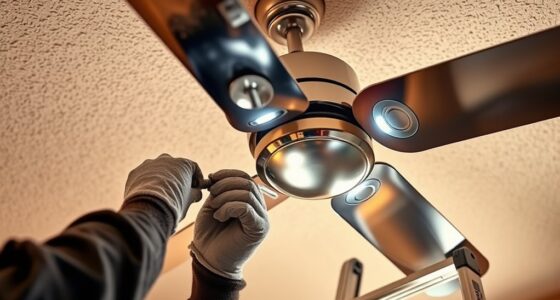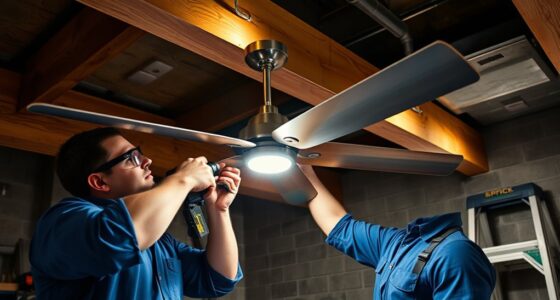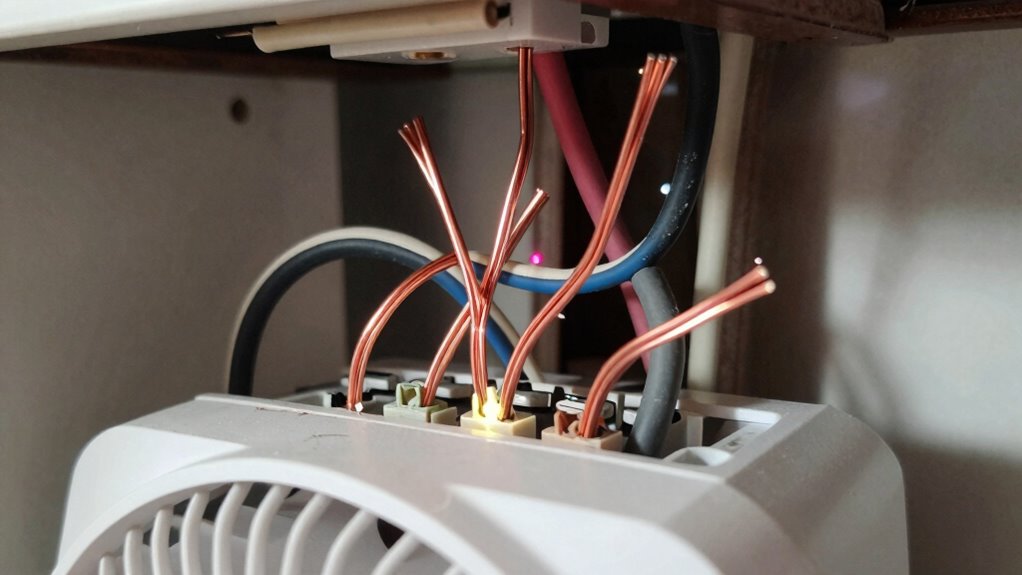

To avoid buzzing in your smart fan switch, make certain all wiring connections are secure and correctly installed, especially the hot, load, neutral, and ground wires. Loose or improper wiring often causes buzzing or flickering, so double-check each connection before powering up. use insulated tools and turn off power at the breaker during installation. If you keep experiencing issues, understanding common wiring mistakes can help you troubleshoot effectively—continue to learn more about guaranteeing a smooth, quiet operation.

Get home appliances delivered free with Prime
- Fast, free delivery on millions of items
- Prime Video, Amazon Music and more included
- Member-only deals all year
Key Takeaways
- Loose or incorrect wiring connections, especially at hot, load, or neutral terminals, often cause buzzing sounds.
- Failing to properly connect the neutral wire in switches requiring it can lead to electrical noise.
- Using incompatible switches with your existing wiring setup may result in vibrations or buzzing.
- Not following the wiring diagram accurately increases the risk of loose contacts and noise issues.
- Installing a switch without a proper ground connection can cause electrical interference and buzzing.
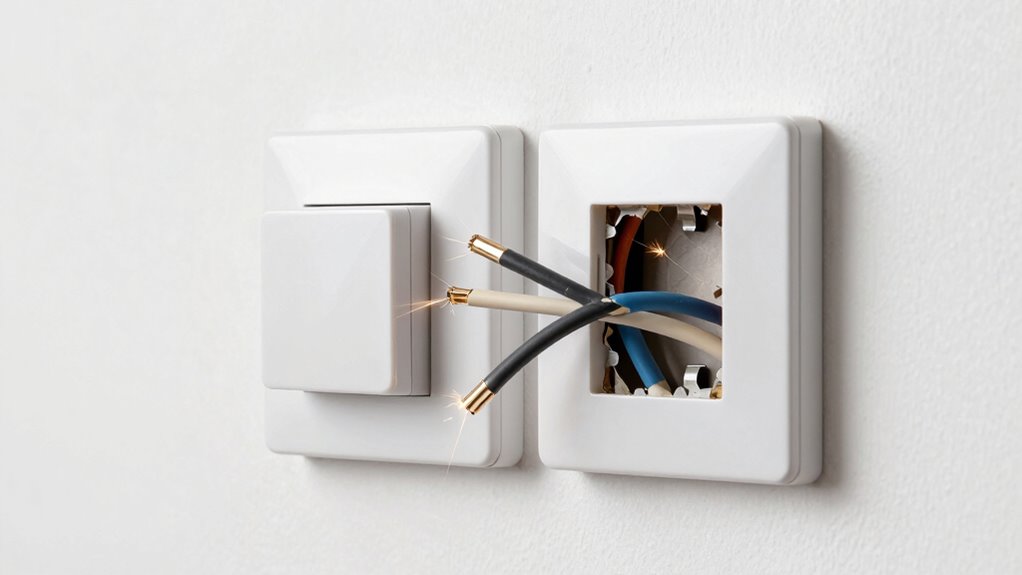
Installing a smart fan switch is a straightforward way to modernize your home and gain more control over your ceiling fans. One of the first things you’ll want to consider is wireless compatibility. Many smart switches are designed to connect seamlessly with your home Wi-Fi network and integrate with voice assistants like Alexa or Google Assistant. Before beginning the installation, check that your smart switch is compatible with your existing smart home ecosystem and your Wi-Fi setup. This guarantees smooth operation and avoids frustrating connectivity issues later on.
When working with electrical components, safety precautions are essential. Turn off the power at the circuit breaker before you start wiring. Use a voltage tester to confirm that the power is fully disconnected from the switch box. Wear insulated gloves and use insulated tools to prevent accidental shocks. If you’re unsure about any step, consult a professional electrician. Taking these precautions minimizes risks and helps you avoid common wiring mistakes that can cause problems like buzzing or flickering in your ceiling fan.
As you prepare to wire your smart switch, pay close attention to the switch’s wiring diagram and instructions. Many smart switches require a neutral wire, which might not be present in older homes. If you don’t have a neutral wire, look for switches designed specifically for no-neutral installations or consider adding a neutral wire with professional help. Properly connecting the hot, load, ground, and neutral wires ensures reliable operation and prevents issues like buzzing, which often result from loose or incorrect wiring connections. Double-check your wiring before restoring power to avoid shorts and potential fire hazards. Understanding the importance of contrast ratio in wiring and installation can help you troubleshoot issues related to brightness and flickering.
Wireless compatibility also plays a role in the overall performance of your smart fan switch. After wiring, reconnect the power and follow the manufacturer’s setup instructions to connect your switch to your Wi-Fi network. Keep your smartphone or control device close during setup to ensure a strong signal. This step is vital because weak Wi-Fi signals can cause delays or disconnections, leading to inconsistent fan operation or buzzing sounds.
As an affiliate, we earn on qualifying purchases.
Frequently Asked Questions
Can I Install a Smart Fan Switch Without Professional Help?
You can attempt a DIY installation of a smart fan switch if you’re comfortable with basic wiring, but it’s wise to contemplate professional assistance for safety and proper setup. If you’re unfamiliar with electrical work or unsure about wiring, hiring a professional helps prevent issues like buzzing or malfunction. Always turn off power before working, follow instructions carefully, and know your limits—when in doubt, seek expert help to avoid costly mistakes.
Are There Specific Brands Recommended for Quiet Operation?
If you’re aiming for quiet operation, some brands stand out for their reliability and silence, such as Lutron, Leviton, and GE. These brands are known for their quality, ease of installation, and minimal noise. When choosing, prioritize brand recommendations and customer reviews to guarantee you get a switch that operates quietly. By selecting reputable brands, you’ll enjoy a peaceful environment and avoid the buzzing caused by inferior wiring or switches.
What Safety Precautions Should I Take Before Wiring?
Before wiring your smart fan switch, prioritize electrical safety by turning off the power at the circuit breaker. Use proper wiring tools like insulated screwdrivers and wire strippers to prevent shocks. Double-check that the power is off with a voltage tester before touching any wires. Always follow the manufacturer’s instructions carefully, and if you’re unsure, consult a professional. Safety first guarantees a smooth, trouble-free installation.
Will a Smart Switch Work With All Ceiling Fan Types?
A smart switch generally works with most ceiling fan types, but you should check fan compatibility first. Some fans, especially those with remote controls or pull chains, might need specific wiring or fan controllers. You’ll want to verify that your ceiling fan type aligns with the switch’s requirements. Always consult the switch’s instructions or a professional electrician to confirm compatibility and proper installation for safe, efficient operation.
How Do I Troubleshoot if My Fan Still Buzzes After Installation?
Think of your fan as a musical instrument; if it buzzes, it’s out of tune. To troubleshoot, first turn off power and check wiring issues, making certain all connections are secure and correct. Sometimes, loose wires or incompatible dimmers cause the buzzing noise. If the problem persists, replace the switch or consult an electrician. Proper wiring ensures your fan runs smoothly without unwanted noise.
Conclusion
Remember, a stitch in time saves nine. When installing your smart fan switch, double-check your wiring to avoid buzzing and other issues. Taking the time to do it right now can save you headaches later. If you’re unsure, don’t hesitate to consult a professional. Proper wiring guarantees smooth operation and peace of mind. After all, a little effort now keeps problems at bay and keeps your home running quietly and efficiently.
Cold & flu season Picks
humidifiers
As an affiliate, we earn on qualifying purchases.