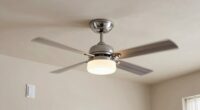
For a clean ceiling fan switch wiring setup, consider installing a smart switch that replaces the traditional wall switch, eliminating clutter and streamlining controls. Guarantee your wiring includes a neutral wire if needed and connect the line, load, and ground securely. You can also add a remote receiver within the fan for remote control compatibility. This combination offers safety, minimalism, and modern convenience—stay with us to discover the best wiring options for your ideal setup.
Key Takeaways
- Use a smart switch compatible with your wiring and fan to eliminate traditional pull chains and switches.
- Verify the presence of a neutral wire to facilitate a clean, streamlined wiring setup.
- Connect the line, load, neutral, and ground wires correctly for safe, minimalistic wiring.
- Install a remote receiver within the fan housing to enable remote control without additional wall switches.
- Bypass or replace traditional switches with a single smart switch for a sleek, modern look.
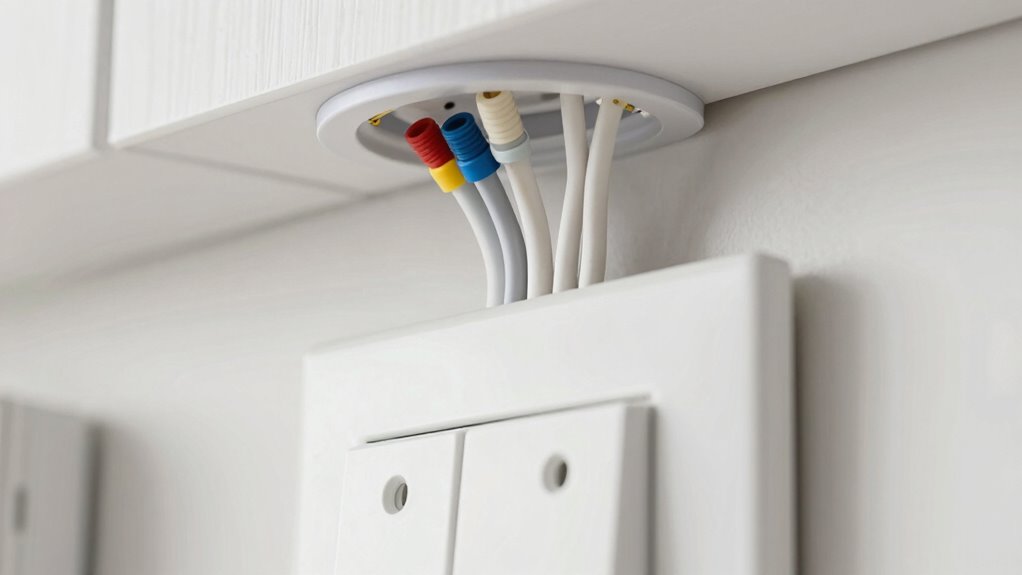
Wiring a ceiling fan wall switch might seem intimidating, but with the right guidance, you can do it safely and correctly. When aiming for a clean, modern setup, you have several options to contemplate. One popular choice is installing a smart switch that allows you to control your fan remotely or via smartphone. This setup eliminates the need for a traditional wall switch, providing seamless integration with your smart home system. If you prefer the convenience of remote control, some smart switches come with accompanying remotes, giving you the flexibility to operate your fan from anywhere in the room or even from another room.
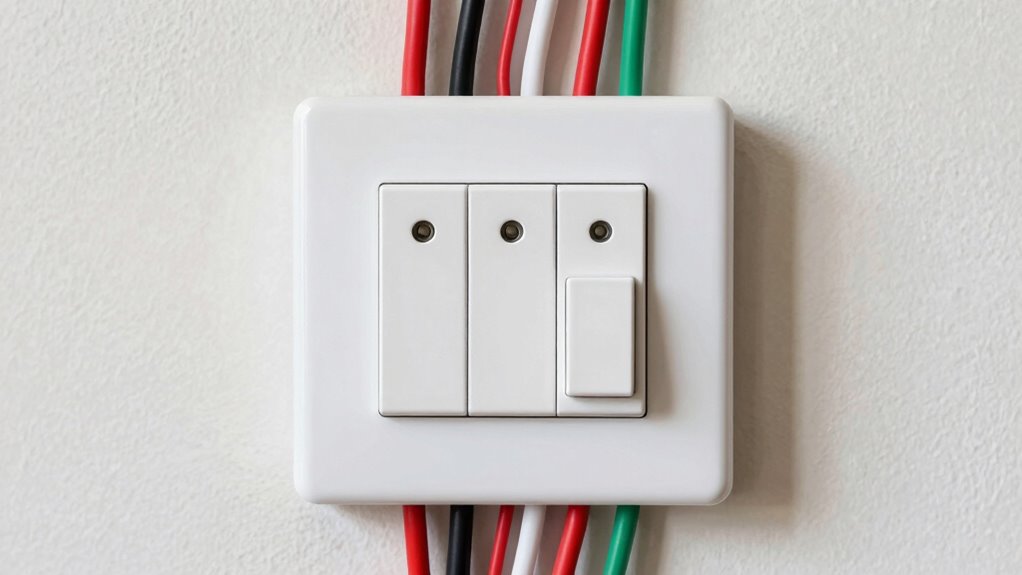
First, you need to turn off the power at the circuit breaker to ensure safety. Once the power’s off, remove the existing switch and assess the wiring. Most smart switches are designed to work with standard wiring setups, but double-check the compatibility with your home’s wiring and your ceiling fan. When installing a smart switch, you’ll typically connect the line wire (hot), load wire (going to the fan), neutral wire, and ground wire. Many smart switches require a neutral wire, which is often overlooked but essential for their operation. If your home lacks a neutral wire at the switch box, you might need to consult an electrician or consider alternative wiring options. Additionally, understanding the contrast ratio of your setup can help ensure your lighting and fan controls work harmoniously for optimal comfort and visibility.
For a minimal aesthetic and the cleanest setup, a smart switch can replace your traditional switch and integrate with voice assistants like Alexa or Google Assistant. This way, you can control your fan with voice commands or via a smartphone app, reducing clutter and making operation more intuitive. When wiring a remote control compatible fan, you’ll need to ensure the remote receiver is properly installed within the fan housing, and the switch wiring is compatible with the receiver’s requirements. This setup allows you to use remote control functionality while keeping the wall switch simple or even bypassing it altogether for a streamlined look.

Kasa Smart Ceiling Fan Control & Dimmer Switch | Adjustable 4-Speed Fan & Brightness Control | Works w/Apple HomeKit, Alexa & Google Home | 2.4G Wi-Fi Only, Single Pole, Neutral Wire Required | KS240
【4 Fan Speeds】 Tailor your airflow to your exact preferences by choosing from four fan speeds for the…
As an affiliate, we earn on qualifying purchases.
As an affiliate, we earn on qualifying purchases.
Frequently Asked Questions
Can I Wire a Ceiling Fan Switch Myself Without Professional Help?
You can attempt DIY wiring for your ceiling fan switch, but you should prioritize electrical safety. If you’re comfortable with basic wiring and understand local codes, follow proper procedures carefully. However, if you’re unsure or unfamiliar with electrical work, it’s safer to hire a professional. Incorrect wiring can cause damage or pose safety hazards, so don’t compromise safety for convenience. Always switch off power and double-check your work before turning it back on.
What Safety Precautions Should I Take Before Starting Wiring?
Before you jump into wiring, remember safety first—because shocking yourself isn’t as fun as it sounds. Turn off the power at the breaker, and use proper wiring tools to prevent mishaps. Electrical safety is key; double-check that the circuit’s dead. Wear insulated gloves and goggles, and have a fire extinguisher nearby. If unsure, don’t risk it—call a pro. Better safe than fried!
How Do I Identify Different Wires in My Ceiling Fan Setup?
To identify different wires in your ceiling fan setup, start by turning off the power and removing the fan’s canopy. Use a voltage tester to check for live wires. Typically, black or red wires are hot, white wires are neutral, and green or bare copper are ground. Always follow wire color codes and double-check with voltage testing to guarantee safety before proceeding with wiring.
Is It Possible to Add a Dimmer Switch to My Ceiling Fan?
You can add a dimmer switch to your ceiling fan if it’s dimming compatible, but not all fans support dimming. Check your fan’s specifications first. If it’s incompatible, consider switch alternatives like fan speed controls or remote dimmers designed for fans. Always guarantee the switch you choose is rated for fan loads and compatible with your fan’s type to avoid electrical issues or damage.
What Are the Common Issues Faced With Ceiling Fan Wall Switch Wiring?
You might face common issues like grounding problems and wiring compatibility when wiring your ceiling fan wall switch. Grounding issues can cause electrical shocks or fan malfunctions, so make certain all grounding wires are properly connected. Wiring compatibility is critical; using incompatible switches or improper wiring can lead to flickering or non-functioning fans. Double-check all connections, follow manufacturer instructions, and consider consulting an electrician to avoid these common pitfalls.
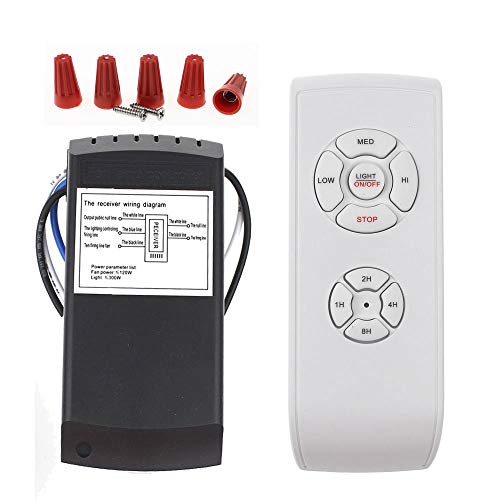
LPHUMEX Universal Ceiling Fan Remote Control Kit, 3-in-1 AC Motor Ceiling Fan Light Timing & Speed Remote, for Hunter/Harbor Breeze/Westinghouse/Honeywell/Other Ceiling Fan lamp
☞Easy Installation – Installation of the Universal Ceiling Fan Remote Controls Kit is a breeze and the looks…
As an affiliate, we earn on qualifying purchases.
As an affiliate, we earn on qualifying purchases.
Conclusion
With the right wiring setup, your ceiling fan becomes a well-choreographed dance of comfort and control. Think of your switch as the conductor, guiding the breeze smoothly through your space. By choosing the cleanest wiring options, you guarantee a seamless performance that’s both safe and stylish. So, take charge of your wiring project, and let your ceiling fan be the centerpiece of effortless elegance—turning your room into a symphony of cool comfort.

Kasa Smart Light Switch HS200, Single Pole, Needs Neutral Wire, 2.4GHz Wi-Fi Light Switch Works with Google Home, UL Certified, No Hub Required, White
App-Guided Install: The Kasa or Tapo app guides you through step-by-step setup. Requires neutral wiring and 2.4 GHz…
As an affiliate, we earn on qualifying purchases.
As an affiliate, we earn on qualifying purchases.
LPHUMEX Universal Ceiling Fan Remote Control Kit, 3-in-1 AC Motor Ceiling Fan Light Timing & Speed Remote, for Hunter/Harbor Breeze/Westinghouse/Honeywell/Other Ceiling Fan lamp
☞Easy Installation – Installation of the Universal Ceiling Fan Remote Controls Kit is a breeze and the looks…
As an affiliate, we earn on qualifying purchases.
As an affiliate, we earn on qualifying purchases.