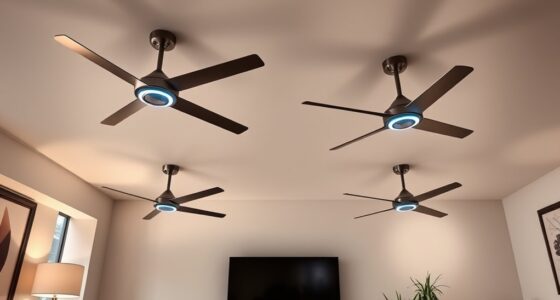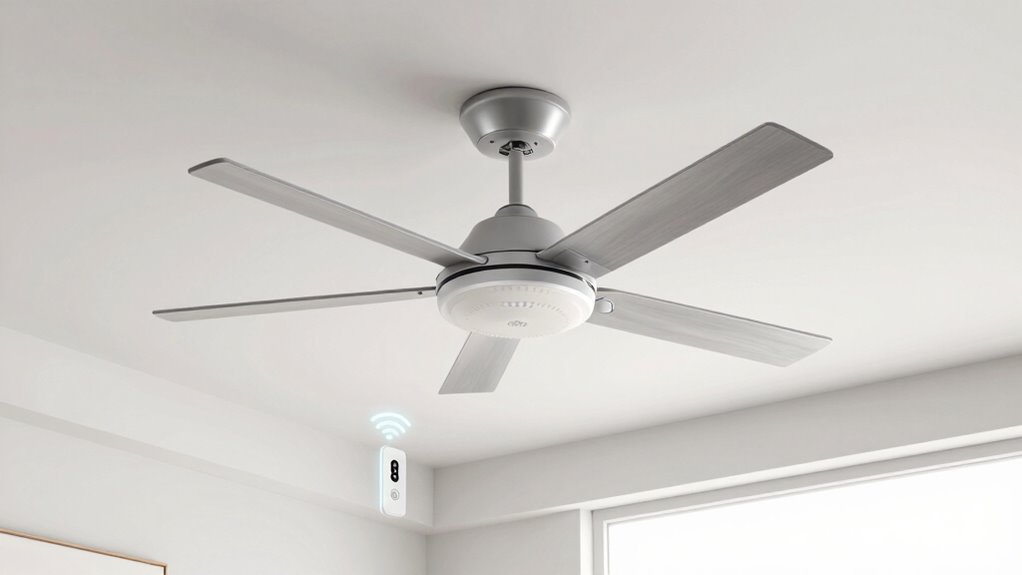
If your smart fan acts dumb, it’s likely due to Wi-Fi connectivity issues or network problems that disrupt control, making it seem less smart. Bluetooth fans, while simpler and easier to set up, are limited to local control and can’t be operated remotely. Choosing between Wi-Fi and Bluetooth depends on your needs—if you want more control, Wi-Fi is better, but if reliability and simplicity matter more, Bluetooth is a solid choice. Keep exploring to find out more.
Key Takeaways
- Wi-Fi fans may seem “dumb” if their connection drops or if they require complex setup and troubleshooting.
- Bluetooth fans can act “dumb” if out of range or if the device they’re paired with is turned off.
- Limited control features and connectivity issues can make smart fans less responsive or seem unresponsive.
- Network interference or unstable Wi-Fi can hinder Wi-Fi fan operation, reducing their “smart” capabilities.
- Incompatibility with updates or app errors can cause smart fans to malfunction or appear less intelligent.
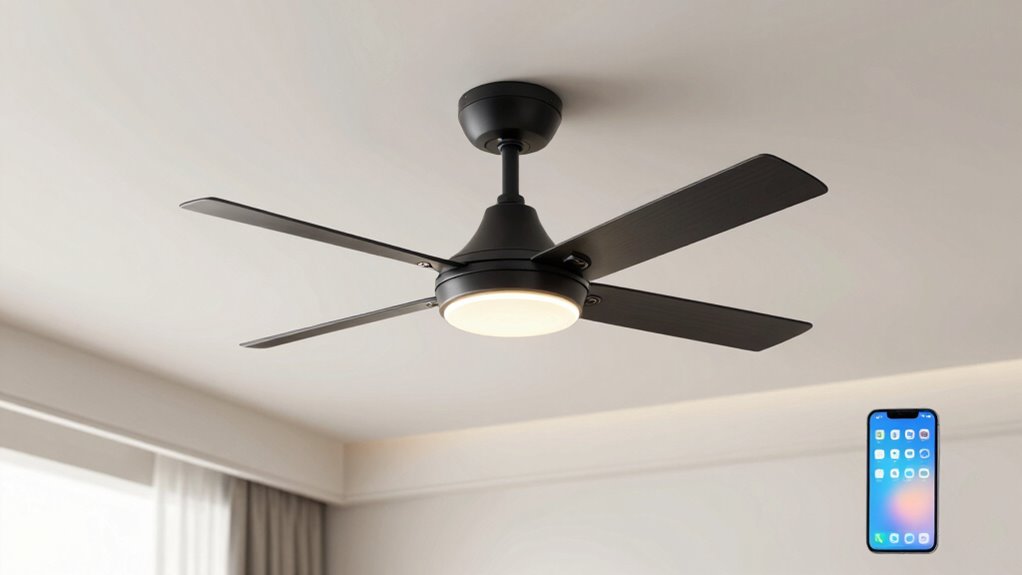
Are you trying to decide between Wi-Fi and Bluetooth ceiling fans for your home? It’s a common dilemma, especially as more smart home devices flood the market. Both options promise convenience and modern control, but they differ considerably in how they operate and what you should expect. One of the key considerations is energy efficiency. Wi-Fi fans generally consume more power because they stay connected to your home network constantly, which can add up over time. Bluetooth fans, on the other hand, typically use less energy since they only activate when you’re directly connected or within range. If you’re focused on reducing your energy bill, a Bluetooth fan might be the more efficient choice. But energy savings aren’t the only factor; installation complexity also plays a crucial role.
When it comes to installation, Wi-Fi fans often require a more involved process. They usually need a stable Wi-Fi connection, a compatible smart hub or app, and sometimes even a dedicated outlet or wiring upgrade. Setting these up can be tricky if you’re not familiar with home networking or electrical work. You might find yourself calling in a professional to ensure everything is wired correctly, which adds to the overall cost and time. Bluetooth fans, however, tend to be simpler to install. They often connect directly to your smartphone or remote without the need for a network or additional hubs. This straightforward setup makes them appealing if you want a quick, hassle-free upgrade to your ceiling fan. Additionally, modern smart technology is continually evolving, making seamless integration more accessible over time.
However, keep in mind that Wi-Fi fans offer broader control capabilities. You can integrate them with other smart devices, set schedules, and control them remotely from anywhere with an internet connection. This level of convenience is unmatched, especially if you’re looking to automate your home environment. Bluetooth fans are more limited—they work only within a certain range and usually require you to be physically near the fan to operate it. So, if you want to control your fan from your couch or outside your house, Wi-Fi is the better choice.
Frequently Asked Questions
Can Wi-Fi or Bluetooth Fans Be Controlled Without an App?
Yes, many Wi-Fi or Bluetooth fans can be controlled without an app. You can use a remote control for convenient operation or manually operate the fan with physical buttons on the unit itself. These options let you adjust speed and settings without relying on your smartphone. So, even if the app isn’t working, you still have easy ways to control your smart fan with a remote or manual controls.
Do Wi-Fi Fans Consume More Energy Than Bluetooth Fans?
Wi-Fi fans generally consume more energy than Bluetooth fans because they have more powerful modules and constant connectivity. If you’re concerned about energy consumption, Bluetooth fans are more power-efficient since they only activate when you use them via an app or remote. To save on power, choose a fan with good energy efficiency ratings and turn it off when not in use.
Are Wi-Fi or Bluetooth Fans More Secure From Hacking?
Wi-Fi fans are generally more secure from hacking than Bluetooth fans because they use stronger encryption protocols like WPA3, which safeguard your network better. Plus, keeping firmware updates current ensures vulnerabilities are patched, reducing risks. While no device is completely hack-proof, Wi-Fi fans tend to offer better security if you enable encryption and regularly update the firmware, making them safer for your smart home.
How Does the Installation Process Differ Between Wi-Fi and Bluetooth Fans?
You’ll find that Wi-Fi fans generally have a more complex installation process due to advanced wiring requirements and integration with your home network. Bluetooth fans are simpler to set up because they typically connect directly to your device without needing extensive wiring. With Wi-Fi, you might need to handle additional connections and configurations, whereas Bluetooth fans usually require just pairing with your smartphone or remote, making installation quicker and easier.
Can These Smart Fans Be Integrated With Voice Assistants?
Yes, these smart fans can be integrated with voice assistants like Alexa or Google Assistant. You simply connect them to your smart home system, enabling voice command control. With voice assistant integration and smart home compatibility, you can turn your fan on or off, adjust speed, or set schedules effortlessly. This seamless connectivity makes managing your fan more convenient, intuitive, and hands-free, enhancing your overall smart home experience.
Conclusion
So, the next time you flick your switch or tap your app, remember that your smart fan’s true intelligence lies in its connection. Whether it hums quietly through Wi-Fi or pairs effortlessly via Bluetooth, it’s like a silent dance of signals behind the ceiling. When you understand these differences, you’ll see your fan not just as a device, but as a whispering partner in your comfort, ready to respond swiftly amid the gentle glow of your room’s ambient light.