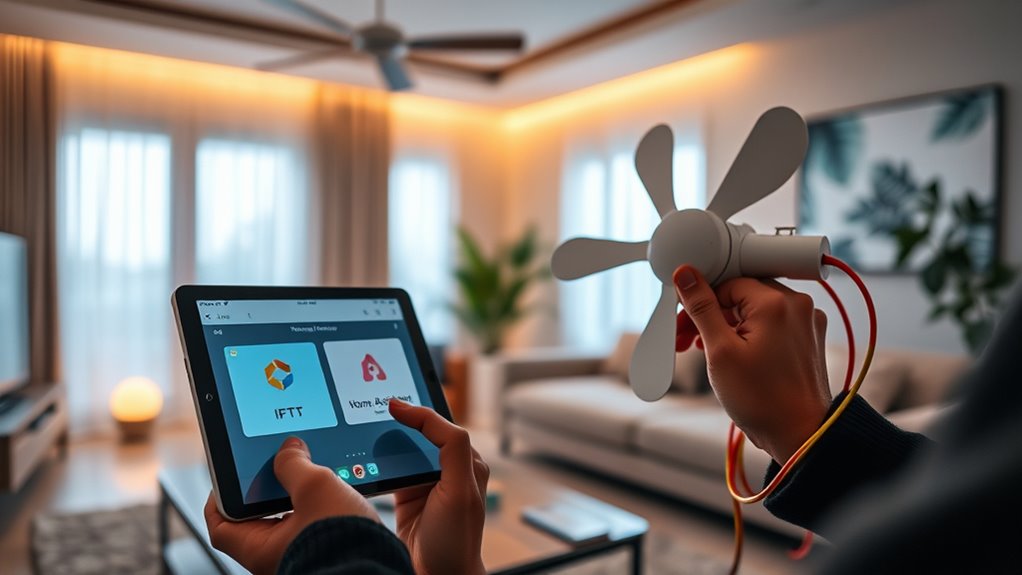

To set up your smart fan automation with IFTTT and Home Assistant, verify that your device is compatible with your home automation ecosystem via native integrations or protocols like MQTT, Zigbee, or Z-Wave. Add the device to Home Assistant, and confirm it responds correctly. Next, create automations triggered by sensors or external events, using IFTTT webhooks for broader control. Configuring logging and conditions guarantees reliable, energy-efficient operation. Proceed further to master advanced setups and optimize your system.
Key Takeaways
- Integrate your smart fan with Home Assistant via native support or protocols like MQTT, Zigbee, or Z-Wave.
- Create automation rules in Home Assistant triggered by sensors or external events, setting conditions and actions.
- Generate IFTTT webhook URLs in Home Assistant to trigger automations based on weather, voice commands, or other triggers.
- Set up IFTTT applets to call Home Assistant webhooks, enabling cross-platform control and notifications.
- Use logging and scheduling in Home Assistant to ensure reliable, energy-efficient fan automation responsive to environmental data.
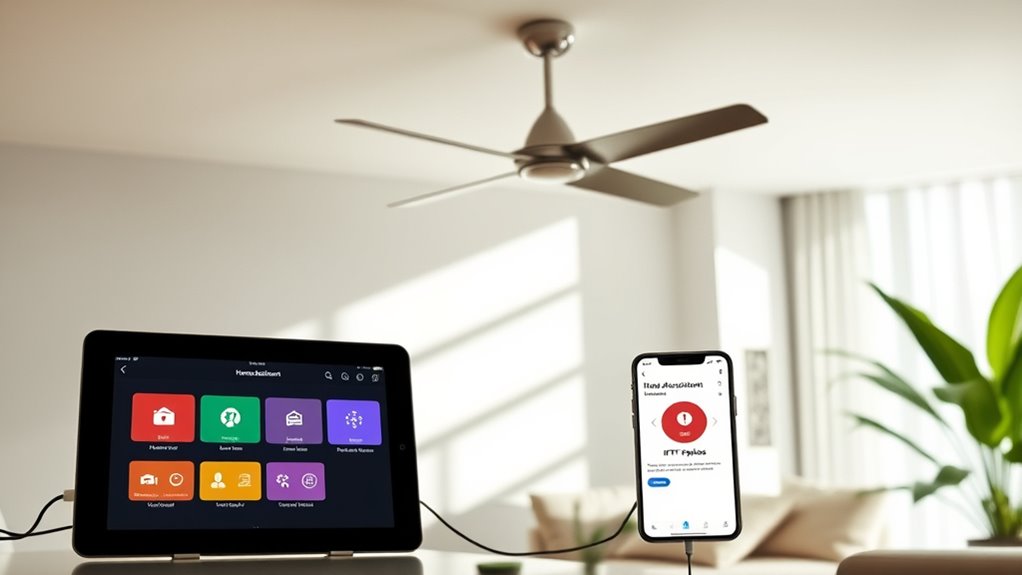
Integrating smart fan automation with IFTTT and Home Assistant allows you to create precise, responsive control systems that enhance comfort and energy efficiency. This setup enables real-time adjustments based on environmental data, user preferences, and external triggers, minimizing manual intervention. To establish this automation, you first confirm your smart fan is compatible with your home automation ecosystem, either through native integrations or via MQTT, Zigbee, or Z-Wave protocols. Next, you configure Home Assistant to recognize your device, which involves adding the appropriate integration or platform component and verifying connectivity. Once recognized, you can access the device through the Home Assistant interface for further automation setup.
Create precise, responsive smart fan control with Home Assistant, IFTTT, and environmental triggers for enhanced comfort and energy savings.
The core of this system involves creating automation rules within Home Assistant that respond to specific conditions or inputs. For example, you might set an automation that turns on the fan when the indoor temperature exceeds a certain threshold. This involves defining trigger entities—such as a temperature sensor—along with the threshold value. You then specify the action, which could be turning on the fan entity. To optimize responsiveness, you can incorporate conditions that prevent rapid toggling, such as requiring the temperature to stay above the threshold for a specific duration before activating the fan. This precise control minimizes unnecessary energy consumption and maintains user comfort. Additionally, understanding the importance of environmental considerations helps ensure your setup promotes sustainable and responsible use.
To incorporate IFTTT, you create applets that act as external triggers or response points. You generate an IFTTT webhook URL in Home Assistant, which can be called by other services or devices. When a certain event occurs—say, a specific weather forecast or a voice command—you send a request to this webhook, which triggers an automation in Home Assistant. Conversely, you can have Home Assistant send signals to IFTTT to execute actions outside your local network, such as sending notifications or adjusting other smart devices. This integration broadens the automation scope, enabling cross-platform interactions and expanding your control capabilities.
For precise and reliable operation, you should implement logging and debugging mechanisms within Home Assistant. This allows you to monitor automation execution, troubleshoot issues, and refine conditions and triggers as needed. Additionally, you should consider scheduling routines or incorporating input booleans to enable or disable automation based on user presence or preferences. Properly configured, this setup guarantees that your smart fan responds accurately to environmental changes, external triggers, and your personal preferences, resulting in a seamless, energy-efficient climate control system.

Roomratv 52 Inch Smart Ceiling Fan with Light,App Control,Ultra Silent Reversible DC Motor Fan Remote Control Compatible with Alexa Google home(black)
All In One Smart Fan:Roomratv smart ceiling fan creates a smart home, you can control ceiling fans with…
As an affiliate, we earn on qualifying purchases.
As an affiliate, we earn on qualifying purchases.
Frequently Asked Questions
Can I Integrate Multiple Fans With Different Brands Using This Setup?
Yes, you can integrate multiple fans from different brands using this setup. You’ll need compatible smart switches or hubs that support various device protocols like Zigbee or Z-Wave. Then, connect each fan to its respective device within Home Assistant. With IFTTT, you can create automation rules that control all fans simultaneously or individually based on conditions. Just make certain your devices are compatible and properly configured for seamless integration.
What Safety Precautions Should I Consider When Automating Fans?
You should always prioritize safety when automating fans, as electrical fires cause over 44,000 home fires annually. Make certain your fans are connected to properly rated circuits, and avoid overloading outlets or power strips. Use surge protectors and double-check that all wiring complies with local electrical codes. Regularly inspect connections for wear or damage, and never bypass safety features. These precautions help prevent electrical hazards and ensure reliable, safe operation of your smart fans.
How Does IFTTT Handle Connectivity Issues With Home Assistant?
IFTTT detects connectivity issues with Home Assistant through failed trigger or action executions, which it reports via logs or notifications. When a connection drops, IFTTT retries actions based on its retry policy, typically within a set time frame. To guarantee reliability, you should configure fallback mechanisms or alerts for failures. Regularly monitor logs and test automations to promptly address any connectivity disruptions and maintain seamless operation.
Is There a Way to Manually Override Automated Fan Controls?
Think of your fan system as a ship steering through automation seas. You can take the helm and override controls manually by toggling a dedicated switch or button connected to your Home Assistant setup. This override temporarily suspends automated commands, allowing you to operate the fan manually until you reset the system. Make certain your automation scripts include conditions to recognize manual overrides, maintaining system integrity and safety.
What Are the Energy-Saving Benefits of Smart Fan Automation?
Smart fan automation helps you save energy by optimizing operation based on occupancy, temperature, and time. You reduce unnecessary fan use, lowering electricity consumption and extending device lifespan. Automated control guarantees fans run only when needed, preventing waste. By integrating sensors and schedules, you maintain a comfortable environment while minimizing energy costs. This precise, data-driven approach enhances efficiency without sacrificing comfort, making your home more sustainable and cost-effective.
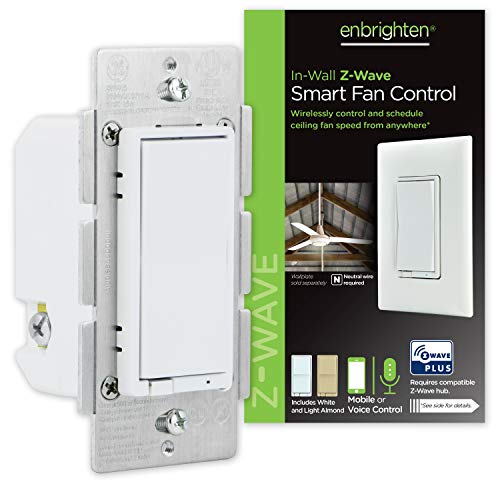
Enbrighten Z-Wave Plus Fan Control, Works with Alexa, Google Assistant, 3-Way Compatible, ZWave Hub Required, Repeater/Range Extender, Smart Ceiling Fan Control, Smart Switch, White & Almond, 14314
Switch upgrade – Easily replace any standard in-wall switch to remotely turn on or off and adjust speed…
As an affiliate, we earn on qualifying purchases.
As an affiliate, we earn on qualifying purchases.
Conclusion
By integrating IFTTT and Home Assistant, you’ve built a reliable automation system that adapts seamlessly to your environment. Think of it as tuning an instrument—you adjust each component until harmony is achieved. When your fan responds precisely to temperature changes, it proves that meticulous configuration turns complexity into simplicity. This setup isn’t just about convenience; it’s about engineering a smarter, more efficient home where every device works in concert, optimizing comfort with precision.

Smart Humidity Sensor Switch for Bathroom Fan by Martin Jerry | tasmota with ESP8285 2.4G WiFi chip, Fan Control for Home Assistant | Smart Home Devices via MQTT
Installation : This wifi switch is a single pole (NOT a 3 way smart switch) wifi relay switch…
As an affiliate, we earn on qualifying purchases.
As an affiliate, we earn on qualifying purchases.

Kasa Smart Plug HS103P4, Smart Home Wi-Fi Outlet Works with Alexa, Echo, Google Home & IFTTT, No Hub Required, Remote Control, 15 Amp, UL Certified, 4-Pack, White
Voice control: Kasa smart plugs that work with Alexa and Google Home Assistant. Enjoy the hands free convenience…
As an affiliate, we earn on qualifying purchases.
As an affiliate, we earn on qualifying purchases.