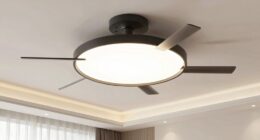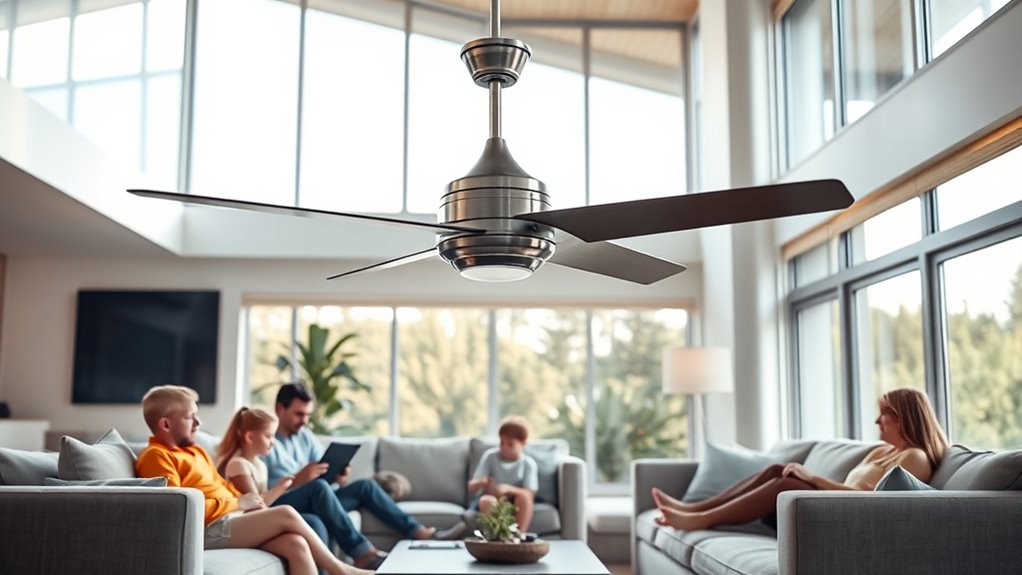

To effectively manage smart ceiling fans in multi-user homes, leverage automation features that adapt to environmental data and user preferences. Use connected apps or voice commands to set personalized profiles for each occupant, allowing seamless switching and control. Integration with home automation hubs ensures routines activate based on occupancy or schedules, reducing energy waste. Proper permission settings and activity logs help coordinate multiple users, maintaining harmony. Explore further to discover how these capabilities optimize shared climate comfort with advanced management tools.
Key Takeaways
- Support multiple user profiles with customizable preferences for personalized climate settings.
- Enable permission controls to prevent unauthorized adjustments and maintain routine consistency.
- Use activity logs or notifications to monitor user changes and ensure proper management.
- Integrate smart fans with home automation hubs and voice assistants for seamless multi-user operation.
- Create routines based on occupancy or time to efficiently coordinate climate control among users.
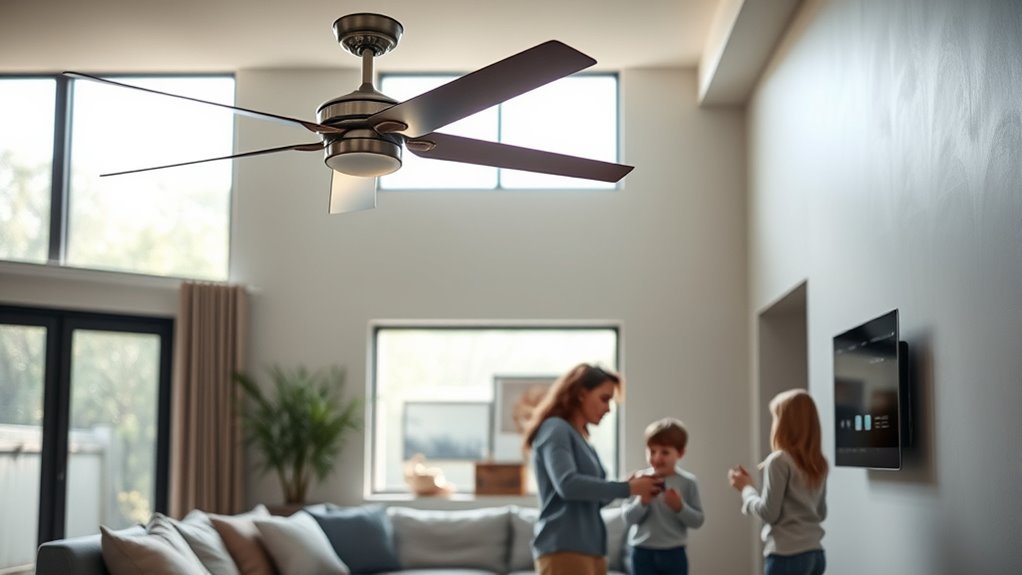
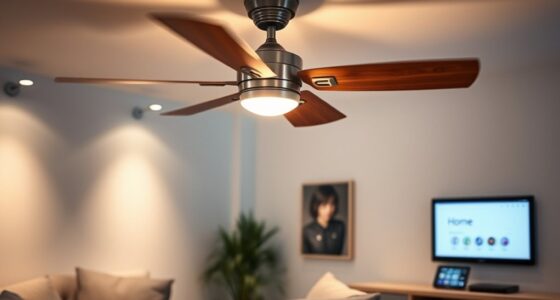
Smart ceiling fans integrate advanced automation and connectivity features that enhance climate control efficiency, especially in multi-user homes. These devices leverage IoT (Internet of Things) technology, allowing you to synchronize fan operation with other smart systems and accommodate the specific preferences of multiple users. When working with smart ceiling fans, understanding their automation capabilities is essential. They can be programmed to adjust speeds, oscillate, or turn on and off based on environmental data, such as temperature, humidity, or occupancy. This automation reduces manual intervention and guarantees a consistent comfort level throughout shared spaces. Additionally, many systems are designed with user-friendly interfaces to simplify customization and control for all household members.
Smart ceiling fans use IoT technology for automated, personalized climate control in multi-user homes.
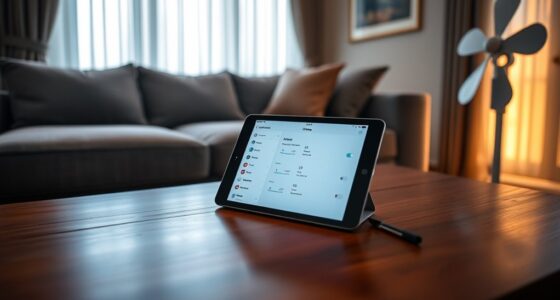
In multi-user environments, individual preferences can vary considerably, making it essential to implement user-specific settings. Many smart fans support multiple user profiles, which can be customized via dedicated apps or voice control platforms. You can set specific temperature ranges, fan speeds, and scheduling preferences for different users. When integrated with home automation hubs or voice assistants, these profiles allow the system to recognize who is in the room and adjust performance accordingly. For instance, one user might prefer a gentle breeze at a lower speed, while another might favor maximum airflow. The system can switch between these preferences seamlessly, guaranteeing everyone remains comfortable without manual adjustments.
Connectivity plays an essential role in managing multiple users effectively. Smart fans typically connect via Wi-Fi, Bluetooth, or Zigbee protocols, enabling remote control and automation. You can manage settings through smartphone apps, voice commands, or even automation routines that trigger based on occupancy sensors or time of day. This connectivity allows you to create complex climate control scenarios that cater to the entire household. For example, the fan can activate at a certain temperature only when specific users are home, or adjust speed based on occupancy patterns. This level of integration minimizes energy waste and maximizes comfort. Moreover, understanding smart home integration is key to optimizing multi-user climate management.
Effective management also involves establishing clear communication channels among users. Many smart systems support multi-user access, allowing household members to modify preferences within predefined limits. You can set permissions to prevent unauthorized changes, guaranteeing that automation routines remain consistent and predictable. Additionally, some systems provide activity logs or notifications, so you’re aware of adjustments made by other users. This transparency helps coordinate preferences and avoids conflicts, making shared climate control more efficient and harmonious.
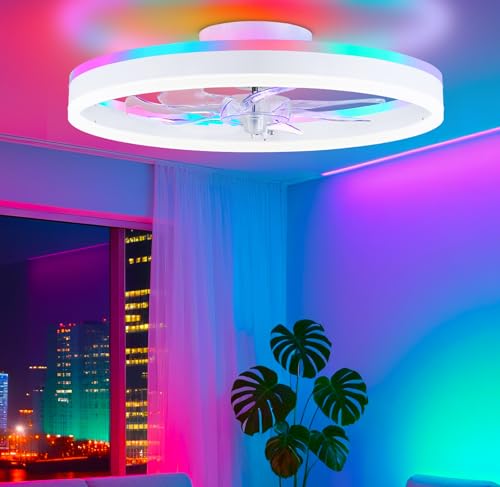
STERREN RGB Ceiling Fans with Lights, 20'' Smart LED Ceiling Fan with Remote/APP Control, Modern Low Profile Bladeless Chandelier Fan, Dimmable White Fandelier for Bedroom, Living Room, Kitchen
All-in-One Cooling & Illumination Ceiling Fan: Experience powerful, ultra-quiet airflow and perfectly 3 color temperature +RGB LED lighting…
As an affiliate, we earn on qualifying purchases.
As an affiliate, we earn on qualifying purchases.
Frequently Asked Questions
How Do Multiple Users Control the Fan Without Conflicts?
Multiple users control the fan seamlessly by utilizing individual accounts or user profiles within the smart home app. Each user logs in with their credentials, allowing personalized settings without conflicts. The system prioritizes commands based on user permissions or recent activity, ensuring smooth operation. You can also enable lockout features or preset modes to prevent simultaneous adjustments, maintaining consistent climate control across all users.
Can Smart Fans Be Integrated With Existing Home Automation Systems?
Yes, smart fans can be integrated with existing home automation systems. Over 70% of smart home users report seamless integration with platforms like Alexa, Google Assistant, and Apple HomeKit. You’ll need compatible hardware and a secure Wi-Fi connection. Once connected, you can control the fan via voice commands, apps, or automation routines, ensuring smooth operation without conflicts, even in multi-user environments. Proper setup guarantees reliable, centralized control of your smart ceiling fan.
What Privacy Considerations Are Involved With Smart Fan Controls?
Smart fan controls collect data on your usage patterns, so you should guarantee they use encrypted connections to protect your privacy. Limit access to authorized users and review privacy settings regularly. Be aware that some systems may share data with third-party providers or store information in the cloud. To maintain privacy, choose devices with transparent policies, disable data sharing features, and stay updated on security patches.
How Do I Troubleshoot Connectivity Issues in a Multi-User Environment?
To troubleshoot connectivity issues, first verify your Wi-Fi network’s stability and make certain your smart fan is within range. Restart the fan’s smart hub or controller, and check for firmware updates. Confirm that multiple users aren’t trying to access or modify settings simultaneously, which can cause conflicts. If problems persist, reset the fan to factory settings and reconnect it, making sure your app and device are updated for maximum compatibility.
Are There Safety Concerns With Shared Smart Fan Controls?
Yes, there are safety concerns with shared smart fan controls. You should verify that access permissions are correctly set to prevent unauthorized adjustments, which could lead to electrical overloads or mechanical failures. Regularly update firmware to address security vulnerabilities, and educate household members on safe operation. Installing failsafe features, like circuit breakers and remote disable options, can further mitigate risks, ensuring safe and reliable fan usage in multi-user environments.

53T Smart Wi-Fi Ceiling Fan Remote Control Kit, 3 Fan Speed & Light Dimmer,Compatible with Alexa & Google Home Smart Life APP
【Smart Wi-Fi Version】: Remote / Smart Life APP / Voice – 3 ways to control your ceiling fan…
As an affiliate, we earn on qualifying purchases.
As an affiliate, we earn on qualifying purchases.
Conclusion
By understanding the intricacies of smart ceiling fan operation in multi-user homes, you guarantee seamless integration and ideal comfort. Think of these systems as the nervous system of your home—coordinating multiple users like a conductor guiding an orchestra. Proper setup, clear routines, and user awareness prevent conflicts and maximize efficiency. Mastering these elements transforms your home into a well-orchestrated environment, where technology harmonizes with daily life, providing comfort and control at your fingertips.
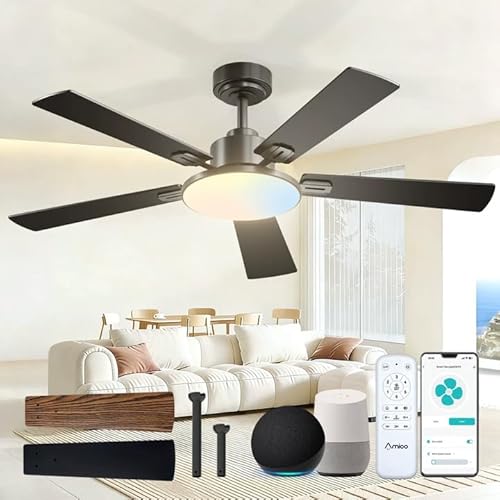
Amico Ceiling Fans with Lights, 52 inch Smart Ceiling Fan with Remote/APP/Alexa Control, Downrod Mount, Reversible DC Motor, 5 Blades, 6 Speeds, 3CCT, Dimmable, Noiseless, Bedroom, Living Room, Black
Smart Ceiling Fan with Lights and remote: This 52 inch ceiling fan with light features a downrod ceiling…
As an affiliate, we earn on qualifying purchases.
As an affiliate, we earn on qualifying purchases.

Aeotec Smart Home Hub, Works as a SmartThings Hub, Z-Wave, Zigbee, Matter Gateway, Compatible with Alexa, Google Assistant, WiFi
Connect & control your smart home — Easily link thousands of compatible devices from leading brands to create…
As an affiliate, we earn on qualifying purchases.
As an affiliate, we earn on qualifying purchases.