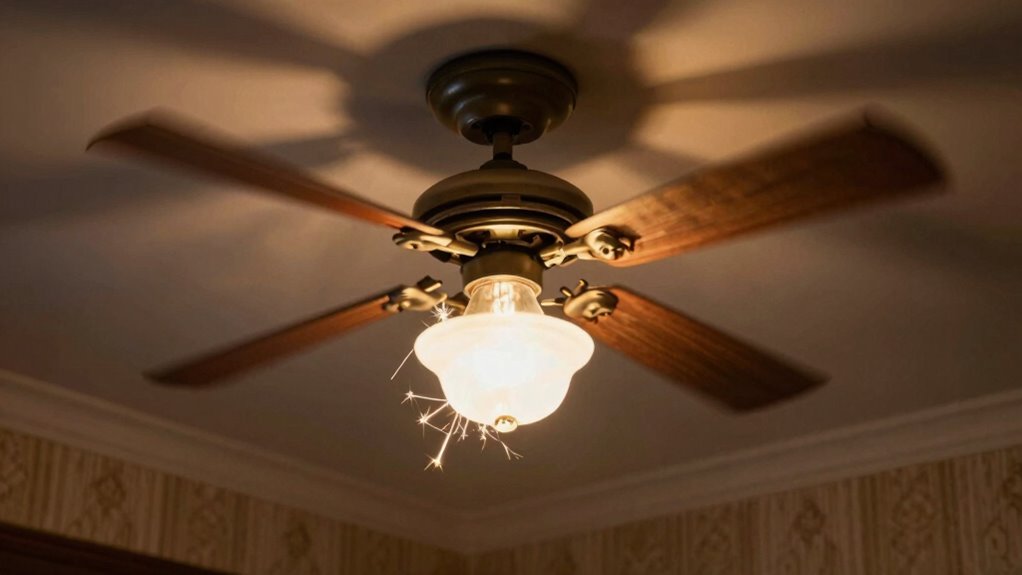

To diagnose your fan light flicker, start by checking if the bulb is compatible with your fixture or dimmer, as incompatible bulbs can cause flickering. Next, turn off the power and inspect the wiring connections for looseness or damage—loose wires are a common culprit. Make certain all connections are tight and secure, and watch out for moisture or water exposure that could disrupt the circuit. If flickering persists, consider safe troubleshooting tips and when professional help might be needed.
Key Takeaways
- Verify bulb compatibility and wattage to prevent flickering caused by incompatible or faulty bulbs.
- Inspect fixture wiring connections for looseness or damage, tightening or repairing as needed.
- Ensure all wiring contacts are secure to maintain consistent electrical flow.
- Check for moisture or water exposure around fixtures, as water intrusion can cause electrical issues.
- Turn off power before troubleshooting; consult a professional electrician for persistent or complex wiring problems.
Fan Light Flicker
If your ceiling fan light keeps flickering, it can be both distracting and frustrating. That flickering often points to underlying issues that need addressing, and understanding the basics can help you troubleshoot effectively. One common culprit is bulb compatibility. Not all bulbs are created equal, and using bulbs that aren’t compatible with your fixture can lead to flickering. Make sure you’re using the right wattage and type recommended by the fixture manufacturer. For instance, some LED bulbs don’t work well with dimmer switches or certain fixtures, causing inconsistent lighting. Always check the packaging or the fixture’s specifications to verify the bulbs you select are compatible. Using incompatible bulbs might seem like a small detail, but it’s often a quick fix that can eliminate flickering altogether.
Another vital factor is fixture wiring. Poor or loose wiring connections are a frequent source of flickering lights. When wiring isn’t secure, electrical contact becomes intermittent, which leads to the light flickering. Turn off the power before inspecting the wiring—safety first. Remove the fixture cover carefully and look for loose wires or connections that might have come apart over time. Tighten any loose wire nuts and ensure all connections are secure. Sometimes, the wiring inside the fixture is damaged or wears out, requiring replacement. If you’re uncomfortable working with electrical components, it’s best to call a professional electrician to handle this part. Faulty wiring not only causes flickering but can also pose safety risks, so don’t ignore persistent issues. Additionally, Floating on Water concepts such as water-based electrical issues can sometimes cause circuit problems affecting lighting stability, so be mindful of moisture exposure near fixtures. Remember, electrical troubleshooting requires patience and caution—never force connections or handle live wires without proper knowledge.
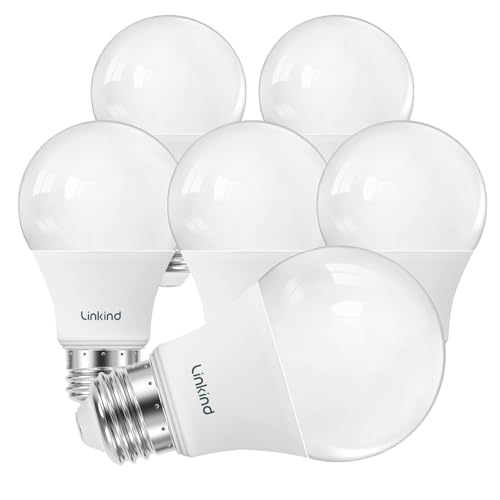
Linkind A19 LED Light Bulbs Dimmable, 60W Equivalent, Energy Efficient 9W, 2700K, 800 Lumens, E26 Standard Base, Lighting for Bedroom Living Room Home Office, 6 Packs
✔ 2700K WARM YELLOWISH LIGHT: The A19 dimmable LED light bulbs give off 800 lumens of 2700k cozy…
As an affiliate, we earn on qualifying purchases.
As an affiliate, we earn on qualifying purchases.
Frequently Asked Questions
Can a Dimmer Switch Cause Fan Light Flickering?
Yes, a dimmer switch can cause your fan light to flicker. During dimmer switch troubleshooting, you might find it’s incompatible with your fan or not rated for the wattage. To fix this, you should perform a fan wiring inspection, ensuring all connections are secure and proper. Replacing the dimmer switch with one designed for fans can often resolve flickering issues and improve overall performance.
Is Flickering More Common With LED or Incandescent Bulbs?
You’ll find flickering more common with LED bulbs, which are valued for their energy efficiency and longer bulb lifespan. While incandescent bulbs tend to be more stable, LEDs can sometimes flicker due to dimmer compatibility or electrical issues. If flickering bothers you, consider upgrading your switches or choosing bulbs designed for dimmers. This way, you enjoy the benefits of energy efficiency without the distraction of flickering light.
How Long Does It Take to Fix a Flickering Fan Light?
It usually takes about 30 minutes to fix a flickering fan light. You’ll want to start with bulb replacement—try a new bulb first. If that doesn’t work, perform a wiring inspection to check for loose connections or damaged wires. Make sure the power is off before working on it. If you’re unsure, consider calling a professional to guarantee safety and proper repair.
Are There Safety Risks Associated With Flickering Fan Lights?
Flickering fan lights can pose electrical safety risks and potentially become a fire hazard if left unaddressed. You should avoid ignoring the issue, as it may indicate faulty wiring, loose connections, or overloaded circuits. These problems can lead to electrical shocks or fires. Always turn off the power and consult a professional electrician to guarantee safe repairs, protecting both your home and your safety.
Will Replacing the Fan Light Bulb Resolve the Flickering Issue?
Is replacing the bulb a magic fix? Not necessarily. While it might seem like a quick solution, flickering could stem from wiring issues or a bulb with a short lifespan. Think of your fan light as a delicate dance; if the wiring isn’t synchronized, the flicker persists regardless of new bulbs. So, replacing the bulb alone often doesn’t resolve the problem—checking wiring and considering bulb quality is key.

Lamp Rewire Kit,Make a Lamp or Repair Kit,3-Way Lamp Socket with Matching Cord Lamp Harp Set,Lamp Wiring Kit for Table Floor Lamp,Essential Hardware for DIY Lamp Design or Repair (Antique Brass, 1)
EXTRA LONG 12 FOOT CORD & QUALITY HARDWARE SET Included – A 12ft Electric Cord with polarized plug…
As an affiliate, we earn on qualifying purchases.
As an affiliate, we earn on qualifying purchases.
Conclusion
Did you know that flickering lights are among the top reasons homeowners call electricians, accounting for nearly 20% of all electrical repairs? By following these simple steps, you can quickly identify whether the issue’s with your fan, wiring, or switch. Taking action now not only restores your comfort but also prevents potential electrical hazards. Don’t ignore flickering lights—they’re a sign that something needs your attention. Stay safe and keep your home’s lighting steady!

Intermatic WP3100C Weatherproof Electrical Outlet Cover – Extreme Temperature Resistance, Heavy-Duty Construction, Versatile Design & Multi-Configurable, Easy Install, Secure Fit for Outdoor in-Use
WEATHERPROOF – Meets UL Type 3R outdoor enclosure standards and complies with 2020 NEC Article 314.15 for damp…
As an affiliate, we earn on qualifying purchases.
As an affiliate, we earn on qualifying purchases.

3mm LED Flame Flicker Kit for Model Houses – 12V Red Fire Simulation Module with Integrated Control, Bridge Rectifier, Resistor & Heat Shrink Tubing
Flickering Light: Simulates realistic fire effects for model houses, campfires, or burning building scenes; includes 2 pcs 3mm…
As an affiliate, we earn on qualifying purchases.
As an affiliate, we earn on qualifying purchases.