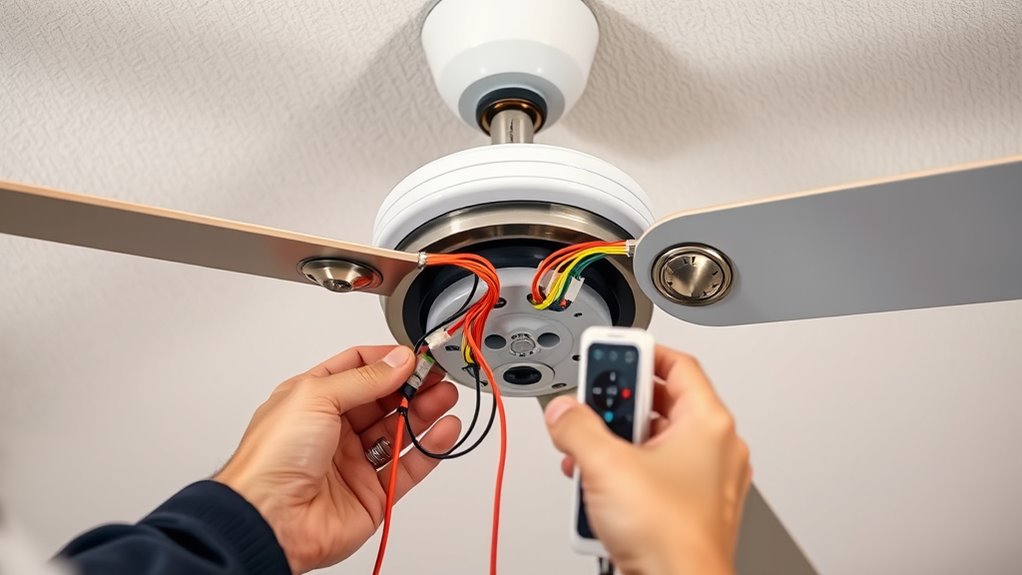

To wire a ceiling fan to a wall control and remote, turn off your circuit breaker and confirm power is deactivated. Connect the fan’s neutral wire to the house neutral using a wire nut. Link the fan’s hot wire to the supply hot wire according to the remote’s wiring diagram. Securely connect the ground wire to grounding system. Follow manufacturer instructions for controlling wiring. Proper connections ensure safety and functionality—more detailed steps will help you complete the installation confidently.
Key Takeaways
- Turn off power at the circuit breaker and confirm no electricity is flowing before wiring.
- Connect the fan’s neutral wire to house neutral, hot wire to supply or remote receiver, and ground securely.
- Follow the manufacturer’s wiring diagram to correctly connect the remote receiver to the fan and power source.
- Wire the wall control’s hot and neutral wires to the same supply lines, ensuring proper series or parallel configuration.
- After wiring, restore power, pair the remote with the receiver, and test fan operation at all speed settings.
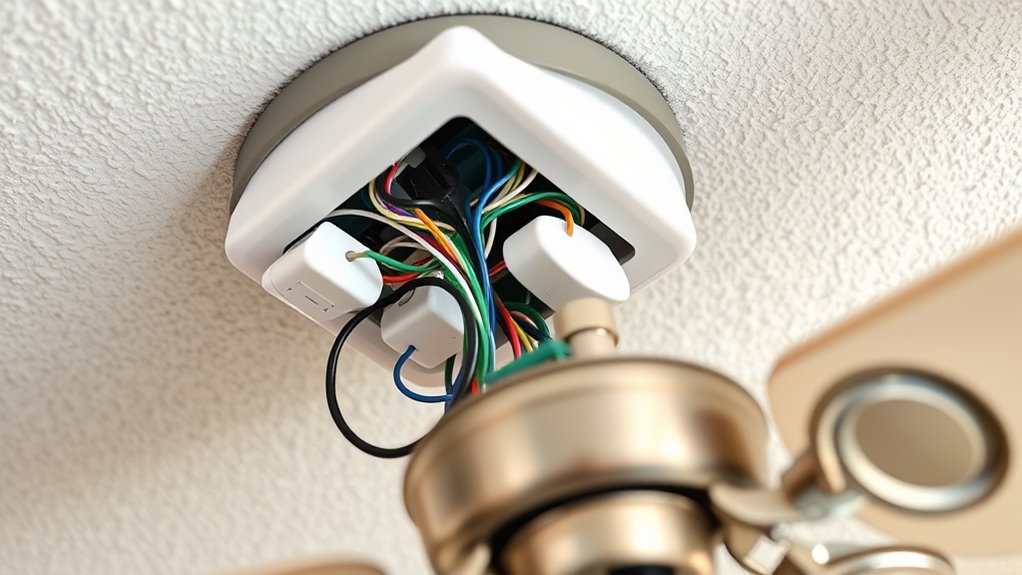
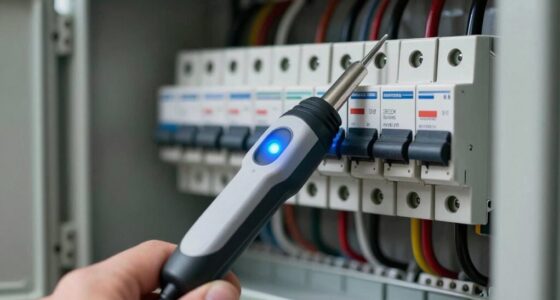
Have you ever wondered how to properly wire a ceiling fan? Understanding the electrical connections is vital for safe and effective operation, especially when integrating a wall control and remote. The process begins with identifying the wiring in your existing electrical box. Typically, you’ll find a hot (black or red), a neutral (white), and a ground (green or bare copper) wire. Before proceeding, switch off the circuit breaker supplying power to the fixture to prevent electrical shock. Confirm power is off with a voltage tester.
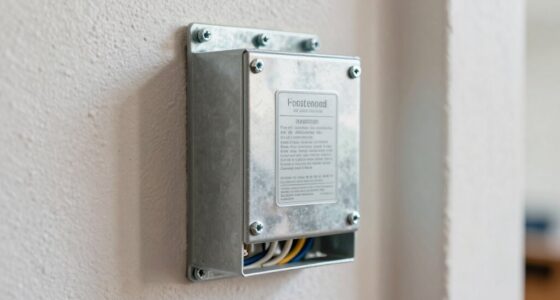
Next, examine the ceiling fan’s wiring harness. Modern fans usually have multiple wires: a black or red for fan power, a white for neutral, and a green or bare copper for ground. Some models include additional wires for features like lights or remote controls. Your remote control system and receiver will require a specific wiring configuration, often outlined in the manufacturer’s instructions. Usually, the remote receiver is installed inside the fan canopy or a junction box, connected to the fan’s wiring.
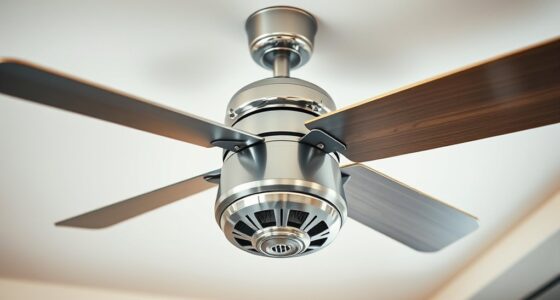
Modern ceiling fans feature multiple wires, including power, neutral, ground, and additional features for lights or remotes.
Begin by connecting the fan’s neutral wire (white) to the house neutral wire. Use a wire connector to secure these connections firmly. Then, connect the fan’s black or red wire to the hot wire from the supply. For the remote control system, the receiver’s wiring harness generally includes a dedicated hot wire, which must be connected to the supply hot wire as well. If your remote kit has a separate line for the receiver, follow the manufacturer’s wiring diagram precisely. For grounding, connect the fan’s green or bare wire to the house grounding wire, ensuring a solid, secure connection. This grounding is vital for safety and proper operation.
When wiring the wall control, you’ll typically need to connect the control’s hot and neutral wires to the corresponding supply wires in the junction box. Some wall controls are wired in series with the fan, while others are wired in parallel. The specific configuration depends on the control unit’s design. Once all connections are made, secure the wiring with wire nuts, ensuring no exposed conductors remain. Carefully tuck the wires into the junction box, mount the fan and control components securely, and restore power at the circuit breaker.
Finally, follow the manufacturer’s instructions to pair the remote with the receiver, test the fan’s operation at various speeds, and verify the remote and wall control respond correctly. Precision in wiring guarantees the safety, longevity, and functionality of your ceiling fan system, providing efficient climate control with convenient remote and wall operation. Additionally, consulting the manufacturer’s wiring diagram can help prevent common mistakes and ensure proper setup.
Frequently Asked Questions
Can I Wire a Ceiling Fan Without a Neutral Wire?
Yes, you can wire a ceiling fan without a neutral wire if it’s designed for that setup. Many modern fans use remote controls and don’t require a neutral connection at the fan. Instead, they draw power through the hot wire and use a remote receiver. Make certain your fan’s wiring instructions specify compatibility with no-neutral wiring. Always turn off power at the breaker before proceeding and follow local electrical codes for safety.
What Is the Best Remote Control for a Ceiling Fan?
The best remote control for a ceiling fan is one that offers reliable RF or IR connectivity, multiple speed settings, and compatibility with your fan model. Look for features like dimmable lights, timer functions, and easy installation. Brands like Hunter, Harbor Breeze, and Hunter SimpleConnect are highly rated for compatibility and durability. Guarantee the remote matches your fan’s specifications and supports your desired control features for ideal performance.
How Do I Troubleshoot if the Remote Isn’t Working?
You notice your remote isn’t working, so start by checking the batteries—replace them if needed. Make certain the remote is within range and unobstructed. Confirm the receiver is powered and properly connected. Try re-pairing the remote with the fan, following the manufacturer’s instructions. If issues persist, inspect wiring connections for looseness or damage, and reset the system. These steps often resolve common remote control malfunctions efficiently.
Is It Safe to Wire a Ceiling Fan Myself?
Wiring a ceiling fan yourself can be safe if you follow proper procedures and adhere to electrical codes. You should turn off power at the breaker, verify with a tester, and carefully follow wiring diagrams. If you’re unfamiliar with electrical work or unsure of the connections, it’s best to consult a licensed electrician. Safety precautions and proper tools are essential to prevent shock or fire hazards.
Do I Need a Special Switch for a Fan With Remote Control?
A stitch in time saves nine; for a fan with remote control, you typically don’t need a special switch, but it depends on your setup. Most remote-compatible fans use a receiver that connects to your existing switch wiring. You should verify the switch can handle the fan’s current load and is compatible with remote control systems. Always follow manufacturer instructions for safe, reliable installation.
Conclusion
Once you’ve successfully wired your ceiling fan to both a wall control and remote, make certain all connections are secure and tested thoroughly. Proper wiring prevents electrical hazards and guarantees smooth operation. Remember, a stitch in time saves nine—address any issues promptly to avoid future complications. Following precise instructions and double-checking connections will keep your system running efficiently and safely, giving you peace of mind and reliable performance for years to come.