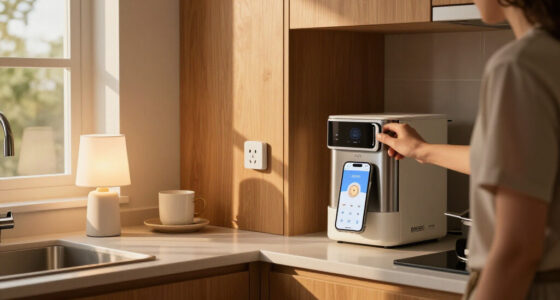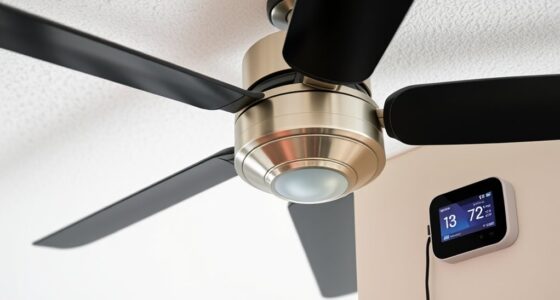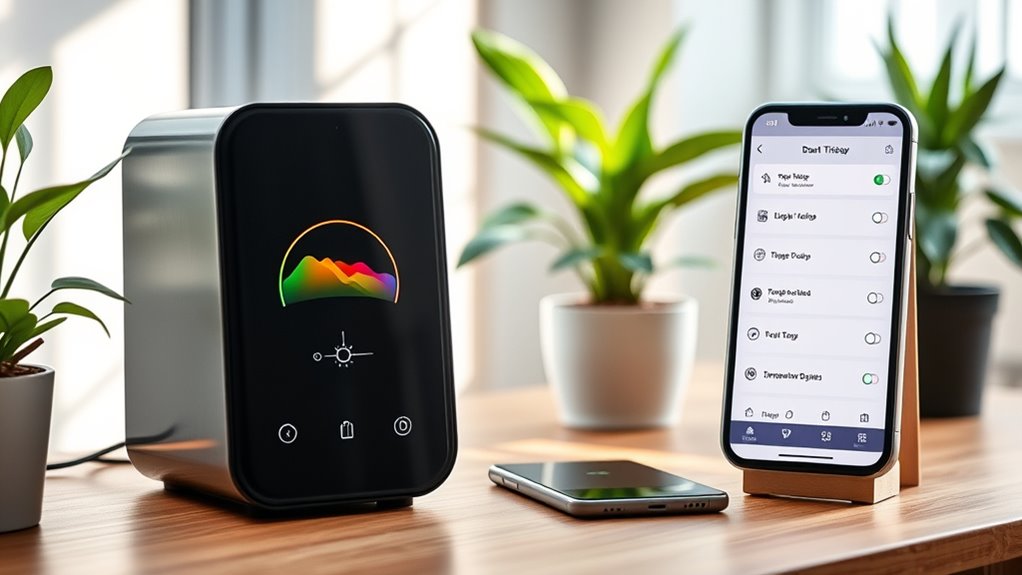
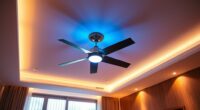
To configure temperature-based triggers for your smart fan, calibrate sensors accurately by testing them in controlled environments, ensuring precise readings. Set specific thresholds for activating or adjusting fan speed, considering room fluctuations and seasonal patterns. Incorporate hysteresis to prevent rapid cycling, and consider advanced algorithms for adaptive control to optimize comfort and efficiency. Monitoring system performance over time helps refine trigger points, enabling smoother operation—continue exploring to master effective trigger setup for your smart fan.

Get home appliances delivered free with Prime
- Fast, free delivery on millions of items
- Prime Video, Amazon Music and more included
- Member-only deals all year
Key Takeaways
- Calibrate temperature sensors accurately in controlled environments to ensure reliable trigger activation.
- Set specific temperature thresholds for fan activation and adjust based on seasonal or occupancy patterns.
- Incorporate hysteresis and tiered thresholds to prevent rapid cycling and improve energy efficiency.
- Use advanced algorithms or AI to dynamically adjust trigger points based on real-time data and feedback.
- Monitor system performance regularly and refine trigger settings to balance comfort and energy consumption.

Have you ever wondered how smart fans automatically adjust their operation to maintain ideal comfort? The key lies in configuring temperature-based triggers that enable your device to respond dynamically to environmental changes. To effectively set these triggers, you need to understand the underlying principles of sensor calibration, threshold parameters, and control algorithms. First, verify your smart fan’s temperature sensors are properly calibrated; inaccurate readings can lead to improper operation. Calibration typically involves placing the sensor in a controlled environment at known temperatures and adjusting the device’s settings to match these reference points. Once calibrated, you can establish trigger points—specific temperature thresholds—at which the fan activates or adjusts its speed.
Configuring these thresholds requires precise attention to the ambient conditions of your space. Most smart fans allow you to set multiple trigger points, such as a lower limit to activate cooling and an upper limit to increase fan speed or shut down. When defining these parameters, consider factors like typical room temperature fluctuations, occupancy patterns, and seasonal variations. For example, you might set the fan to turn on at 75°F and increase speed gradually as temperatures rise to 80°F or higher. This tiered approach prevents abrupt changes and promotes energy efficiency. Many systems also support hysteresis, a feature that introduces a deliberate delay or buffer to prevent rapid cycling around the threshold, which could cause wear or noise.
Additionally, advancements in AI-powered control algorithms allow for smarter adjustments based on historical data and environmental context, further optimizing performance. Control algorithms process sensor data in real-time, comparing current temperature readings against your preset thresholds. Once a trigger point is reached, the system executes the corresponding action—whether that’s turning the fan on, increasing speed, or activating additional modes like oscillation or airflow direction adjustments. These algorithms are designed to optimize comfort while minimizing energy consumption, often incorporating smart features such as adaptive learning. Over time, they may adjust trigger points based on usage patterns, external weather conditions, or user feedback. To refine these settings, you should monitor the system’s response over several days, ensuring that triggers activate at appropriate temperatures without causing discomfort or unnecessary energy expenditure.
Ultimately, configuring temperature-based triggers involves a combination of precise sensor calibration, thoughtful threshold setting, and understanding the control logic governing your smart fan. By aligning these components, you enable the device to respond proactively to environmental changes, maintaining an ideal balance between comfort and efficiency. Proper setup ensures that your smart fan operates seamlessly, adjusting its performance automatically without requiring constant manual intervention. This integration of technical parameters enhances both user comfort and energy management, making your smart fan a reliable component of your climate control ecosystem.
smart fan temperature sensor calibration
As an affiliate, we earn on qualifying purchases.
As an affiliate, we earn on qualifying purchases.
Frequently Asked Questions
Can Temperature Triggers Be Customized for Different Times of Day?
Yes, you can customize temperature triggers based on different times of day. Most smart fan systems allow you to set multiple schedules with specific temperature thresholds for morning, afternoon, and evening. You simply access the app or control panel, navigate to the scheduling or triggers section, and define the desired temperature limits for each time period. This guarantees ideal comfort and energy efficiency tailored to your daily routine.
How Does Ambient Humidity Affect Temperature-Based Fan Triggers?
Humidity acts like a silent partner in temperature triggers, influencing how your smart fan responds. Higher humidity levels can make the environment feel warmer, prompting the fan to activate sooner to maintain comfort. Conversely, low humidity might delay activation even if temperature rises. By integrating humidity sensors, you enhance trigger precision, ensuring your fan operates most effectively, adapting not just to temperature but to the overall atmospheric moisture, for smarter climate control.
Are There Safety Considerations When Setting High-Temperature Thresholds?
Yes, setting high-temperature thresholds requires safety considerations. You should guarantee thresholds align with device specifications to prevent overheating or damage. Avoid setting values too close to maximum limits, which could trigger unsafe operation or false alarms. Regularly test your system’s response at these thresholds to verify safety protocols. Additionally, incorporate fail-safes like automatic shutdowns or alerts to safeguard hardware and ensure user safety during temperature excursions.
Can Multiple Triggers Be Combined for More Complex Fan Behavior?
Yes, you can combine multiple triggers for complex fan behavior. For example, you might set the fan to activate when CPU temperature exceeds 70°C and humidity surpasses 60%. This guarantees ideal cooling only under specific conditions, reducing energy use and noise. By combining triggers, you create tailored responses, improving device longevity and system efficiency. Just ensure your platform supports multi-trigger logic for seamless integration.
What Troubleshooting Steps Are Recommended if Triggers Don’t Activate?
If triggers don’t activate, start by verifying sensor connections and ensuring the device is powered on. Check trigger thresholds and conditions for accuracy, and confirm there are no conflicting rules. Review the smart fan’s firmware or software updates, and test the triggers manually if possible. Additionally, examine logs or alerts for errors, and restart the device if necessary. These steps help identify hardware or configuration issues preventing trigger activation.
Conclusion
Think of your smart fan as the captain steering a ship through changing weather. By setting temperature-based triggers, you’re guiding it to respond swiftly to environmental shifts, maintaining ideal comfort. Precision in configuring these thresholds ensures your system acts as a vigilant lookout, preventing overheating or overcooling. Just as a skilled captain reads the skies, your careful adjustments keep your space in perfect harmony, ensuring efficiency and comfort with unwavering reliability.
Fall Picks
fall essentials
As an affiliate, we earn on qualifying purchases.